The story of
InSaver: Reels Downloader
by NewAgeDevs
See it in action
Downloads
10,000+
and counting, on Google Play
Mobile · Downloaders
Download Reels, Stories, Threads & videos in HD. No watermark, no login.
A focused Instagram Reels downloader with quality presets up to 2K, a floating download button and a clean gallery for everything you save.
10,000+
Downloads
Highlights
How it works
In Instagram, tap Copy Link on the reel, post or story you want to keep.
InSaver detects the copied link and the download starts on its own, with nothing to paste.
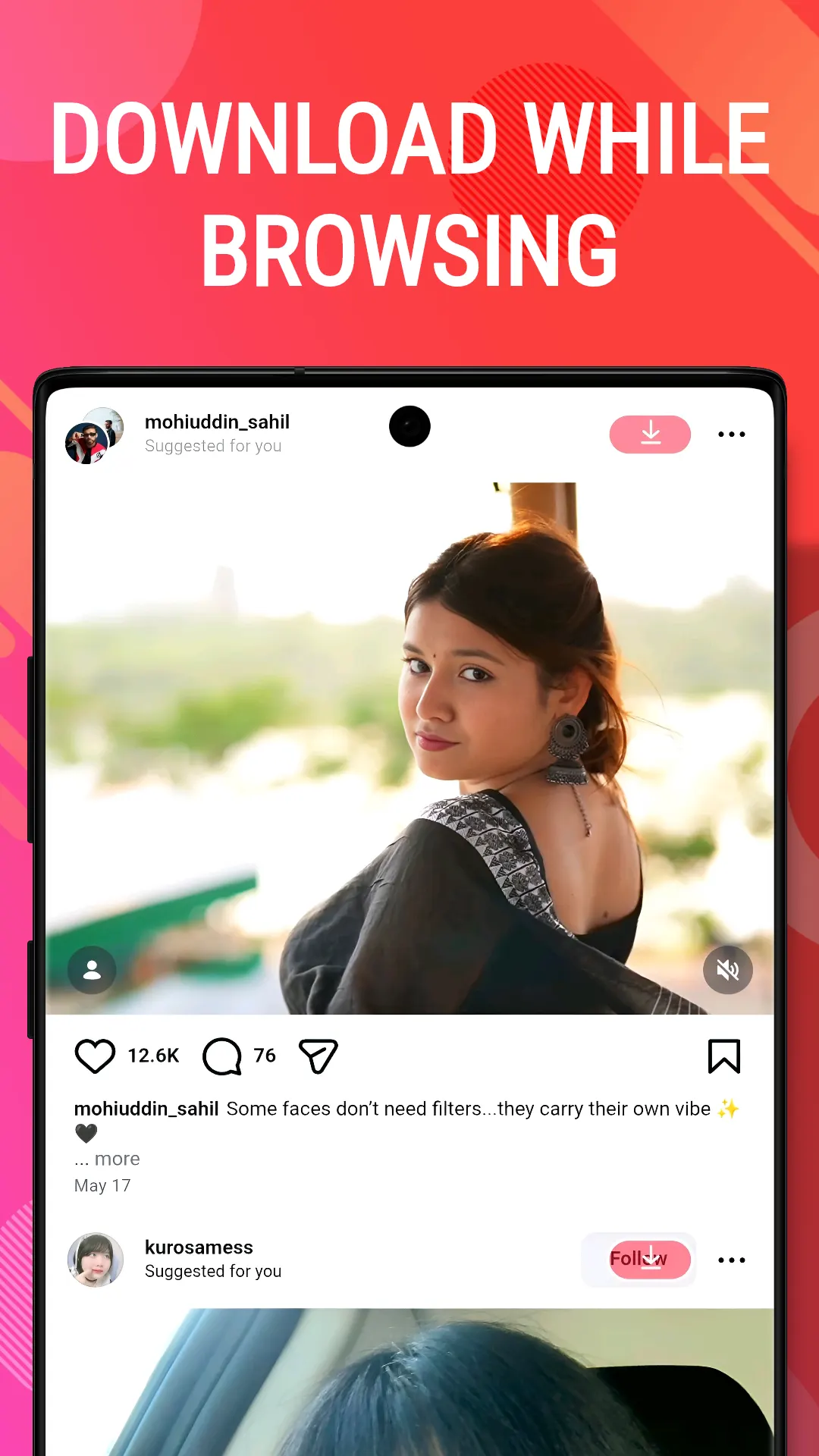
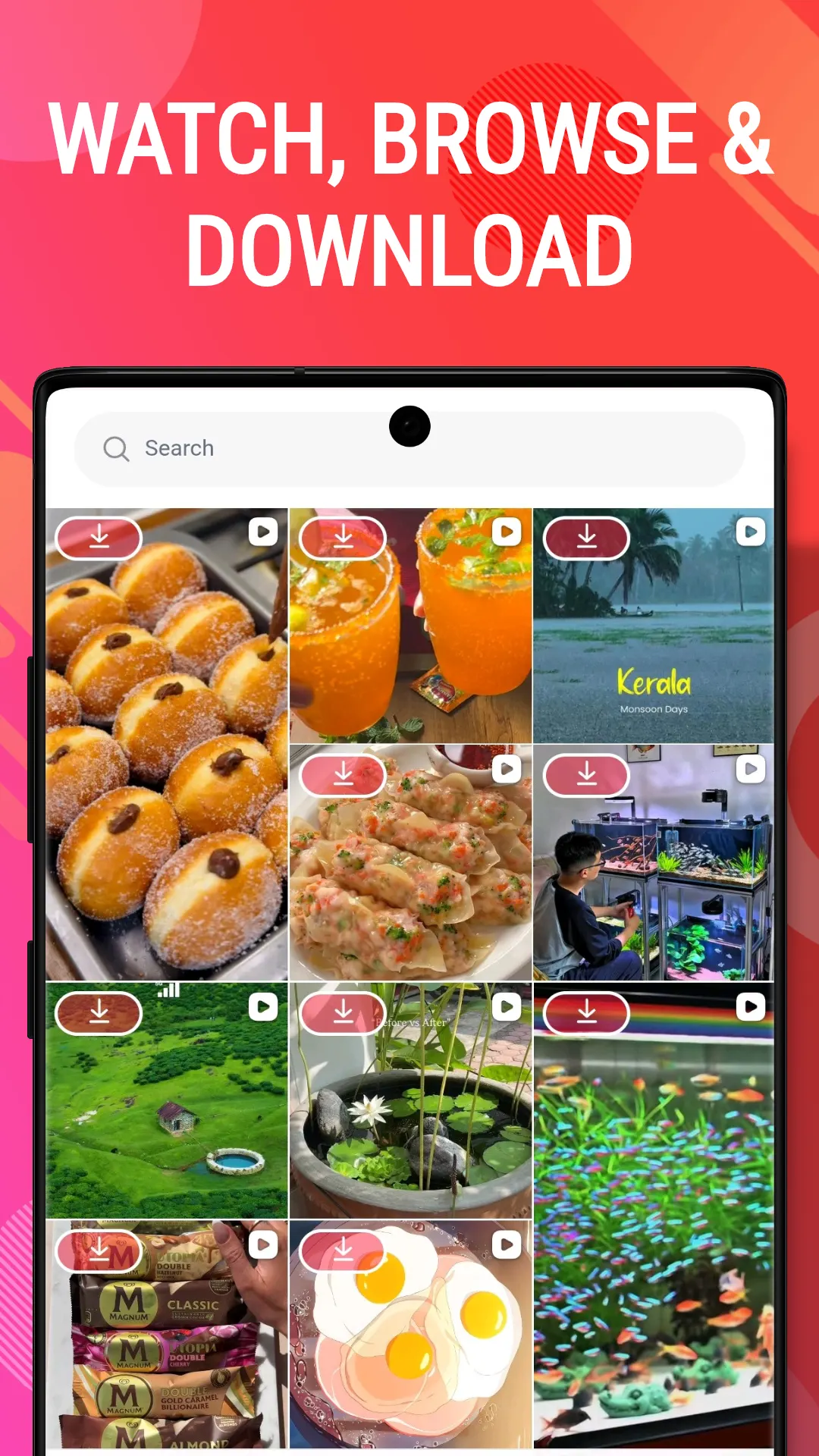
Open the Browser tab, find the post and tap the download button on it.
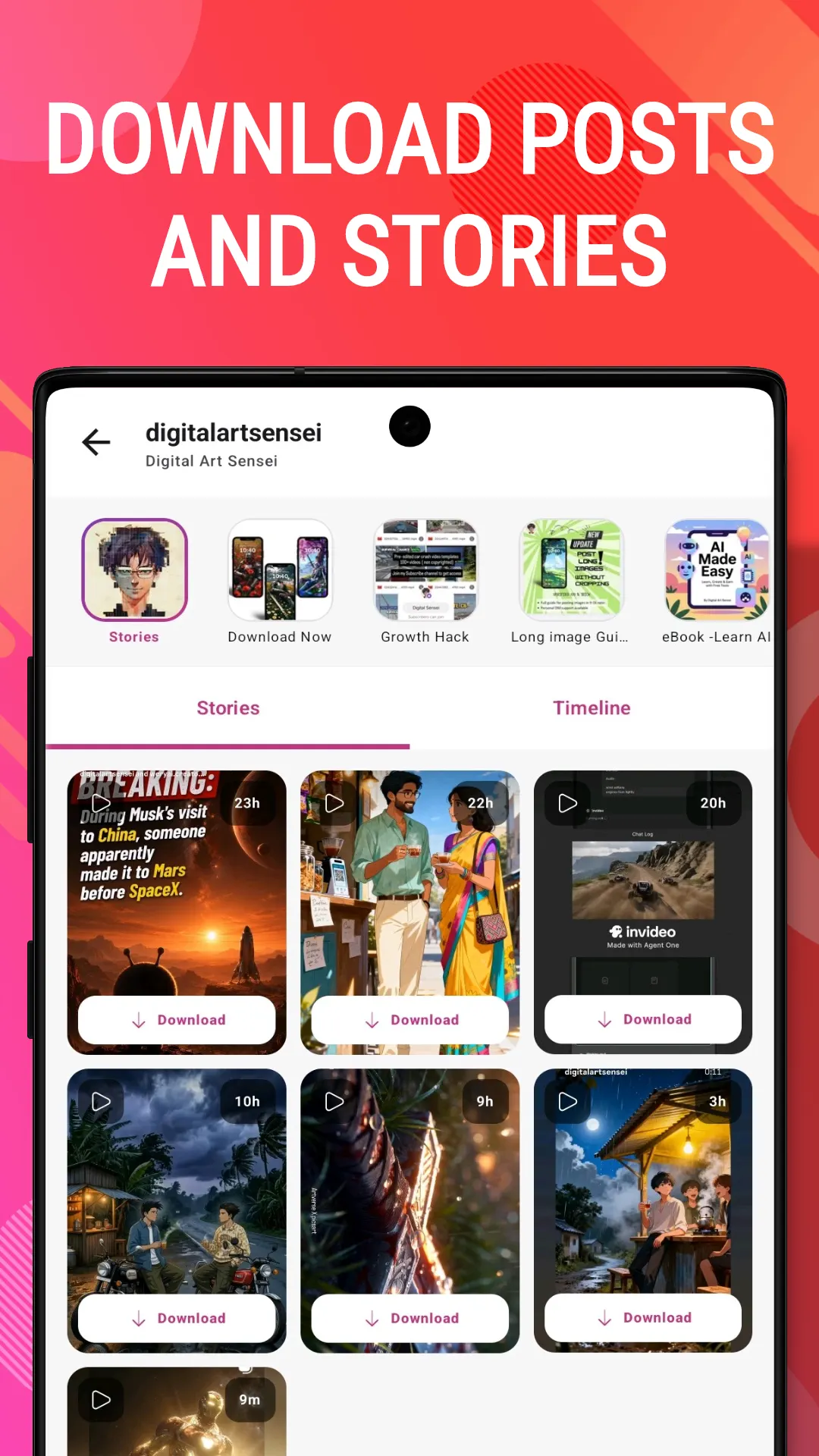
Stories, highlights and private accounts are only visible when you're signed in, so sign in on the official page inside InSaver first. Public reels and posts don't need an account.
Saved media appears in InSaver's built-in gallery, where you can filter by videos, photos or audio, star favourites and extract the audio from any video.
About
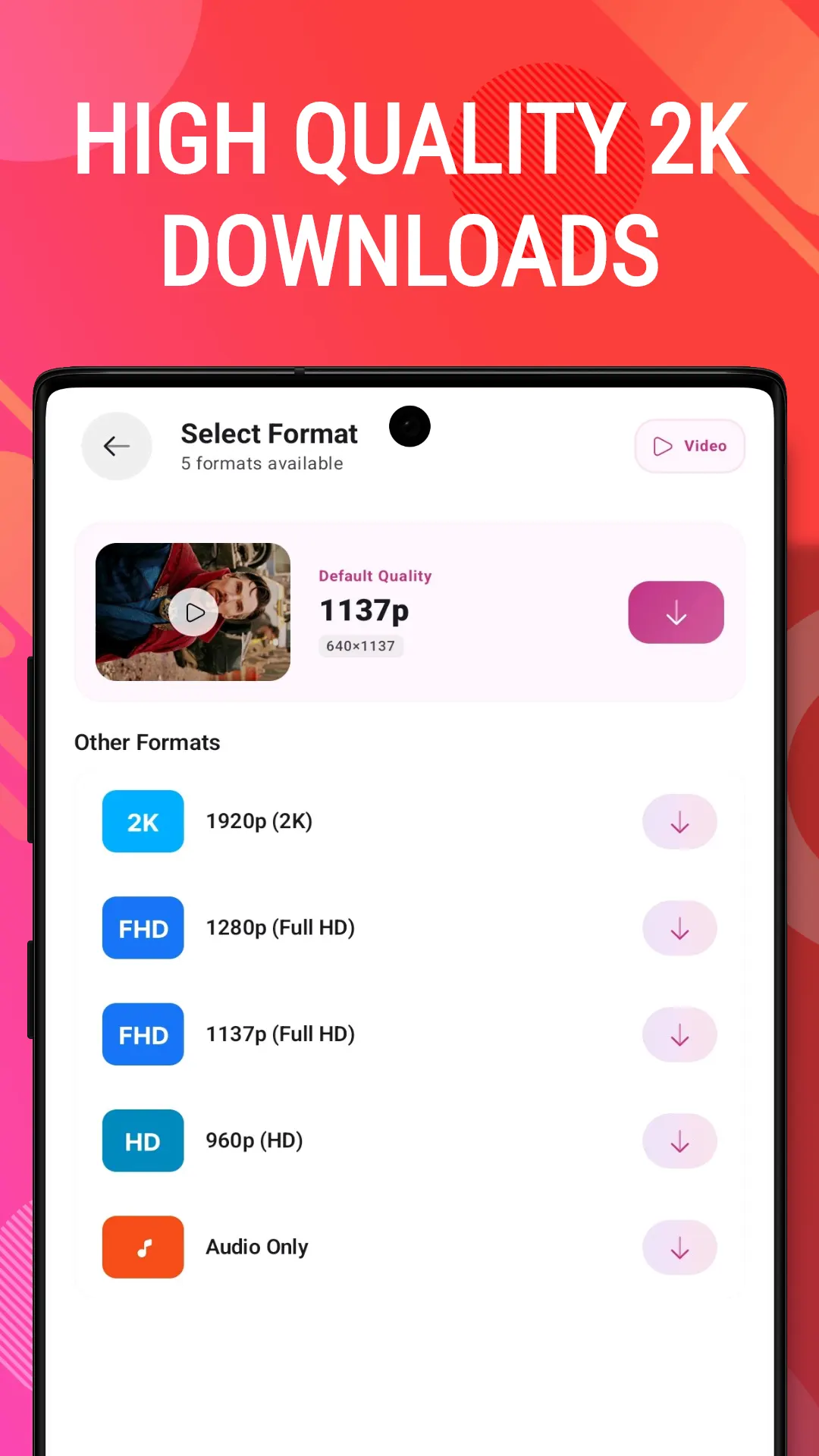
InSaver is a free Instagram Reels downloader app for Android. Save reels, posts, stories, highlights and public videos in up to 2K with no watermark, then pull the audio out of any video you've saved.
Looking for the fastest way to save Reels, Stories, and videos?
InSaver is your all-in-one media downloader — HD quality, zero watermark, and lightning-fast performance. Whether you want to save a funny Reel, keep a memorable Story, or extract trending audio, InSaver makes it simple with just one tap.
Save Reels, Stories, Highlights, and public videos instantly.
Download media in crystal-clear quality without any loss.
Convert and extract audio or music directly from any video.
Copy a link and InSaver detects and downloads it automatically.
Watch offline, listen to music, or set images as wallpapers.
Log in securely to download content from private accounts you follow.
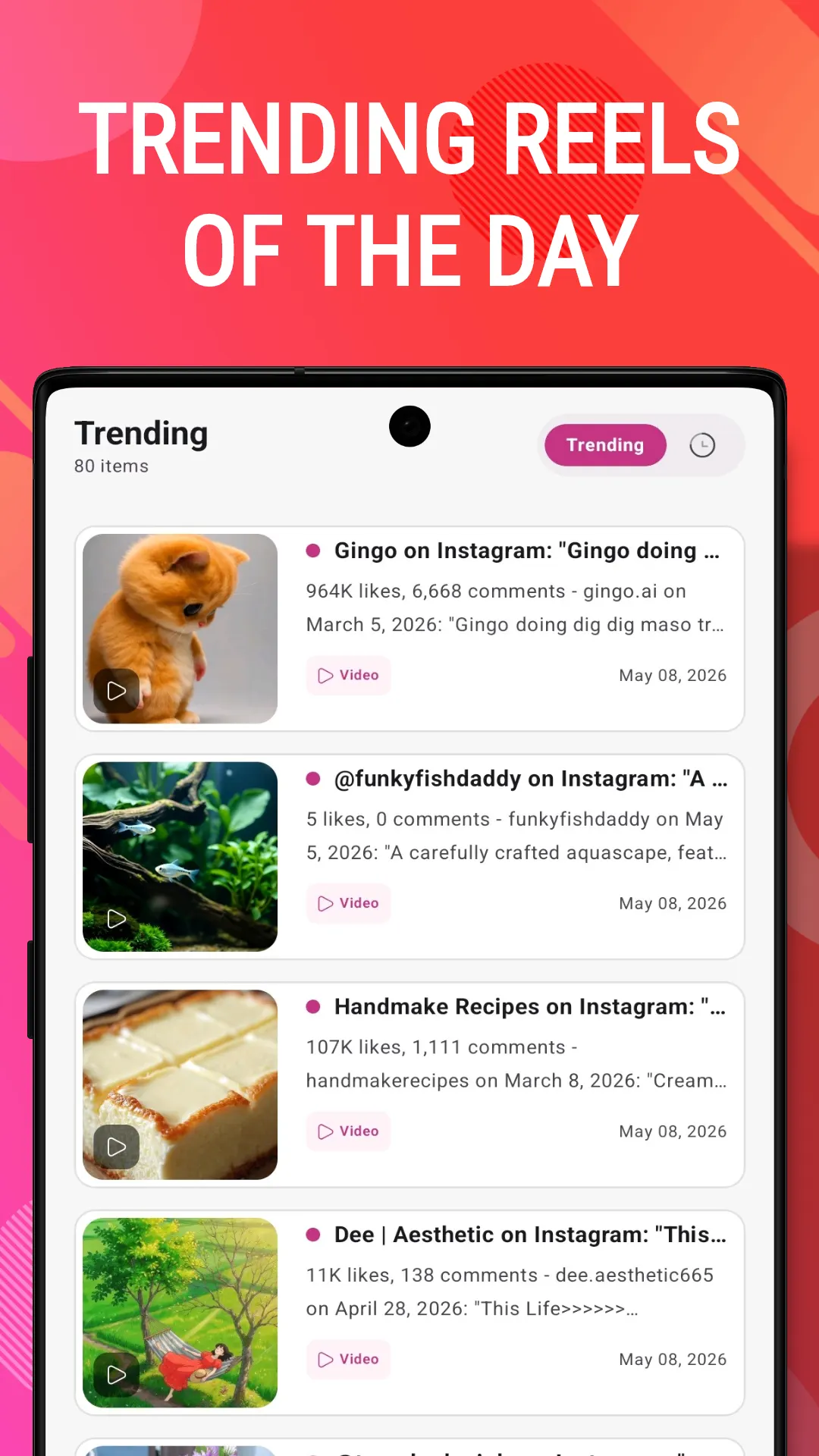
Browse, discover trending content, and download without leaving the app.
Clean, intuitive design with full theme support.
WHY INSAVER? Unlike basic downloaders, InSaver is a complete media toolkit. Manage downloads, extract audio, browse trending content, and track your download history — all in one place. Optimized for speed, privacy, and a smooth user experience.
Always get permission from the content owner before saving, sharing, or reposting their content.
This app is an independent tool and is not affiliated with, sponsored by, or endorsed by any social media platform, including Instagram or Facebook. The ownership and intellectual property rights of all downloaded content belong to the original creators. Users are responsible for how they use downloaded content. We are not responsible for any copyright violations arising from unauthorized reposting.
Download InSaver now and start saving your favorite Reels, Stories, and audio in stunning quality!
In brief
The story of
InSaver: Reels Downloader
by NewAgeDevs
See it in action
Downloads
10,000+
and counting, on Google Play
Built from this product's own figures — it changes when they do.
Screenshots
Reviews
“Fantastic experience with this HD reels downloader app.”

parthiban ban
Verified Google Play user
“Very nice. Good quality video downloads, very, very good.”

Mani Muthu
Verified Google Play user
“Very nice, loved the app.”

Santosh Prajapati
Verified Google Play user
Details
InSaver is an independent app made by NewAgeDevs. It is not affiliated with, endorsed by or sponsored by any of the platforms it saves media from, and their names and trademarks belong to their owners. Please save only content you own or have permission to download.
FAQ
No. Public reels and posts download without signing in. You only need to sign in, on the official page inside the app, for stories, highlights or private accounts.
Yes. Instagram only shows stories and highlights to signed-in viewers, so sign in inside InSaver and then download them like any reel. Your password is never seen or stored by InSaver.
Up to 2K. InSaver saves each reel at the best quality the original offers, up to 2K, without re-encoding it.
No. InSaver doesn't add a watermark or re-encode your downloads.
Yes. The audio extractor pulls the sound out of any video you've downloaded and keeps it as a separate file, which you can play in the built-in player.
InSaver is free to download from Google Play. It shows ads and offers optional in-app purchases.
Only with the content owner's permission. Downloaded media belongs to the people who created it, and InSaver isn't affiliated with, sponsored by or endorsed by Instagram or Meta.
Yes — there is a step-by-step guide with screenshots under "How to use it", in the paperwork at the foot of this page.
The privacy policy for InSaver: Reels Downloader sets out what is collected and what is not. It is linked in the paperwork at the foot of this page.
Use the form beside these questions, or write to us from the contact page. Tell us which device you are on and what you were doing, and we can usually work it out from there.
Send us a message and we will get back to you. We read every one.
Keep exploring
Download Reels, Stories, Threads & videos in HD. No watermark, no login.