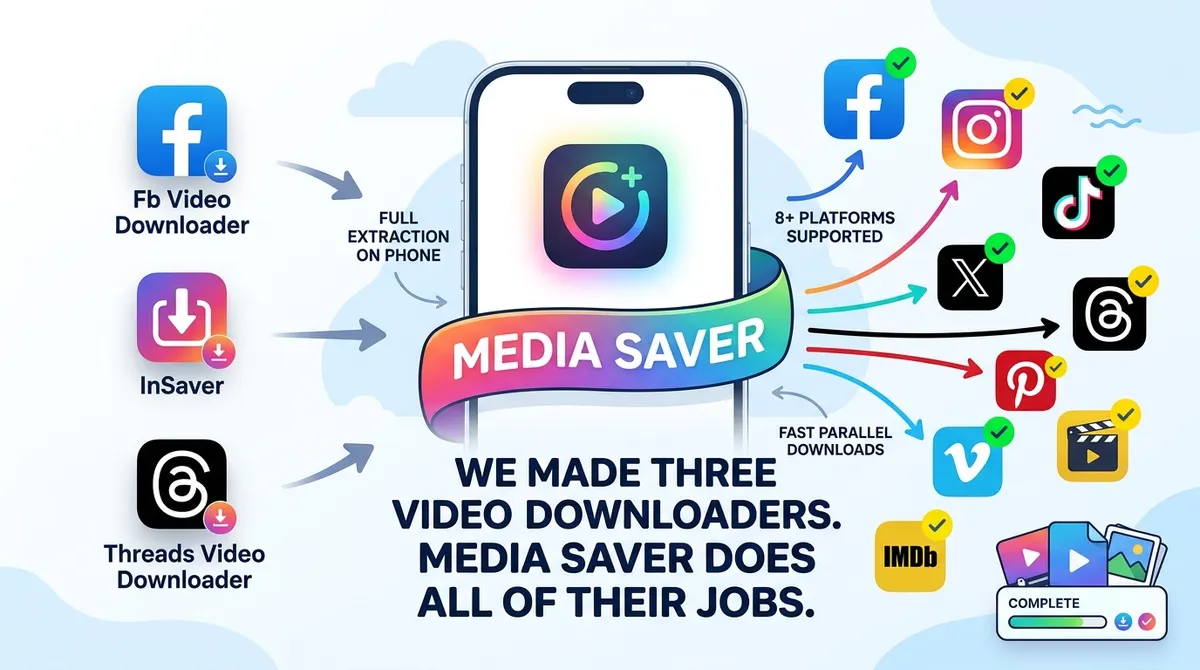
The story of
Post Saver: Video & GIF
by NewAgeDevs
See it in action


Downloads
10,000+
and counting, on Google Play
What people think
3.86
from 255 ratings
Mobile · Downloaders
Save videos, photos & GIFs from public posts in one tap. No login, no watermark.
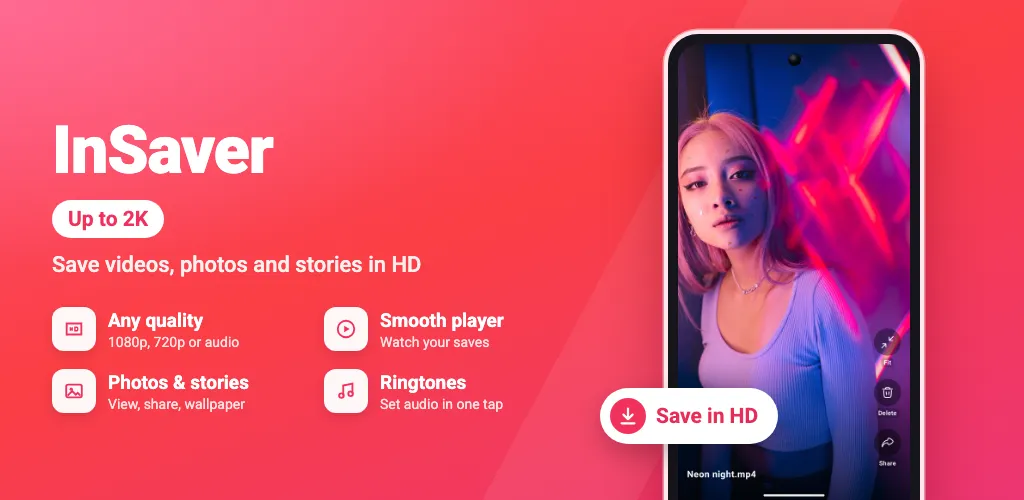
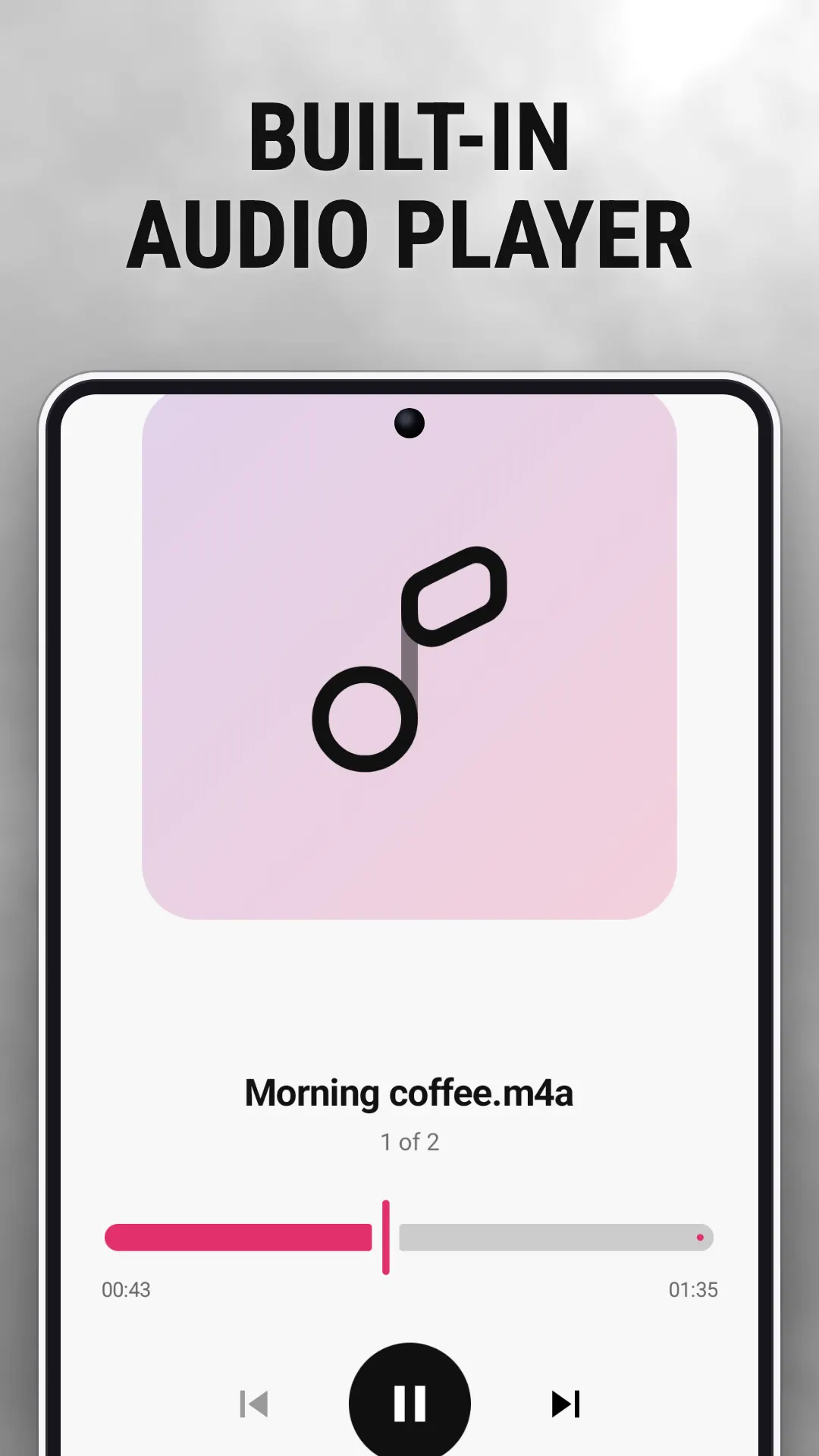
A simple, lightweight saver for videos, photos and GIFs from public posts, with a built-in player, audio extraction and a gallery sorted by type.
10,000+
Downloads
255
Ratings
3.86
Out of 5
Highlights
How it works
In the app you’re using, tap Share on the post and send it to the app.
The app opens with the link ready. Tap Download to save the video, photo or GIF.
Open the Browser tab, go to a public post and tap Download when it appears on the media.
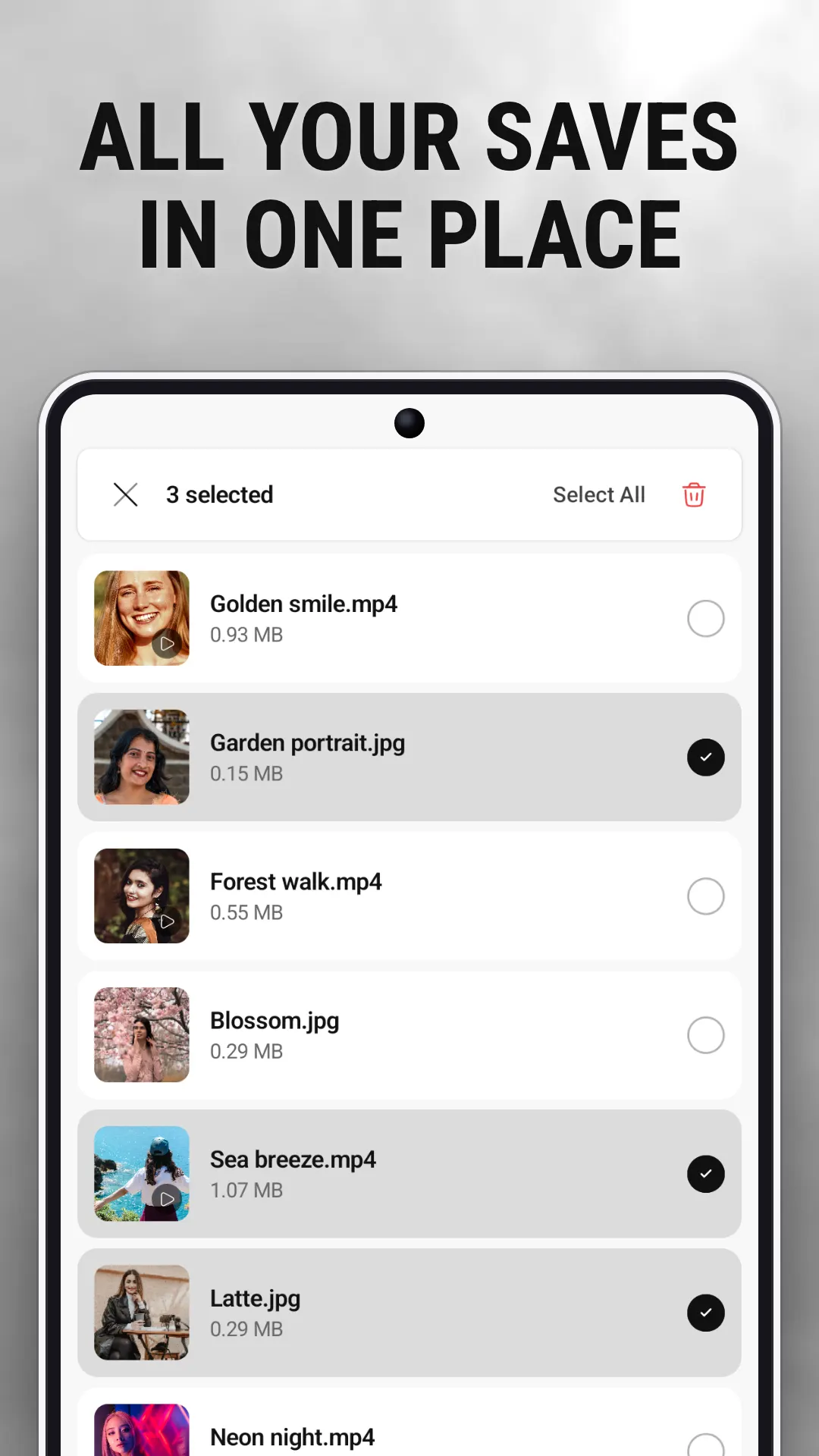
Files are saved to your phone’s Downloads folder and appear in the gallery under All, Videos, Photos and Audio.
Pull the audio out of a downloaded video and set it as a ringtone, set a photo as your wallpaper, or share files straight from the app.
About
Post Saver is a simple, lightweight Android app for saving videos, photos and GIFs from public posts. Share a post’s link to the app or open the post in the built-in browser, tap Download, and the file is saved on your phone. No login. No watermarks.
Only save content you own or have permission to save. Respect creators’ rights and each platform’s terms of use. Post Saver is an independent app. It is not affiliated with, endorsed by or sponsored by any social network, platform or company, and all product names and trademarks belong to their owners.
In brief
The story of
Post Saver: Video & GIF
by NewAgeDevs
See it in action
Downloads
10,000+
and counting, on Google Play
What people think
3.86
from 255 ratings
Built from this product's own figures — it changes when they do.
Screenshots
Reviews
“Fantastic.”

Wahdan Othman
Verified Google Play user
“Amazing app.”

Prince Shakir
Verified Google Play user
“Excellent.”

Segun Jahson
Verified Google Play user
Details
Post Saver is an independent app made by NewAgeDevs. It is not affiliated with, endorsed by or sponsored by any of the platforms it saves media from, and their names and trademarks belong to their owners. Please save only content you own or have permission to download.
FAQ
In your phone’s Downloads folder. They also show in the app’s gallery, sorted into All, Videos, Photos and Audio.
No. Post Saver needs no login or account; it works with publicly accessible posts.
Yes. As well as videos, you can save photos and GIFs, including the items in a post with several. Premium downloads a whole post at once.
No. The app doesn’t add a watermark to anything you save.
Yes. Extract the audio from any downloaded video, play it in the built-in music player, or set it as your ringtone.
Yes, it’s free to download from Google Play. The app shows ads, and an optional one-time Premium purchase removes them.
Only if you own it or have the owner’s permission, and respect creators’ rights. Post Saver isn’t affiliated with, endorsed by or sponsored by any social network or platform.
Post Saver needs no account and saves your downloads on your phone. What the app and its ad partners collect is set out in the privacy policy linked at the foot of this page.
Use the form beside these questions, or write to us from the contact page. Tell us which device you are on and what you were doing, and we can usually work it out from there.
Send us a message and we will get back to you. We read every one.
Save videos, photos & GIFs from public posts in one tap. No login, no watermark.