The story of
Sonary: MP3 & Noise Remover AI
by NewAgeDevs
See it in action
Downloads
100+
and counting, on Google Play
Mobile · AI Tools
Extract, convert, trim and merge audio. Remove vocals and noise with AI.
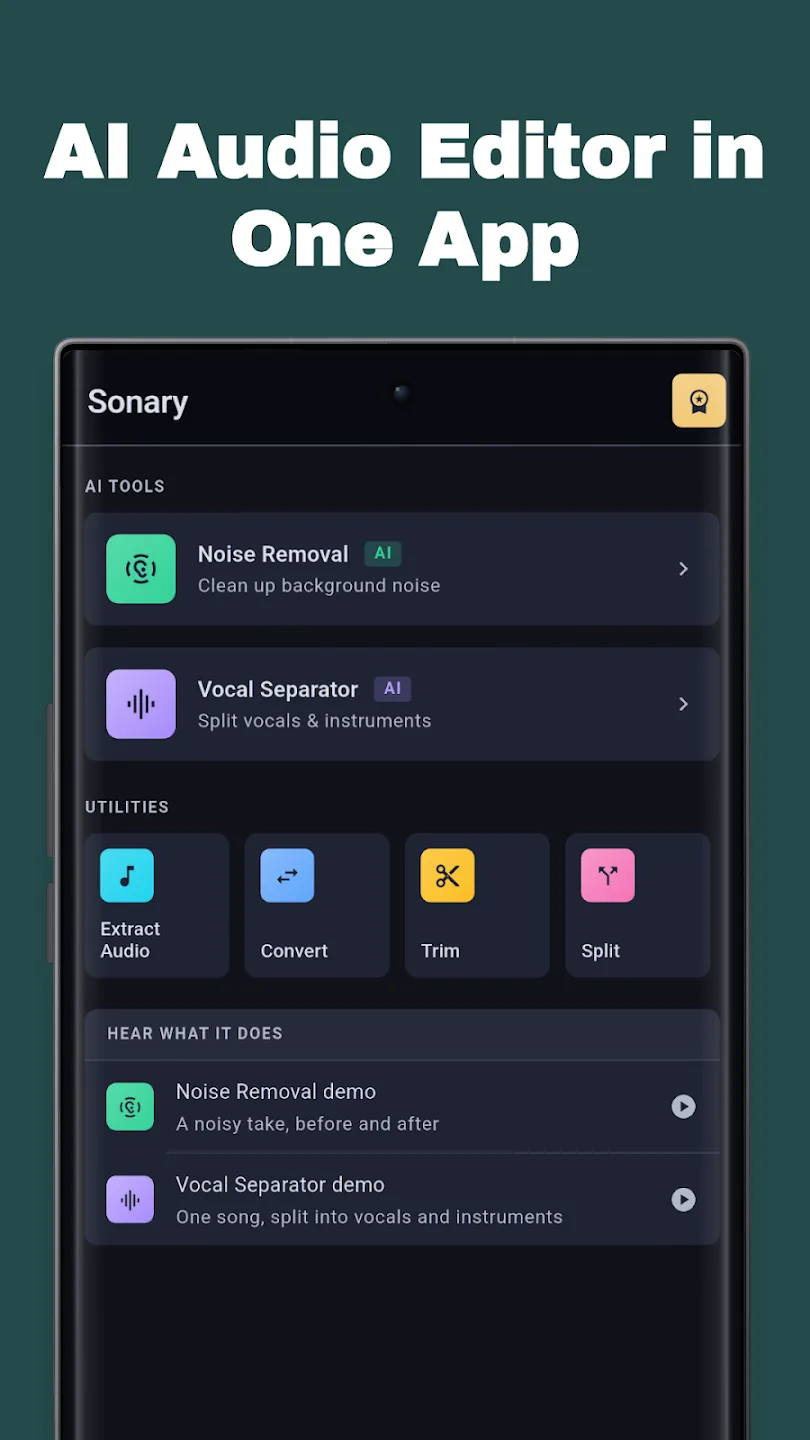
An all-in-one audio toolkit: pull MP3 out of video, remove vocals, strip background noise, and trim, cut and merge on a real waveform. The AI runs offline on your phone or in the cloud.
100+
Downloads
Highlights
How it works
Get Sonary from Google Play or the App Store. No account is needed to get started.
Open the audio file you want to work on. If the song is inside a video, Sonary can pull the audio out of MP4, MKV, MOV and other formats first.
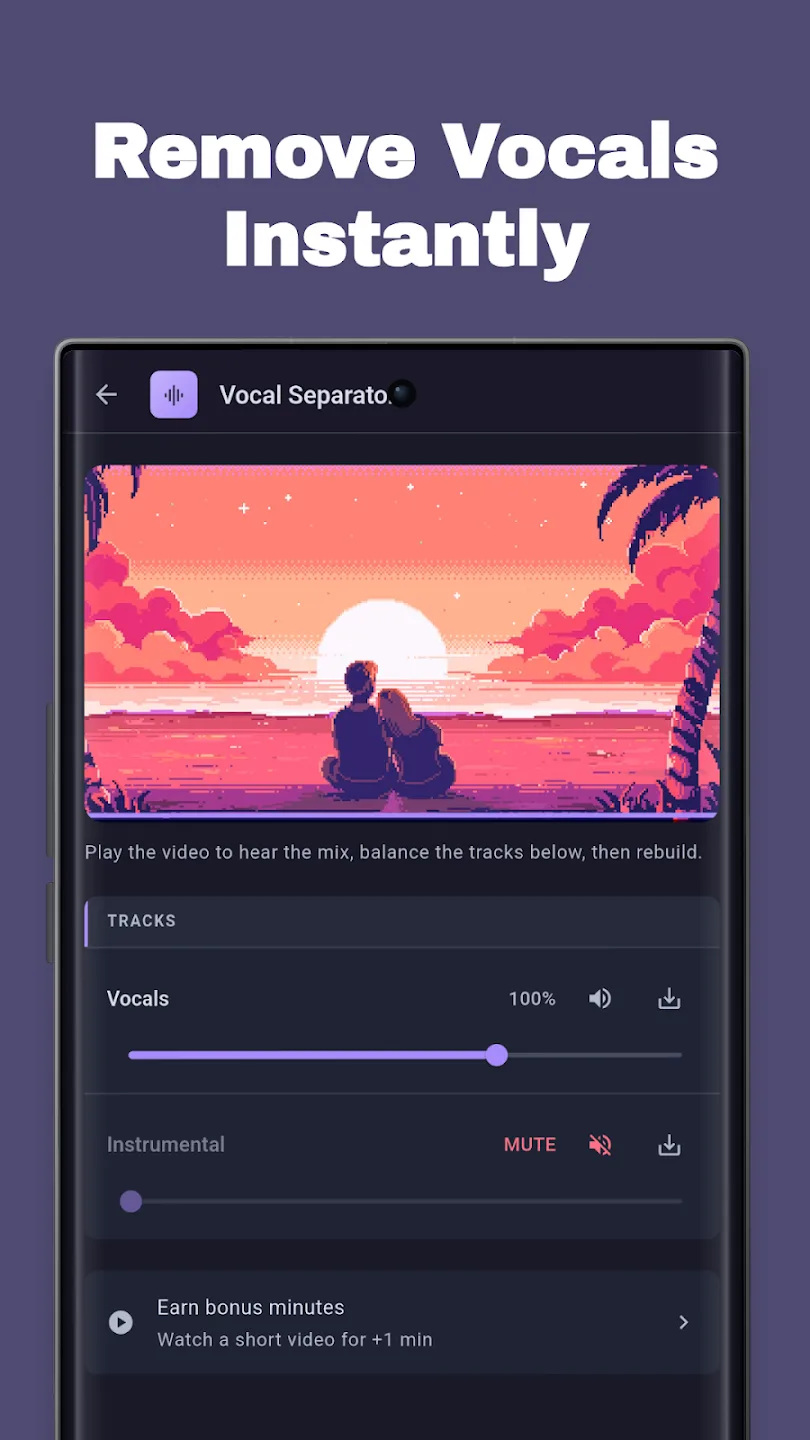
AI stem separation lifts the voice out of the mix. It can run offline on your phone, or in the cloud when you are online.
Keep the instrumental as a karaoke or backing track. On iPhone you can also keep the vocals on their own.
Trim the result on the waveform, then export it as MP3, WAV, M4A, AAC or FLAC with the bitrate and quality you want.
About
Sonary is a vocal remover and audio editor app for Android and iPhone. Turn video into MP3, remove vocals to make karaoke tracks, clean background noise with AI, and trim and merge audio; the AI runs offline on your phone or in the cloud.
Sonary is the all-in-one audio toolkit for your phone — convert video to mp3, remove vocals, clean up noisy recordings, and trim, cut and merge audio in seconds. No ad spam. No watermark. No forced sign-up. Just fast, clean tools that do exactly what they say.
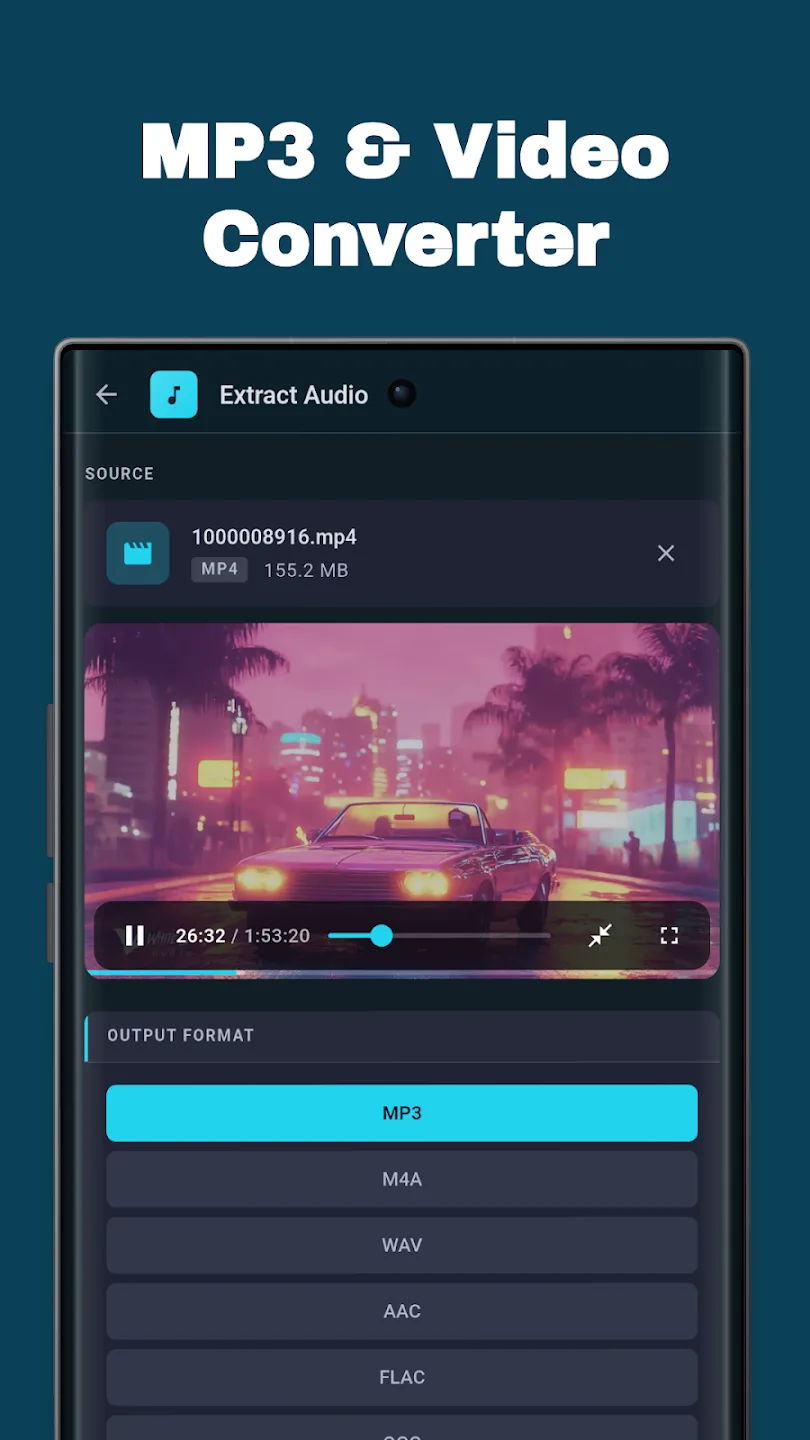
Turn any clip into sound. The video-to-mp3 converter pulls crisp audio out of MP4, MKV, MOV and more, so you keep the track instead of the whole file — on device, with no upload and no queue.
Move freely between MP3, WAV, M4A, AAC and FLAC with full control over bitrate and quality.
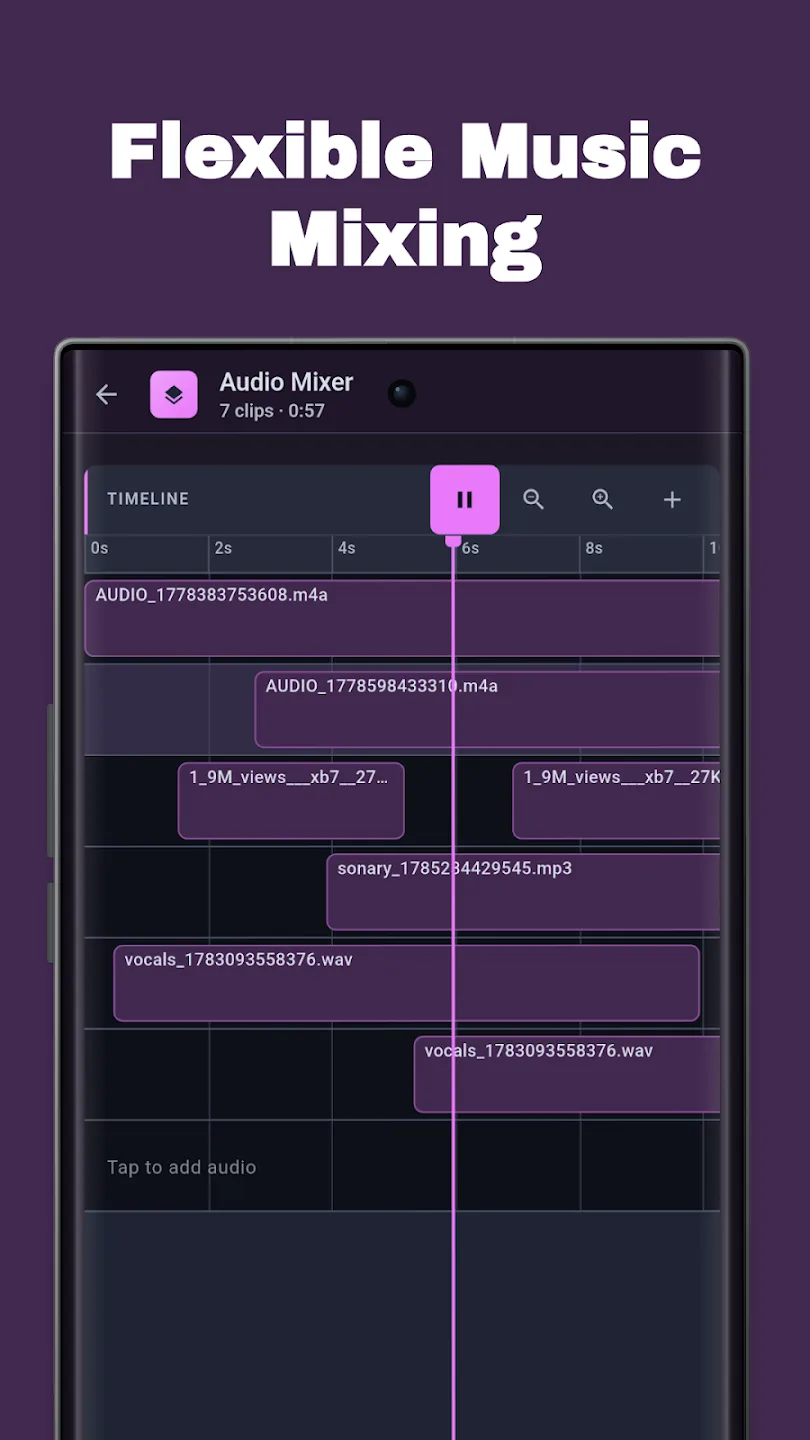
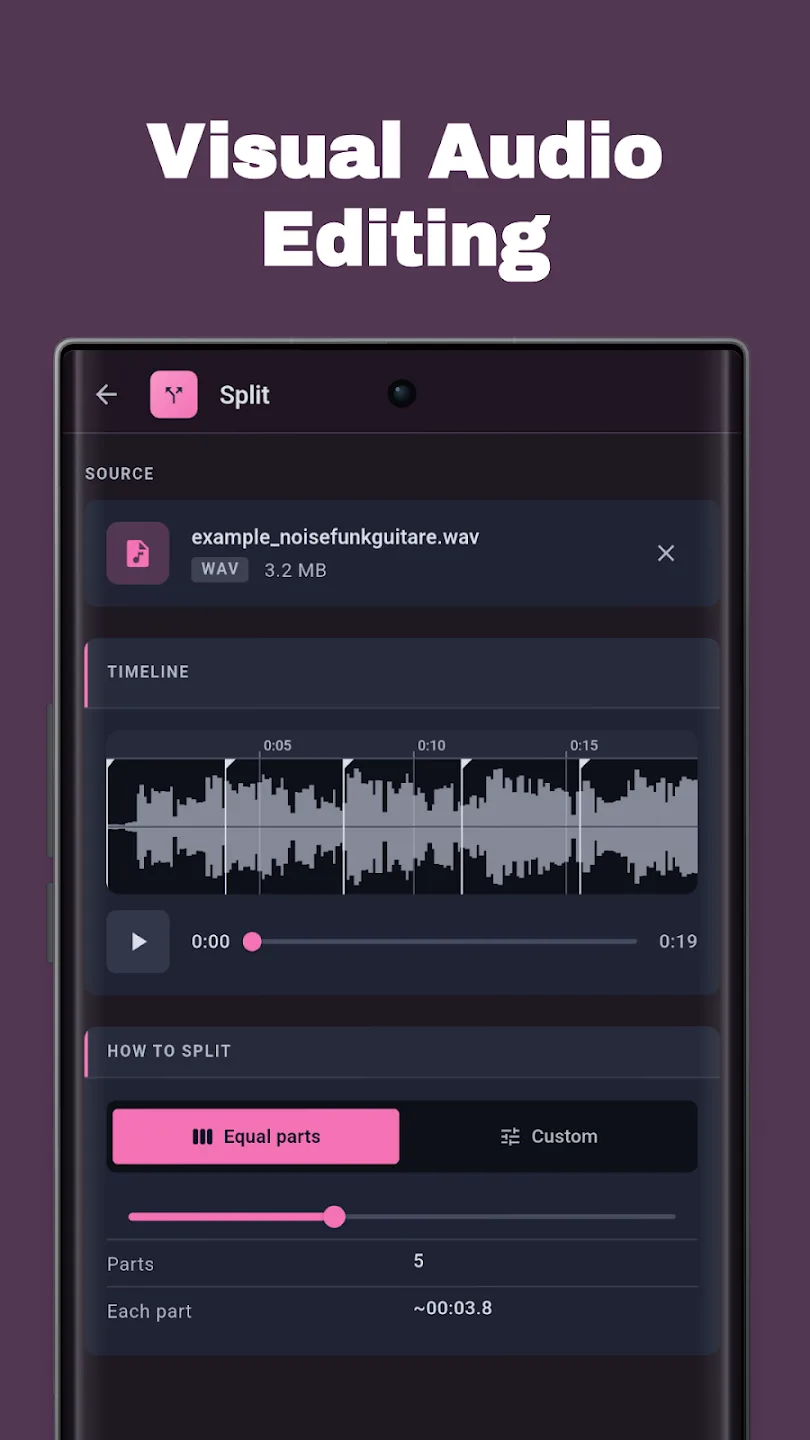
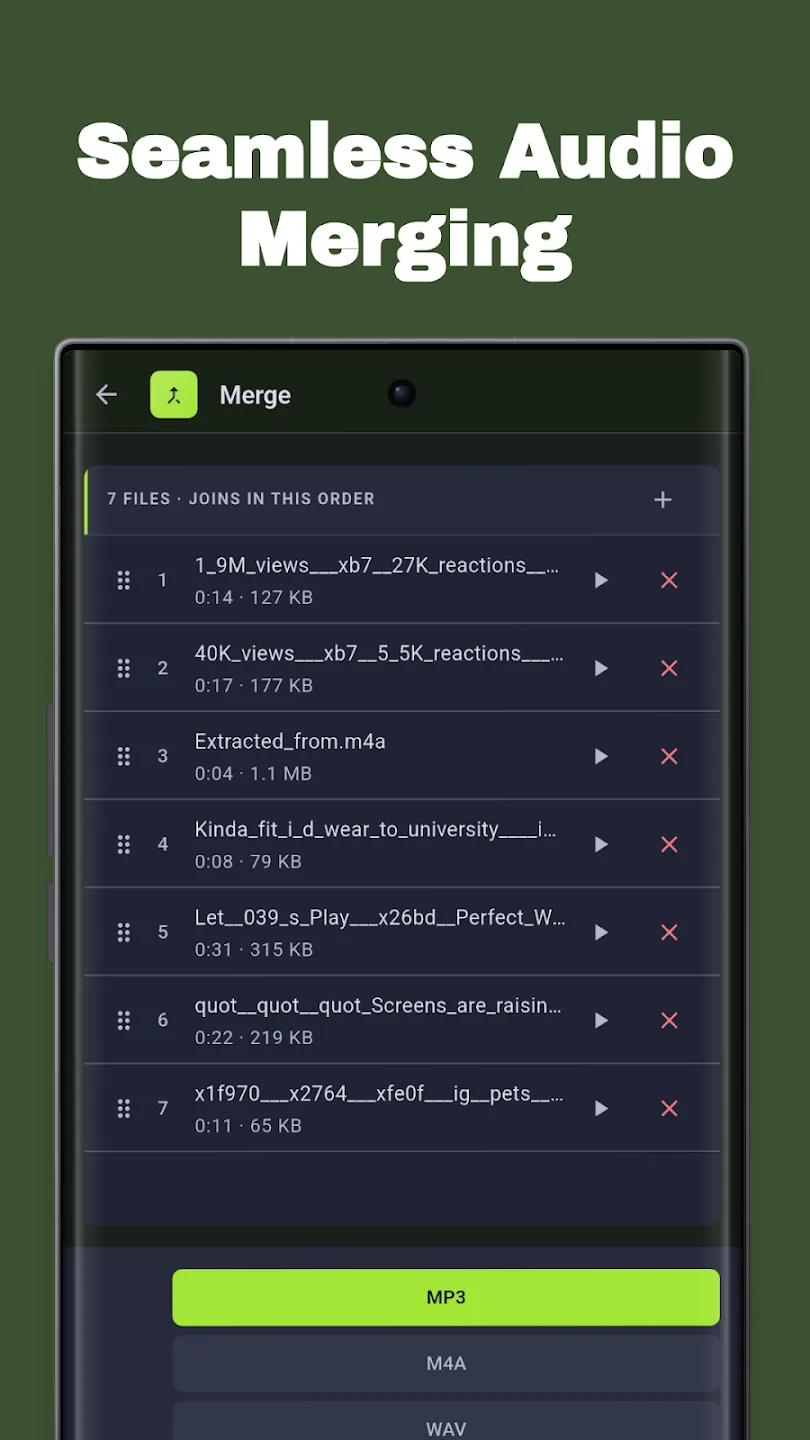
Real editing on a real waveform, not blind guesswork. Grab the perfect clip, shave off dead air, merge files into one seamless track, or split a long recording into clean parts.
AI stem separation lifts voices out of a mix so you can isolate the instrumental or build a backing track — a genuine karaoke maker in your pocket.
The AI audio cleaner strips background noise from voice memos, interviews and clips so every word comes through. Hiss, hum and room echo — gone.
A dependable recorder for ideas, lectures, meetings and interviews. Record straight into the editor, then trim and export in the format you need.
In brief
The story of
Sonary: MP3 & Noise Remover AI
by NewAgeDevs
See it in action
Downloads
100+
and counting, on Google Play
Built from this product's own figures — it changes when they do.
Screenshots
Reviews
“Sonary is an amazing all-in-one audio toolkit! The AI vocal separation and noise remover work incredibly well, both offline and in the cloud. It also includes everything I need: merge, convert, extract, trim, split, and more. Fast, easy to use, and delivers great audio quality. Highly recommended!”

Rumi Mohot
Verified Google Play user
“Sonary is an amazing all-in-one audio app! The offline vocal separator and noise remover work great, and the AI tools for editing, splitting, merging, and converting are fast, accurate, and easy to use. Highly recommended!”

Alal Mia
Verified Google Play user
“Excellent app! AI vocal separation works great offline! Highly recommend!”

Md. Asif Hossain
Verified Google Play user
Details
FAQ
Sonary is free to use, and optional subscriptions and one-off minute packs add more AI processing time. On iPhone you start with 5 free AI minutes and get 5 more when you sign in.
Yes. Extracting, converting, trimming, merging and recording all run on your phone, and the AI tools, vocal removal and noise removal, can run offline on the device too. Cloud processing is also there when you are online.
Open the video in Sonary (MP4, MKV, MOV and other formats work) and extract its audio. You can trim it on the waveform and save it as MP3, or as WAV, M4A, AAC or FLAC.
Yes. The AI noise remover strips hiss, hum and room noise from voice memos, interviews and clips, and the voice isolator lifts speech out of a busy room. It is a quick way to clean up podcast audio before you publish.
Yes. AI stem separation removes the vocals from a song so you can keep the instrumental as a karaoke or backing track, then trim it before you export.
You can convert between MP3, WAV, M4A, AAC and FLAC with control over bitrate and quality, including M4A to MP3. The iPhone version also lists OGG.
No. Sonary does not stamp a watermark on anything you export.
No account is needed to get started. On iPhone, signing in adds 5 more free AI minutes.
The privacy policy for Sonary: MP3 & Noise Remover AI sets out what is collected and what is not. It is linked in the paperwork at the foot of this page.
Use the form beside these questions, or write to us from the contact page. Tell us which device you are on and what you were doing, and we can usually work it out from there.
Send us a message and we will get back to you. We read every one.
Keep exploring
Extract, convert, trim and merge audio. Remove vocals and noise with AI.