The story of
Temp Mail - Disposable Email
by NewAgeDevs
See it in action
Downloads
10,000+
and counting, on Google Play
What people think
4.5
from 61 ratings
Mobile · Tools
Instant disposable email. No signup. Block spam & bots. Stay private. Anonymous.
Generate a disposable email address instantly and keep your real inbox out of reach of spam bots, data brokers and phishing. Use it once, then delete it.
10,000+
Downloads
61
Ratings
4.5
Out of 5
Highlights
How it works
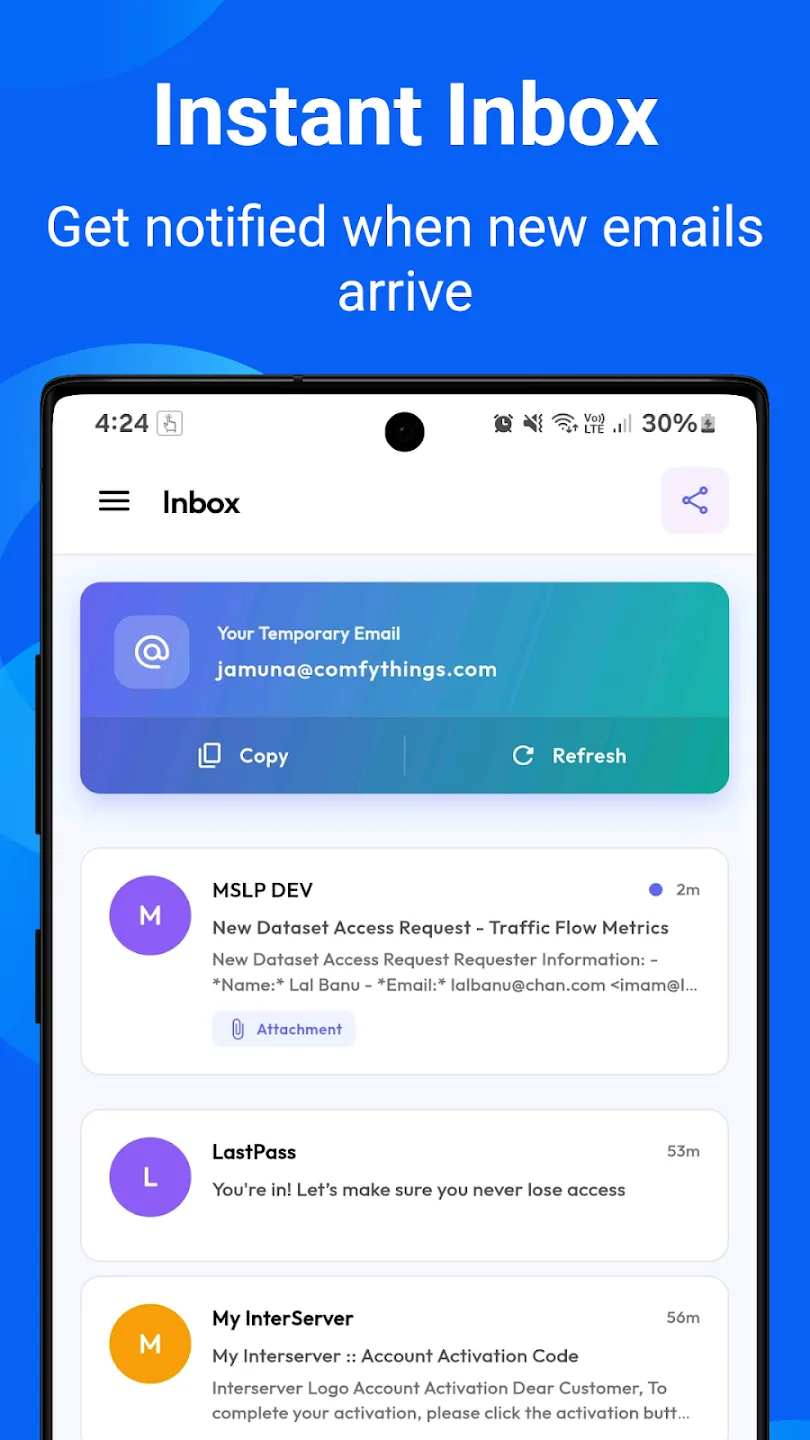
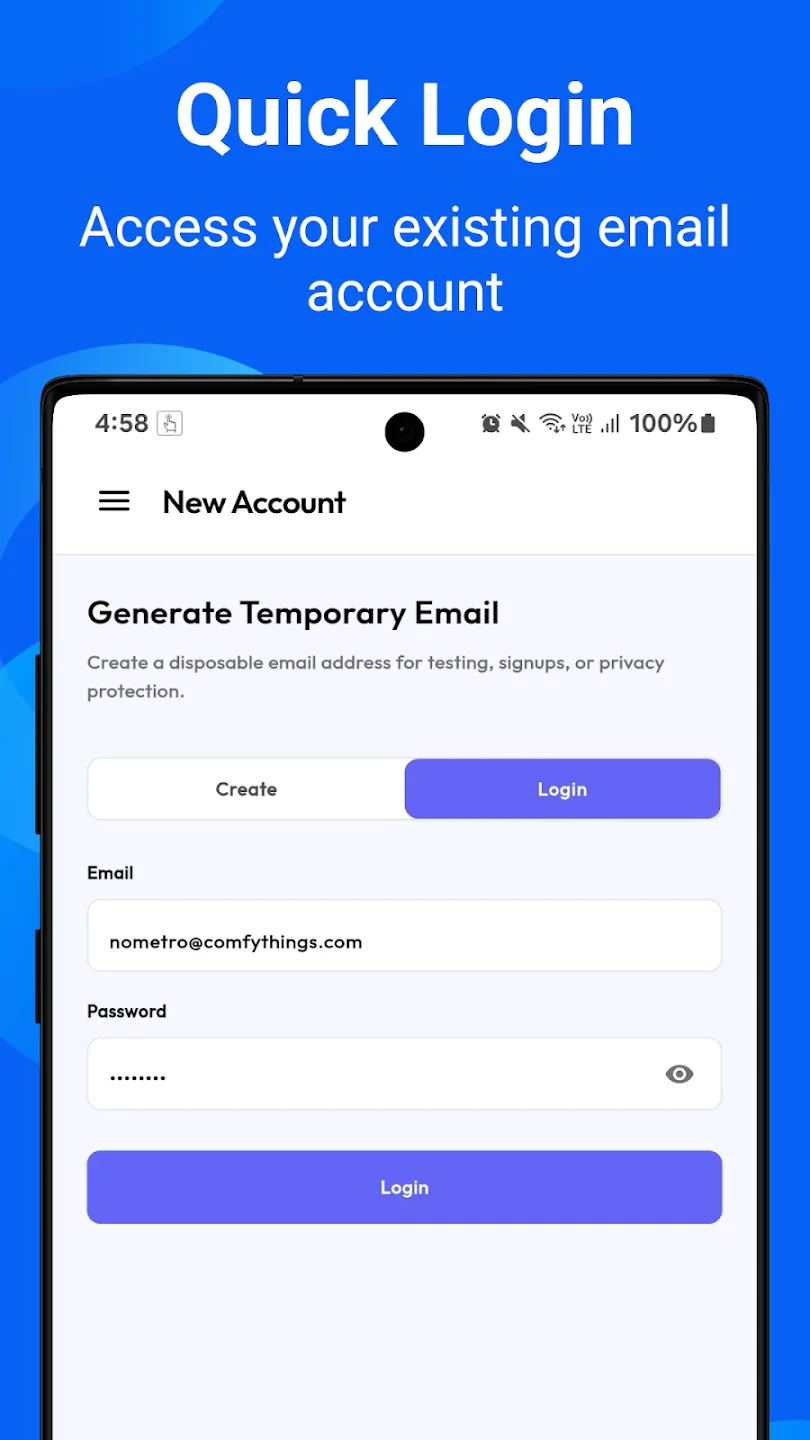
Install Temp Mail and open it. A disposable address is created straight away, with no registration and no personal information.
Copy the address to your clipboard with one tap and paste it into the sign-up form, free trial or download page.
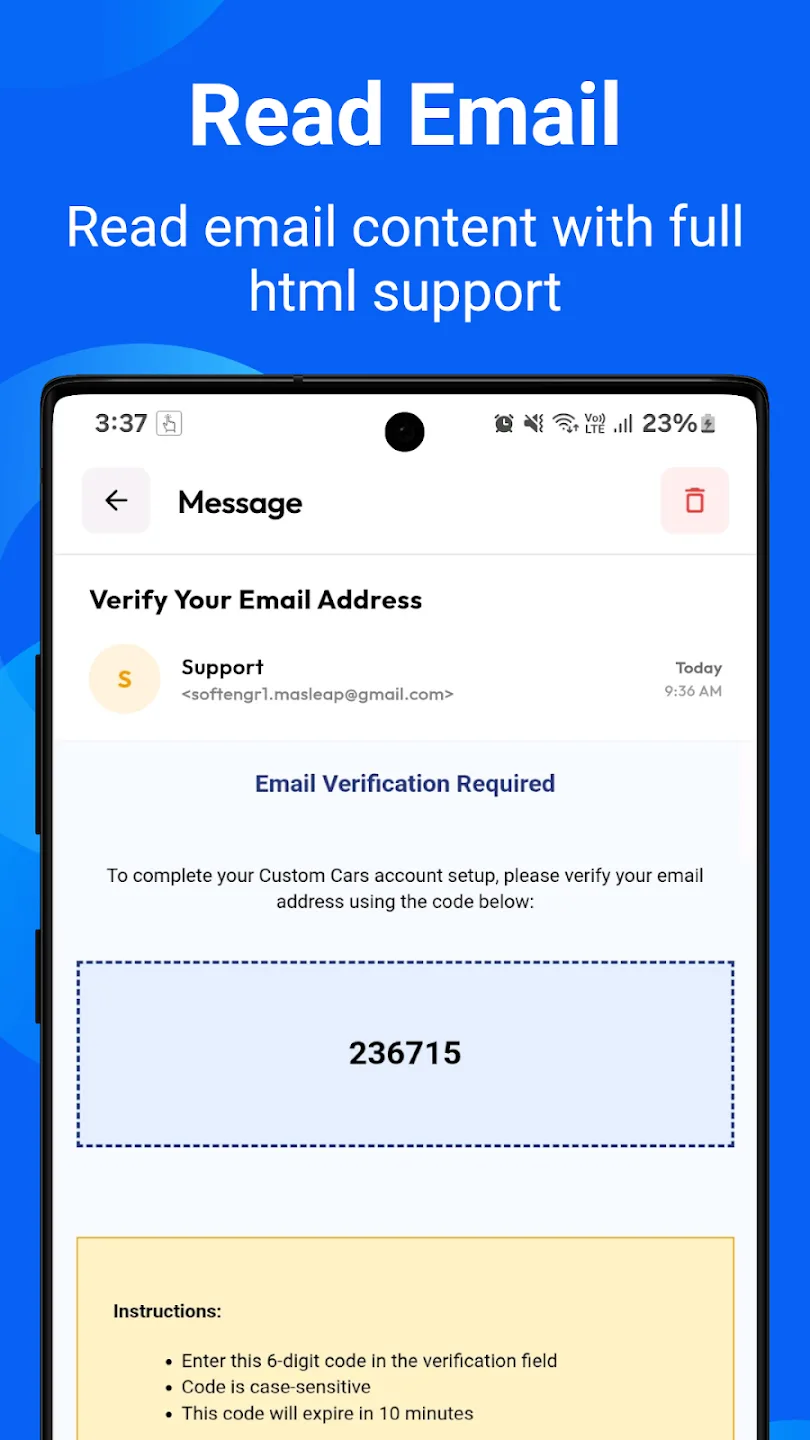
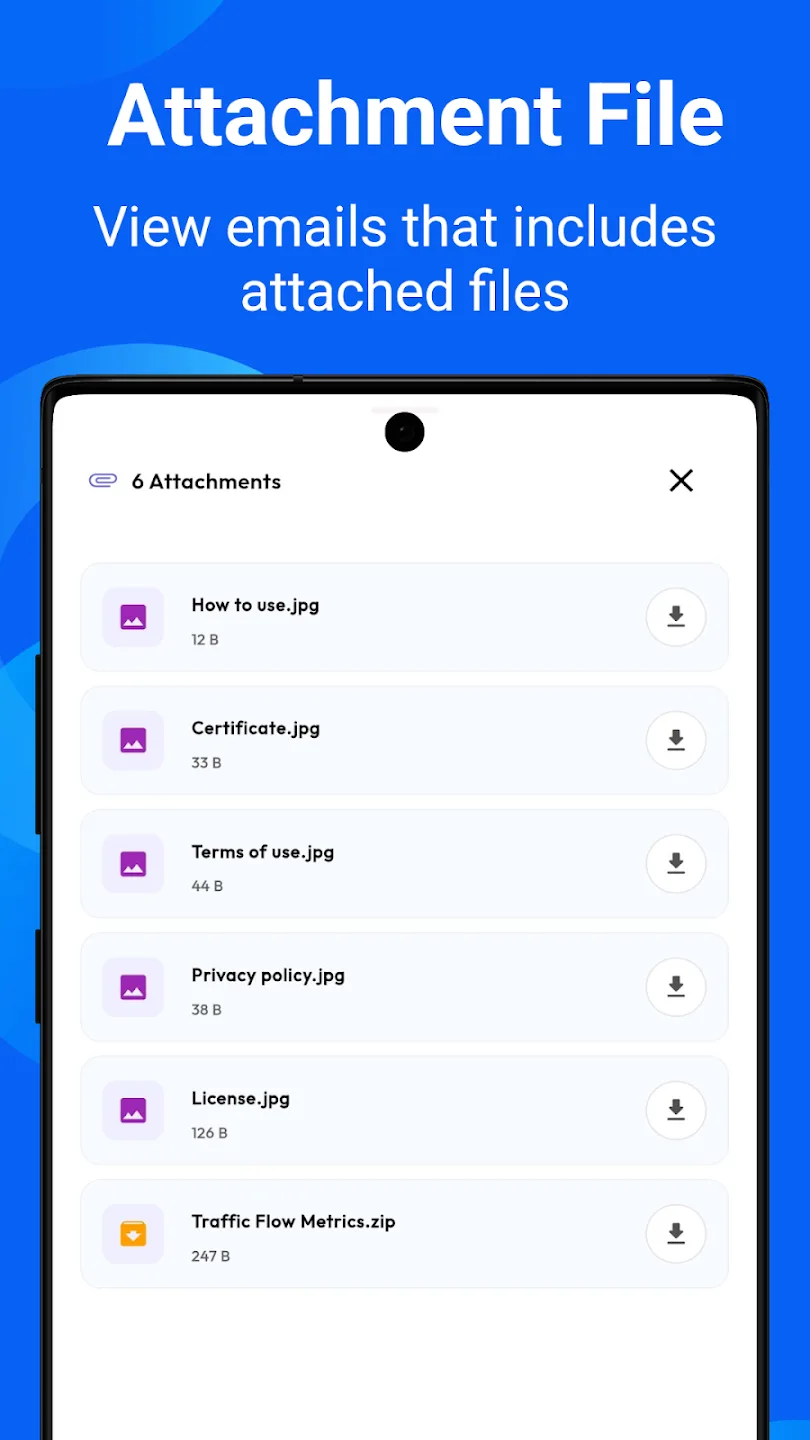
New messages arrive in your inbox with a push notification. Formatted emails render with their full layout, and attachments can be downloaded.
Messages are kept for up to 7 days. When you no longer need the address, delete the account, which removes it along with every message in it.
About
Temp Mail is a free disposable email app for Android. It gives you a temporary email address instantly, with no sign-up, so sign-ups, trials and downloads never reach your real inbox; messages are kept for up to 7 days.
Protect your real inbox with Temp Mail — the fastest disposable email app on Android.
Generate a temporary email address in seconds. No registration, no personal information, no commitments. Perfect for signing up to websites, apps, trials and newsletters without exposing your real address.
Every time you sign up somewhere with your real email, you hand over your privacy. Spam bots, data brokers and phishing attacks all start the same way. Temp Mail gives you a throwaway address that you control.
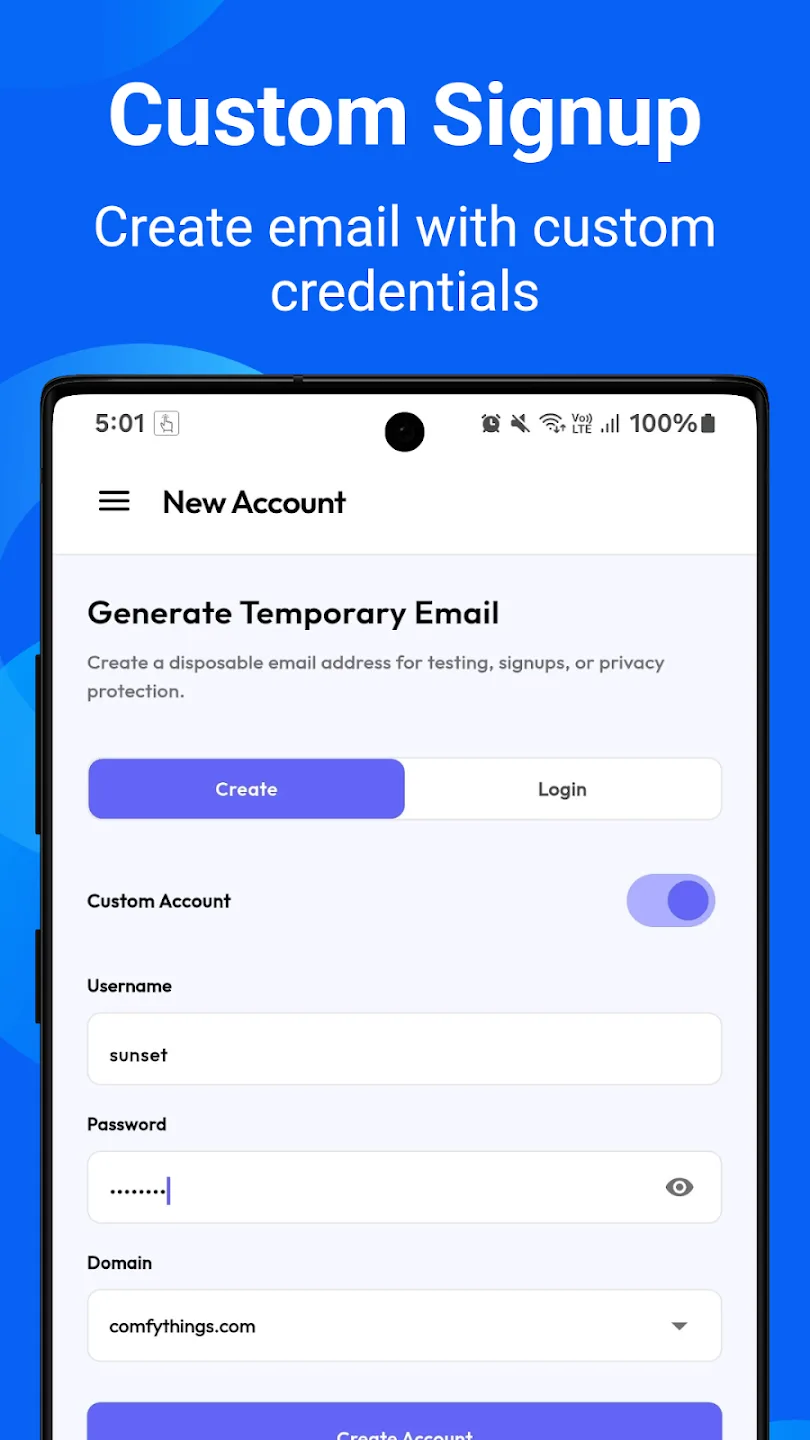
Remove all ads permanently, unlock unlimited accounts (three on free), choose your own username, get a QR code for your address, export mail as text, pin important messages, and refresh faster.
Accounts and every message in them are deleted when you delete the account, and no personal information is required to use the app. Sending is not supported — this is a receive-only inbox — and messages are held for up to 7 days. Powered by the Mail.tm service.
In brief
The story of
Temp Mail - Disposable Email
by NewAgeDevs
See it in action
Downloads
10,000+
and counting, on Google Play
What people think
4.5
from 61 ratings
Built from this product's own figures — it changes when they do.
Screenshots
Reviews
“Nice app.”

Mr. Anish Kumar
Verified Google Play user
“Helpful.”

Peter monday
Verified Google Play user
Details
FAQ
Each message is kept for up to 7 days, a limit set by the Mail.tm service that powers the app. The address stays in the app until you delete the account, which removes it and all its messages.
No. Temp Mail is receive-only: you can read and download what arrives, but sending is not supported.
No. Passwords are generated on your device and password recovery is not available, so don't use a temporary address for anything you will need to get back into.
It is a sensible way to keep sign-ups, trials and newsletters away from your real inbox, and no personal information is needed to create one. Because messages expire after 7 days and accounts cannot be recovered, keep it for low-stakes sign-ups, not banking or accounts you want to keep.
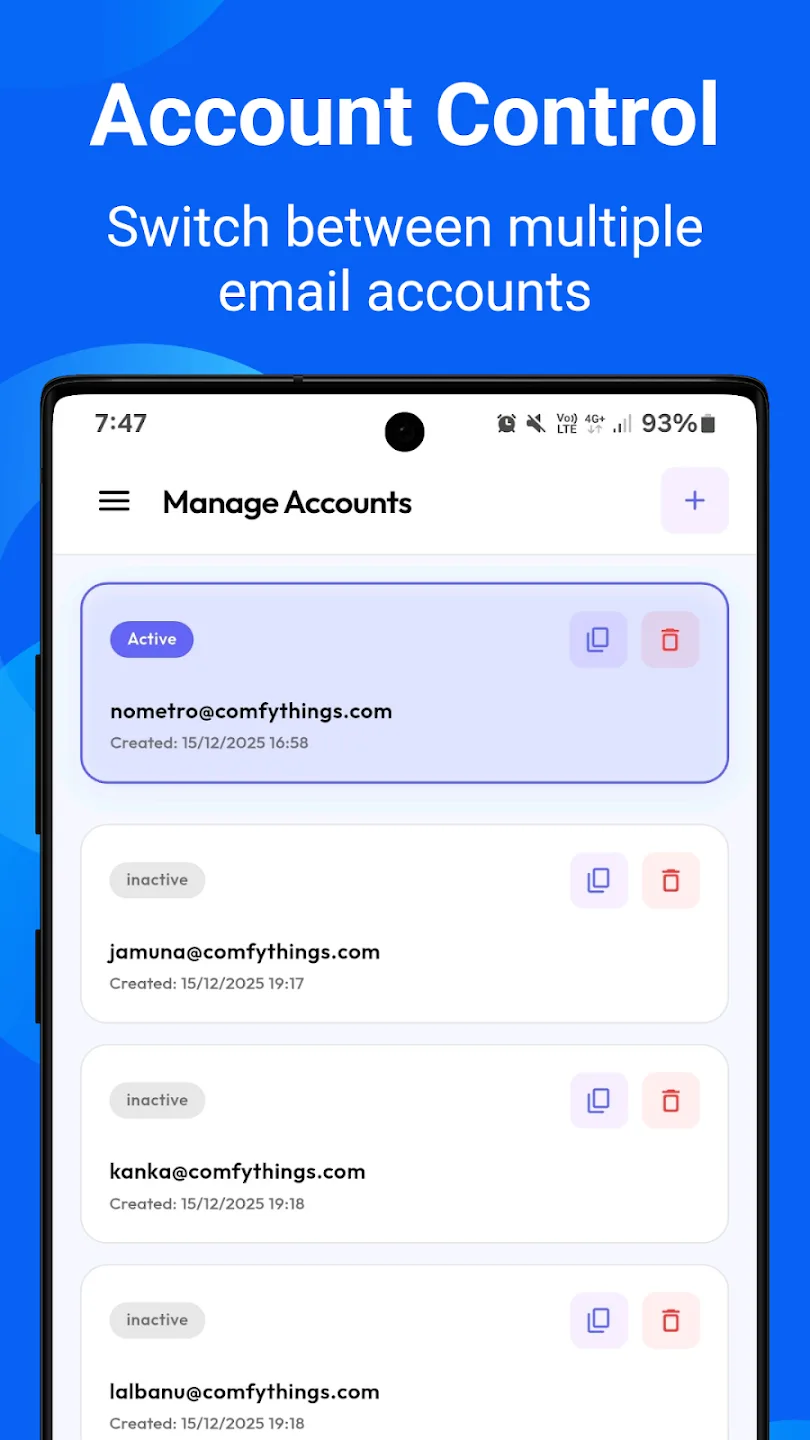
Up to three at once on the free version, and unlimited with the lifetime premium upgrade, which is one payment rather than a subscription.
Yes. You can receive and download file attachments, and HTML emails display with their full layout.
Yes, with premium. It also adds a QR code for your address, exporting emails as text files, pinned messages and faster inbox refresh.
Make sure notifications are allowed for Temp Mail, then open the app's Troubleshoot screen, which was added to help with notification issues.
The privacy policy for Temp Mail - Disposable Email sets out what is collected and what is not. It is linked in the paperwork at the foot of this page.
Use the form beside these questions, or write to us from the contact page. Tell us which device you are on and what you were doing, and we can usually work it out from there.
Send us a message and we will get back to you. We read every one.
Keep exploring
Instant disposable email. No signup. Block spam & bots. Stay private. Anonymous.