The story of
Force 5G/LTE & Network Monitor
by NewAgeDevs
See it in action
Downloads
100,000+
and counting, on Google Play
What people think
4.9
from 519 ratings
Mobile · Tools
Change network mode: 5G only (NR only), 4G LTE only, 3G, or 2G
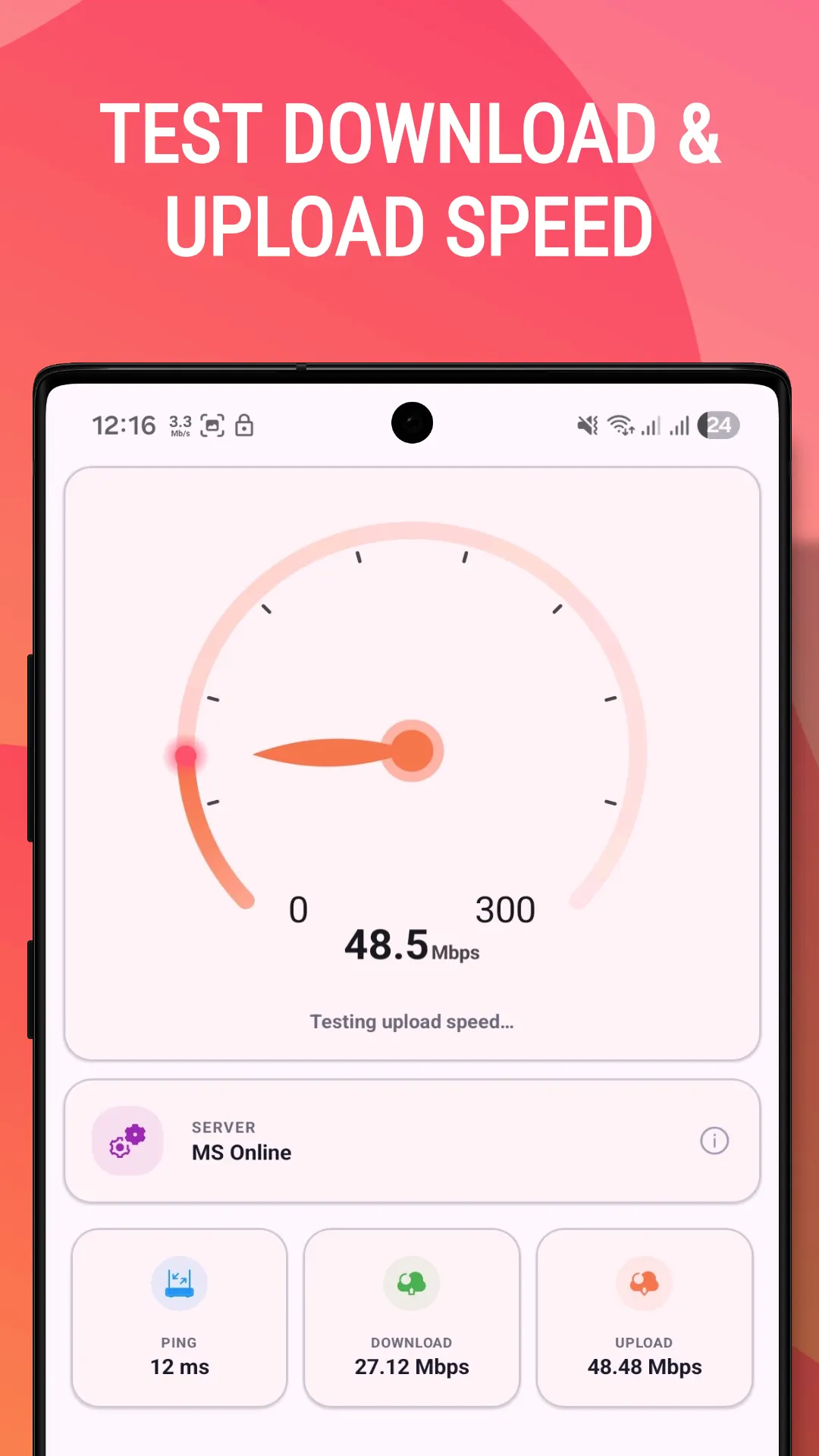
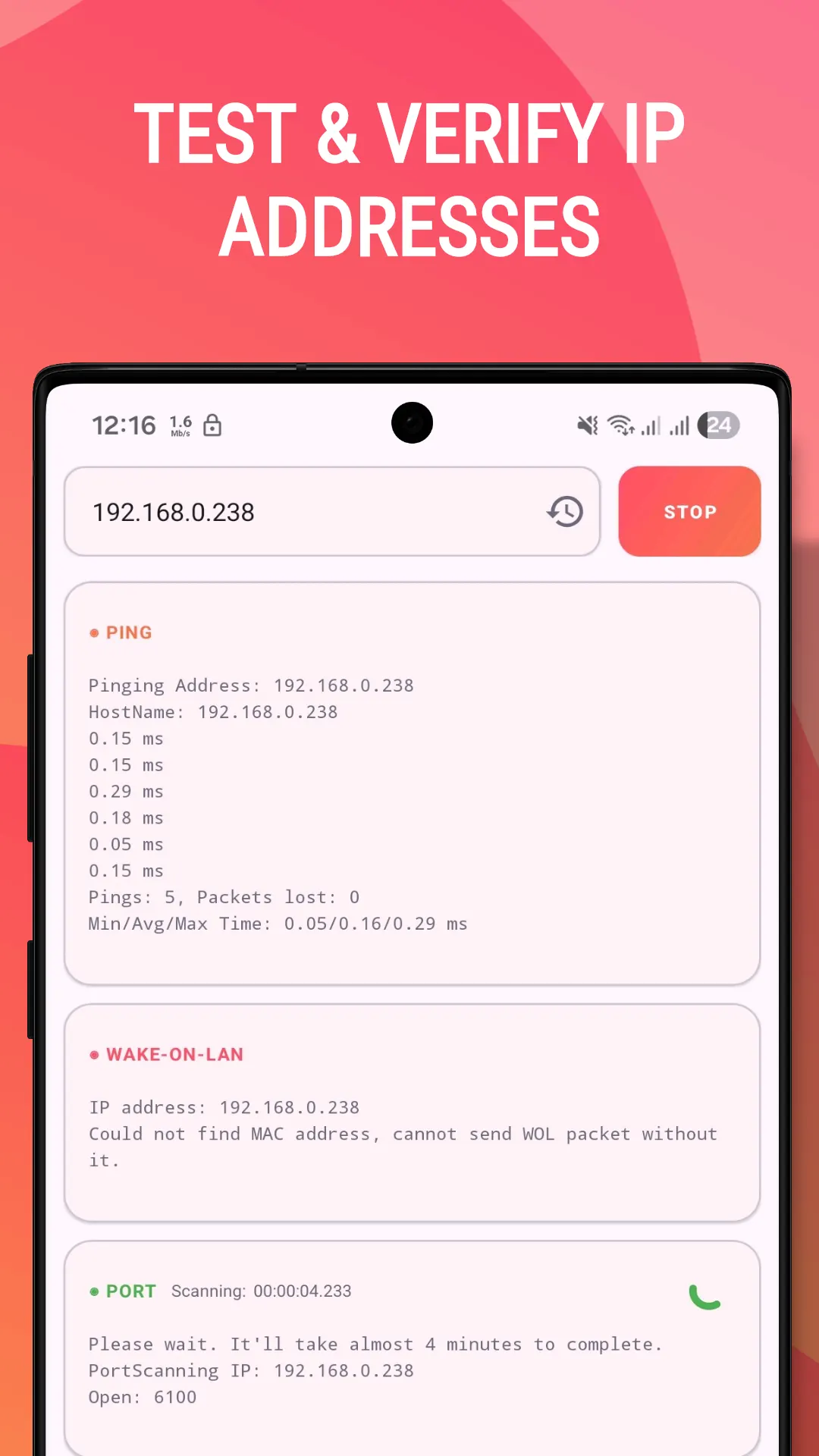
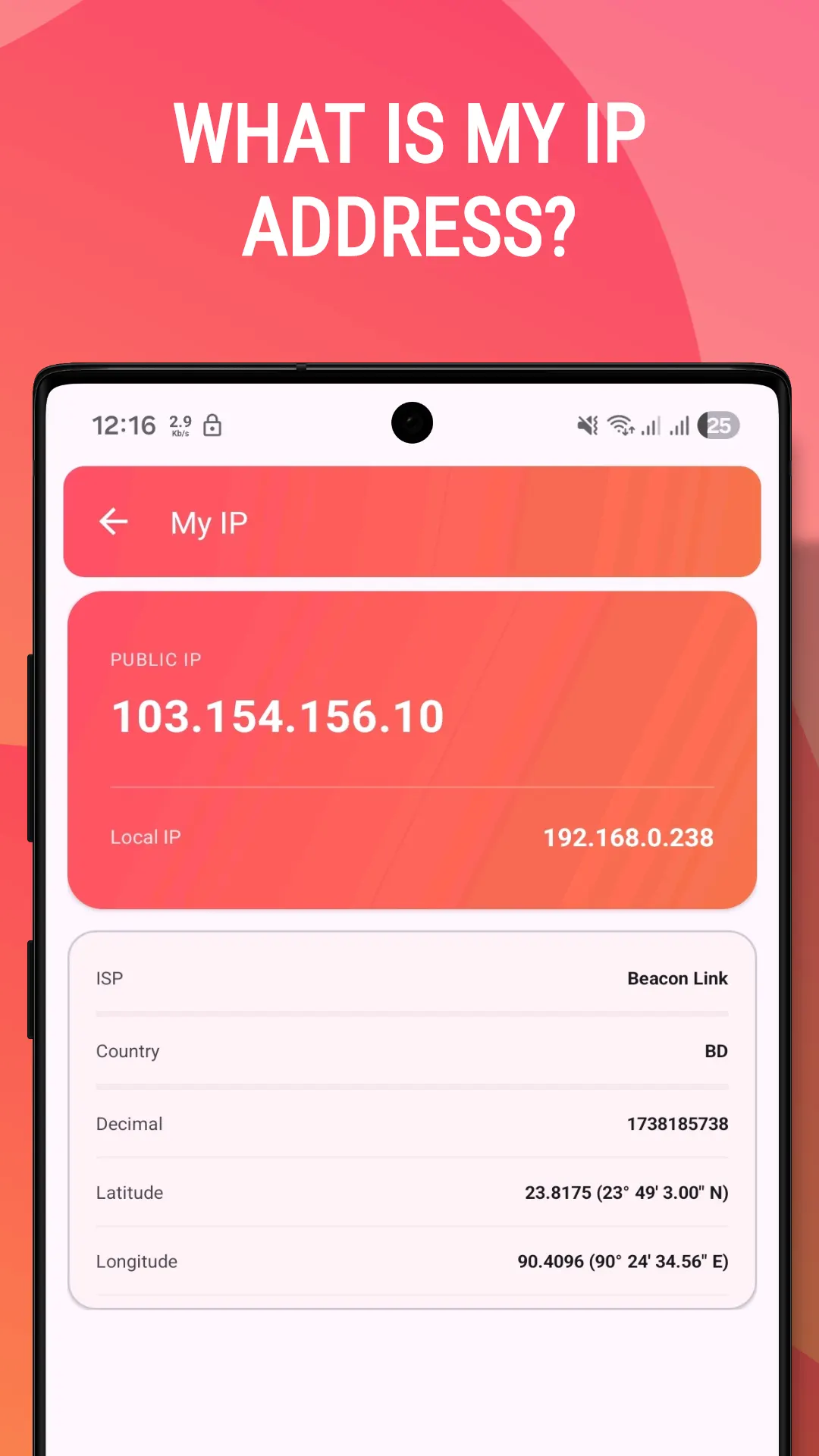
Test 4G/5G speeds, run ping and port scans, inspect your network, and switch LTE modes — a complete network toolkit in one app.
100,000+
Downloads
519
Ratings
4.9
Out of 5
Highlights
How it works
Open Force 5G/LTE and tap the Configure tab.
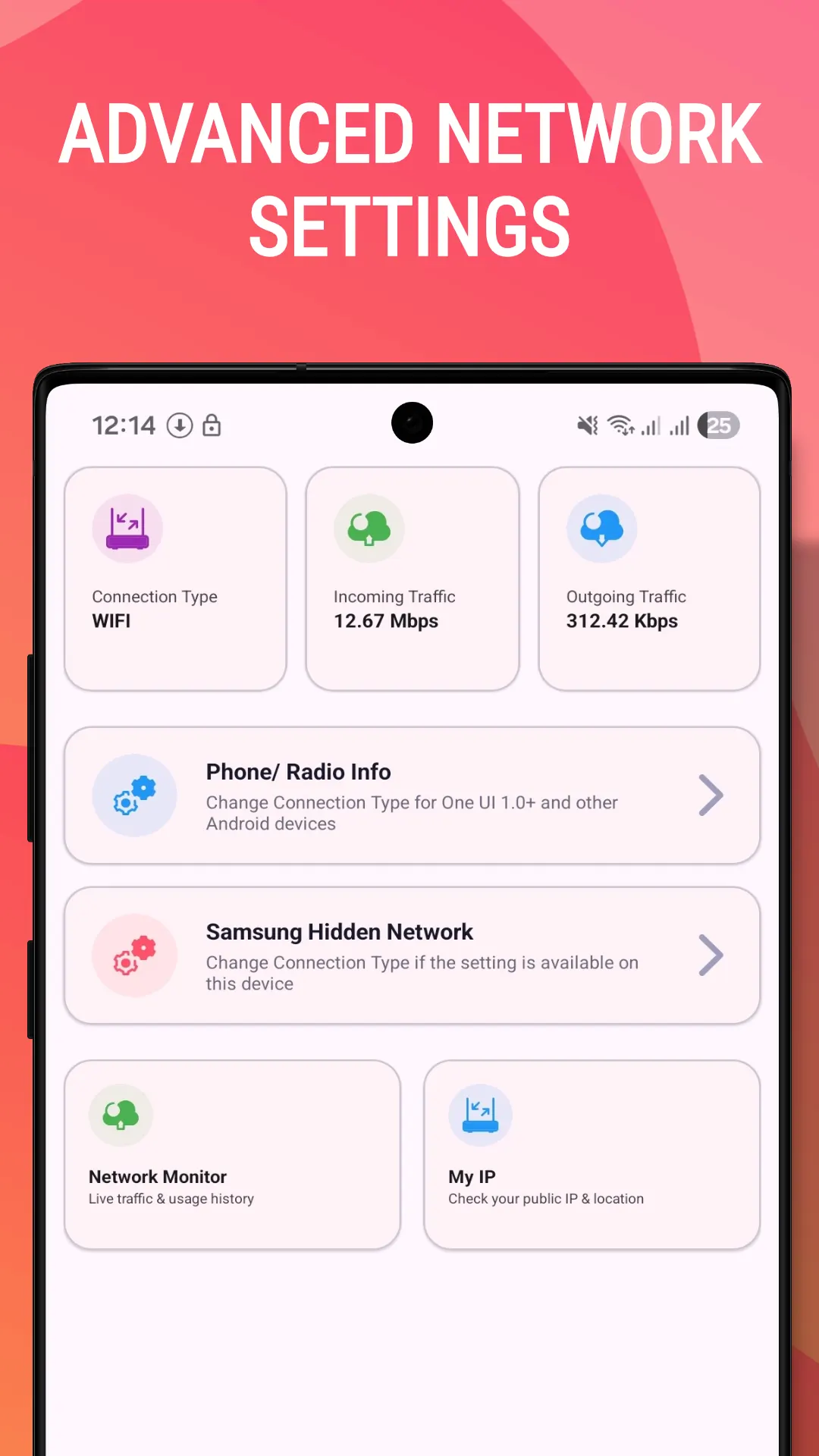
Tap Phone / Radio Info to open your phone's hidden network settings. The options on this screen come from your phone, so they depend on your device and carrier, and some carriers restrict network mode forcing.
Pick NR only for 5G only, LTE only for 4G only, WCDMA only for 3G or GSM only for 2G. On a dual-SIM phone, each SIM can be set separately.
On One UI, tap Samsung Hidden Network Settings, open the hamburger menu and choose Band Selection to pick an LTE or 5G NR band.
Watch the live connection monitor to confirm the network type you are on. Calls on LTE only need VoLTE support, so when you are done, re-open Phone Info and choose Automatic, the recommended everyday setting.
About
Force 5G/LTE & Network Monitor is a free Android app for forcing 5G only (NR only), LTE only, 3G or 2G mode, with a speed test and a live network monitor built in. Which modes you can force depends on your phone and carrier.
5G Network Controller: Force 5G/4G/3G & Network Speed Booster
Unlock hidden network settings on your Android device! Switch between 5G, 4G LTE, 3G, and 2G networks with a single tap and maximize your mobile data performance.
Easily revert to automatic network selection through your device settings or by re-opening Phone Info.
Join thousands of users who have taken control of their network experience! Perfect for areas with spotty 5G coverage, extending battery life, or troubleshooting mobile data issues.
Download Force 5G/LTE today and get the network performance your device is capable of!
In brief
The story of
Force 5G/LTE & Network Monitor
by NewAgeDevs
See it in action
Downloads
100,000+
and counting, on Google Play
What people think
4.9
from 519 ratings
Built from this product's own figures — it changes when they do.
Screenshots
Reviews
“Simply the best, works great on Galaxy devices.”

Micheal Darko
Verified Google Play user
“This thing works on Snapdragon too.”

Paramjeet Singh
Verified Google Play user
“Thanks, brother, it’s a great real app.”

Sufiyan Dk
Verified Google Play user
“This app is very helpful, thanks so much.”

г-н чандан
Verified Google Play user
“This app is very helpful.”

Neelima Tiwari
Verified Google Play user
“I like this application.”

amar tewari
Verified Google Play user
Details
FAQ
Only if your phone and carrier support VoLTE, which is needed for calls on LTE only. If calls stop coming through, switch back to Automatic.
The network modes on offer depend on your carrier and your phone's hardware, so NR only appears only on 5G-capable phones, and some carriers restrict network mode forcing altogether.
You do not need to dial it: the app opens the hidden Phone / Radio Info settings from its Configure tab. What that screen offers still depends on your device and carrier.
Yes. It is optimised for Samsung One UI 2.0 and newer, and adds Samsung Hidden Network Settings, where Band Selection lets you choose an LTE or 5G NR band.
Root is not among the app's requirements. It opens network settings that are already on your phone (Phone / Radio Info, plus Samsung's hidden network settings on Galaxy devices), so what you can change depends on your device and carrier.
Re-open Phone Info and choose Automatic, or revert through your device's network settings. Automatic is the recommended setting for daily use.
Usually not. NR only keeps the phone on 5G, so where there is no 5G signal it has nothing to fall back to; forced modes suit troubleshooting, travel or patchy coverage, and Automatic suits everyday use.
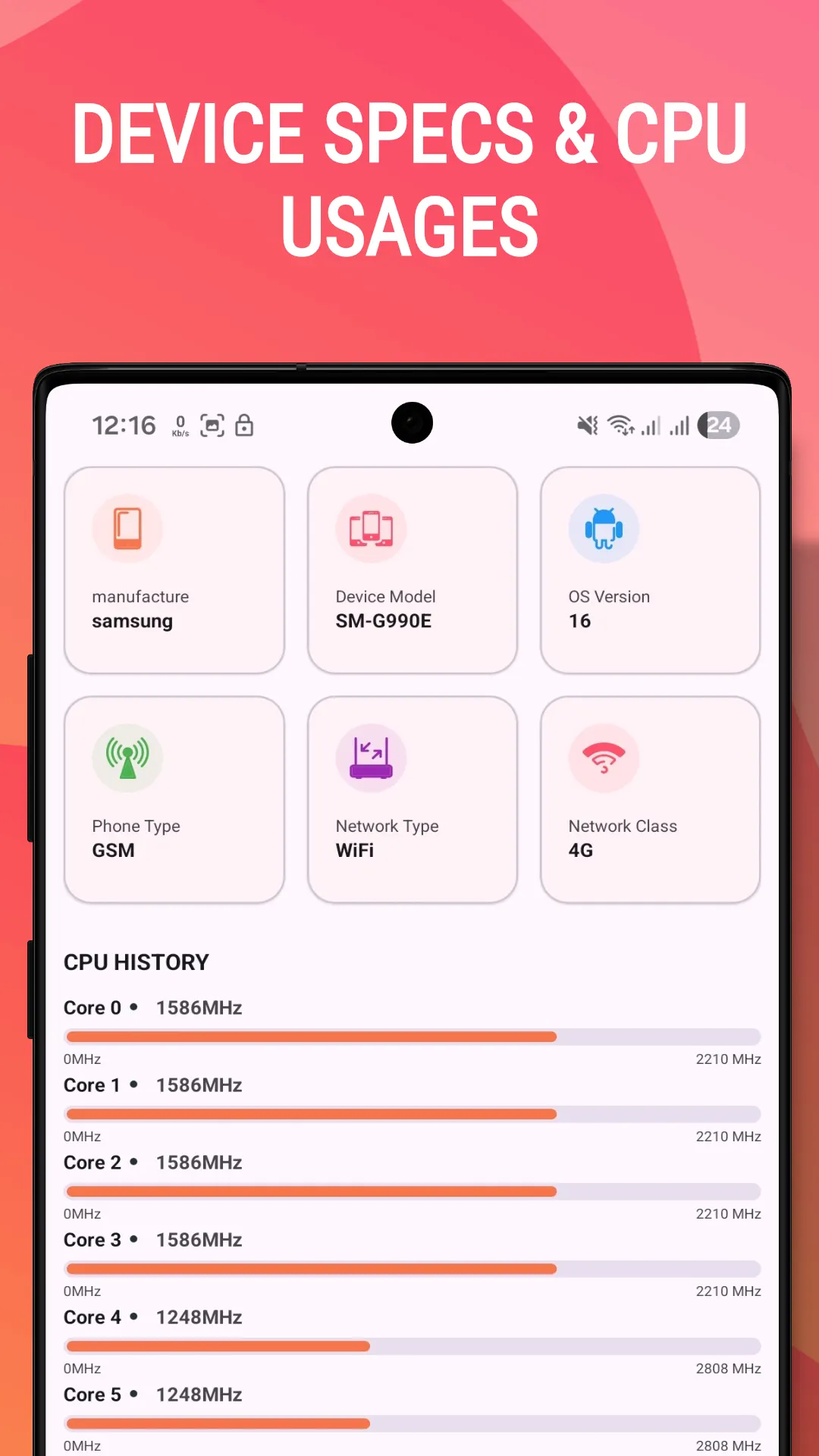
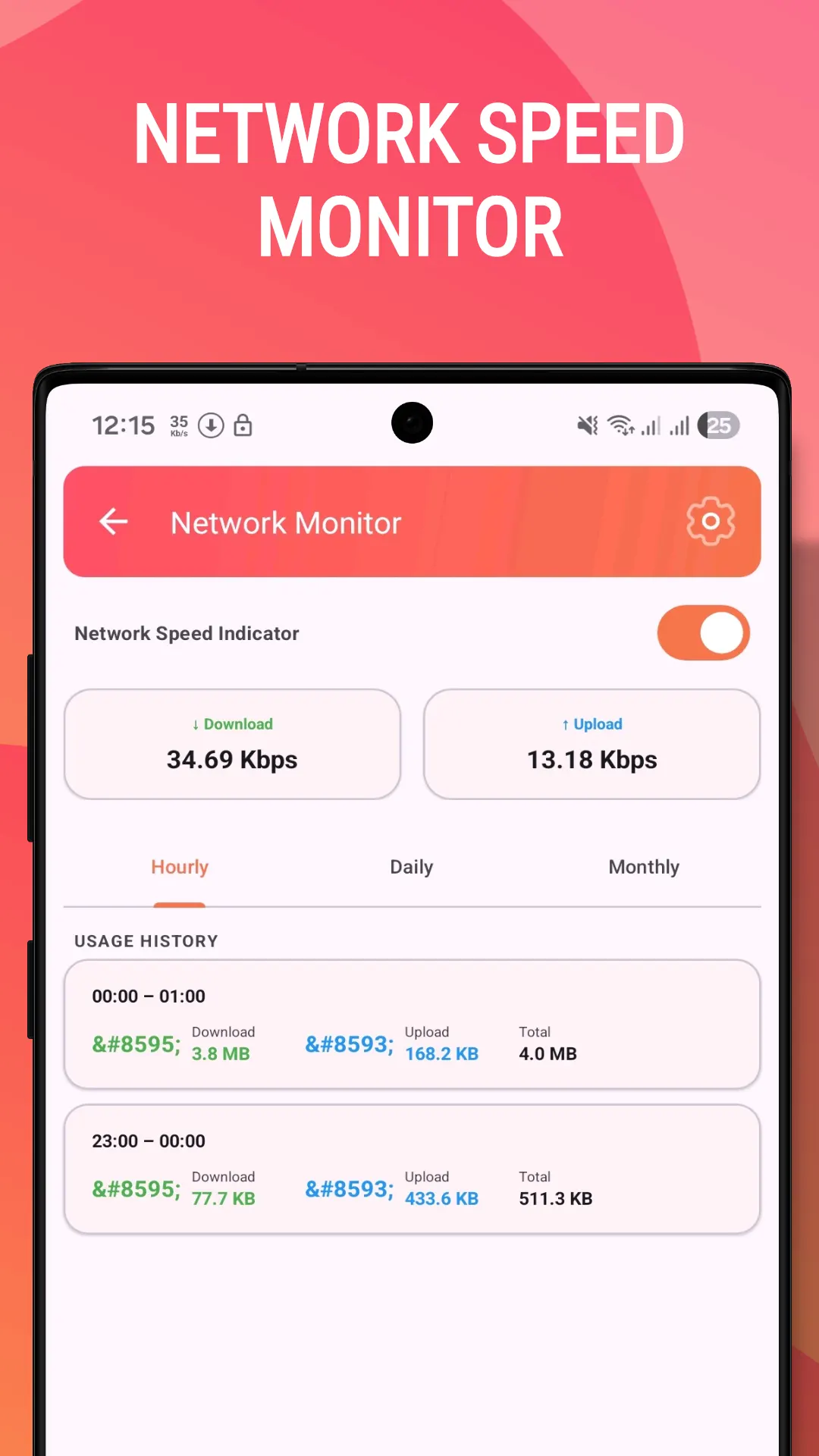
Yes. The network monitor shows your live upload and download speed in the status bar, keeps hourly, daily and monthly usage history, and can display bits/s or bytes/s with several icon styles.
EAB/Presence (RCS chat, read receipts, etc.) is not a feature of this app. You may see an "EAB/Presence provisioned" toggle inside the same Samsung/Phone hidden settings screen that this app opens for network mode selection — that toggle is controlled by your carrier and device, not by this app, so we can't enable or fix it for you. Please contact your carrier for RCS/Presence support.
The privacy policy for Force 5G/LTE & Network Monitor sets out what is collected and what is not. It is linked in the paperwork at the foot of this page.
Use the form beside these questions, or write to us from the contact page. Tell us which device you are on and what you were doing, and we can usually work it out from there.
Send us a message and we will get back to you. We read every one.
Keep exploring
Change network mode: 5G only (NR only), 4G LTE only, 3G, or 2G