The story of
HD Video Downloader
by NewAgeDevs
See it in action
Downloads
50,000+
and counting, on Google Play
What people think
4.65
from 921 ratings
Mobile · Downloaders
Save videos, short clips and photos in HD, up to 4K, and watch them offline.
A simple, fast video saver for Android. Paste a link or tap the download button in the built-in browser, pick a quality from HD up to 4K, and watch what you saved anytime, even offline.
50,000+
Downloads
921
Ratings
4.65
Out of 5
Highlights
How it works
In the app where you found the video, tap Share, then Copy link. Or share it straight to HD Video Downloader.
Open HD Video Downloader. On the Search tab, Paste Link drops the link in and looks it up at once, so there is no need to tap Download.
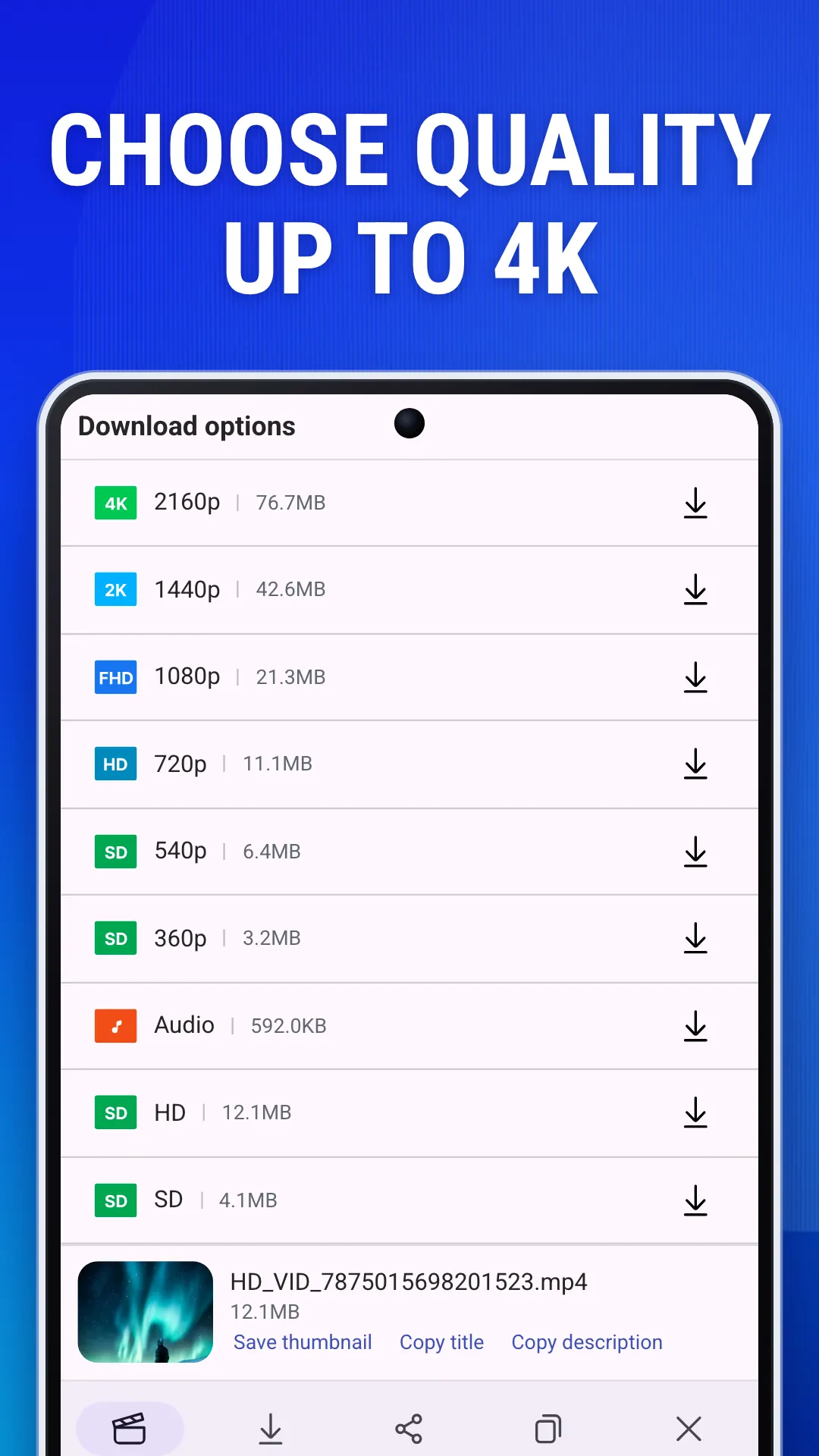
Pick the quality you want from the list, each with its size. What is there depends on the original video; 2K and 4K come with Premium or a short ad.
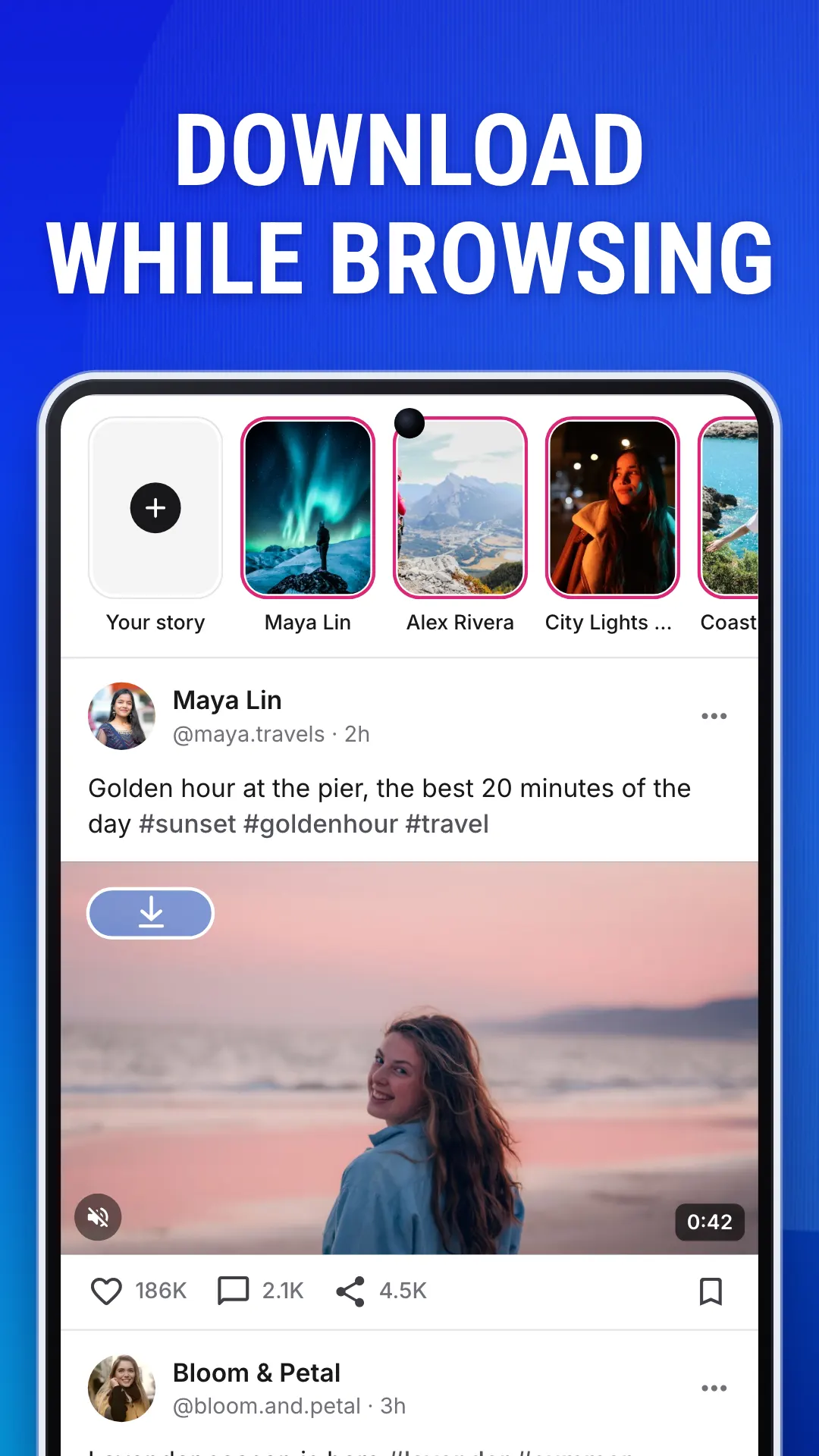
Open the Browser tab and tap the download button on a video or photo.
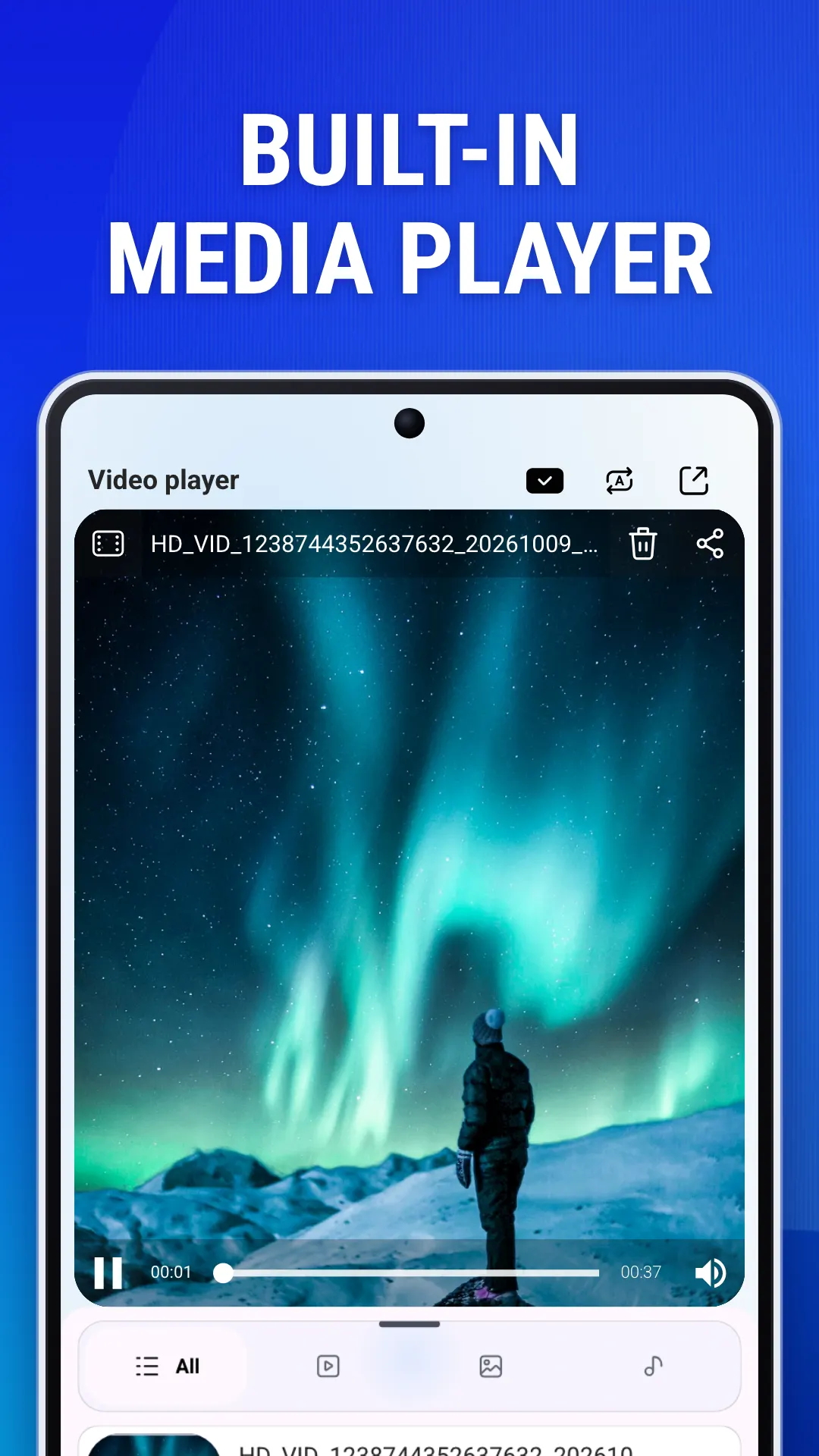
Downloads continue in the background and can be paused and resumed. Play finished videos in the built-in player in the Gallery tab.
About
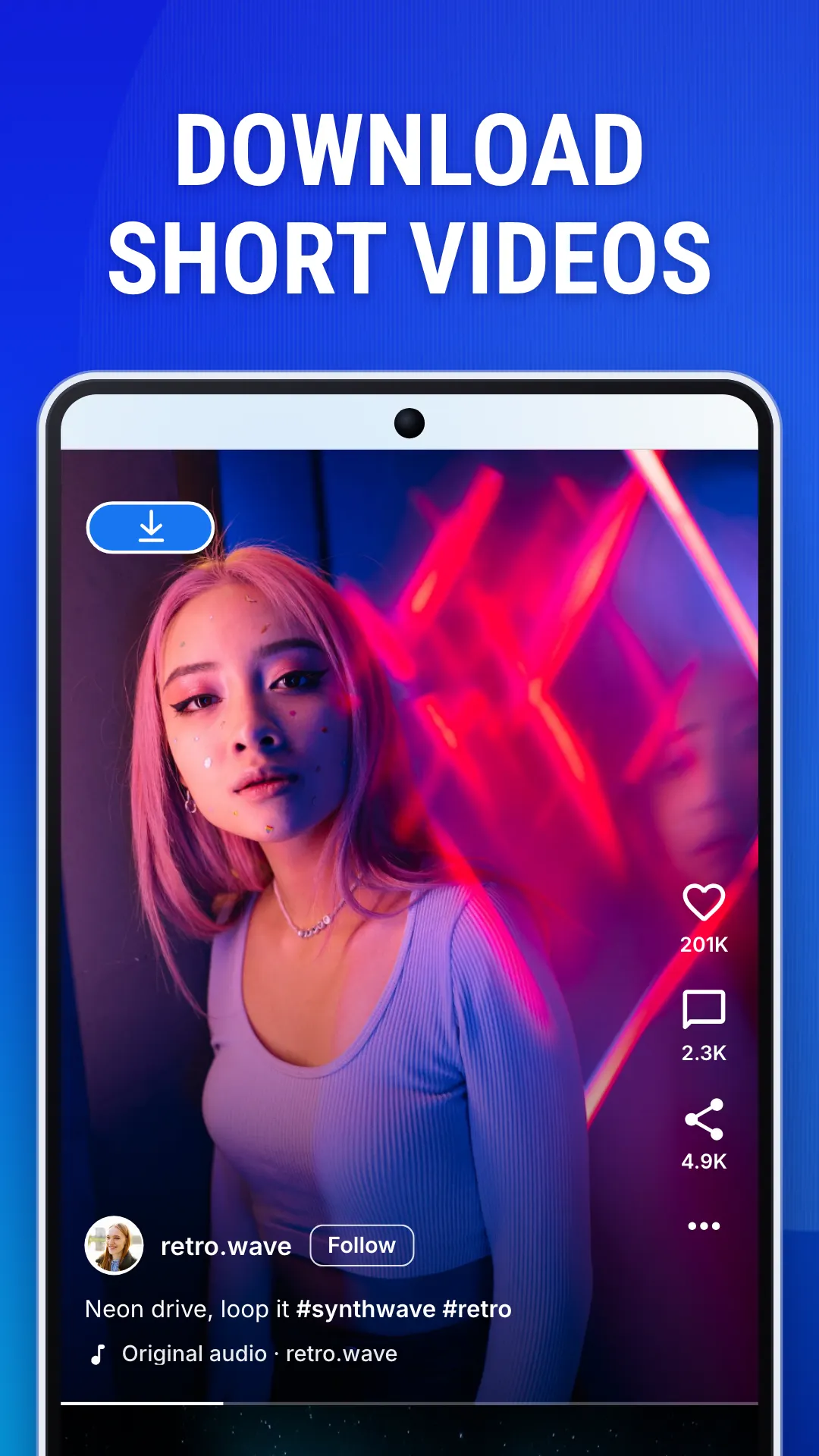
HD Video Downloader is a simple, fast video saver for Android. Save the videos, short clips and photos you want to keep in HD, and watch them anytime, even offline. It has a built-in browser, smart link detection and a floating download button that works over other apps.
Each quality has a badge (4K, 2K, FHD, HD or SD) and its file size, up to 4K where the original allows, and the Audio row saves the sound alone. The app downloads a 1080p video’s picture and sound and merges them into one file, and can save a video’s thumbnail or copy its title and caption.
A floating button over your other apps: copy a link anywhere, tap it, choose a quality, and carry on with what you were doing.
HD Video Downloader is free, with ads. Premium, monthly, yearly or lifetime, removes the ads and unlocks 2K and 4K and Easy Downloader. Free users can unlock 2K, 4K or Easy Downloader by watching a short ad.
It is available in 19 languages, with light and dark themes.
Only save content you own or have permission to save. HD Video Downloader is an independent app. It is not affiliated with, endorsed by or sponsored by any social network or video platform, and all trademarks belong to their owners.
In brief
The story of
HD Video Downloader
by NewAgeDevs
See it in action
Downloads
50,000+
and counting, on Google Play
What people think
4.65
from 921 ratings
Built from this product's own figures — it changes when they do.
Screenshots
Reviews
“Nice app, very simple and easy to use. It gives options to choose from, which makes it very great.”

Ademola Martins O.
Verified Google Play user
“Best among all: low ads, fastest, absolutely the best.”

Owusu Jacob
Verified Google Play user
“Downloading car videos is very fast and easy.”

Deo Brata Dutta
Verified Google Play user
“I am really enjoying this app. You too can try it.”

Magnus Obidialo
Verified Google Play user
“Nice app, good video download app. Super experience and good quality video downloads.”
Pramod Chavan
Verified Google Play user
Details
HD Video Downloader is an independent app made by NewAgeDevs. It is not affiliated with, endorsed by or sponsored by any of the platforms it saves media from, and their names and trademarks belong to their owners. Please save only content you own or have permission to download.
FAQ
Yes, when the original video is 4K. The quality list shows every version the video comes in, with a badge (4K, 2K, FHD, HD or SD) and its size. 2K and 4K come with Premium, or free users can unlock them by watching a short ad.
Copy the post’s link and tap Paste Link on the Search tab, or share the link straight to the app. Or open the Browser tab and tap the download button on the video. Then pick a quality.
A floating download button that stays on top of other apps. Copy a video’s link anywhere, tap the button, and pick a quality without leaving the app you are in. It comes with Premium; free users can unlock it for an hour by watching an ad.
Yes. The quality list has an Audio row that saves the sound on its own, and Extract audio in the Gallery turns a video you have already saved into an MP3.
Yes. The Downloads screen shows each download’s progress, speed and time left, and lets you pause and resume it. Downloads keep going in the background, and a notification shows when each one finishes.
Yes. It is free with ads, and free users get ten advanced searches a day, which find the extra qualities. Premium, monthly, yearly or lifetime, removes the ads and unlocks 2K and 4K and Easy Downloader.
In your phone’s Download folder, under HdVideoDownload, and in the app’s Gallery tab, where you can play, rename, share or delete them.
No. The app does not add anything to the videos you save.
Not for public videos. Some posts can only be saved after you sign in to the site in the app’s built-in browser.
Please only save videos you own or have permission to save, and respect the rights of creators and each platform’s terms of use. Re-uploading or sharing other people’s content without their permission is not allowed. HD Video Downloader is not affiliated with, endorsed by or sponsored by any social network or video platform.
Use the form beside these questions, or write to us from the contact page. Tell us which device you are on and what you were doing, and we can usually work it out from there.
Send us a message and we will get back to you. We read every one.
Keep exploring
Save videos, short clips and photos in HD, up to 4K, and watch them offline.