We have shipped three video downloaders, and each one does one platform well. Fb Video Downloader does Facebook. InSaver does Instagram and some of Threads. Threads Video Downloader does Threads and some of Instagram. People who use more than one platform — which is almost everybody — ended up with two or three of our apps installed, three galleries, and three sets of ads.
Media Saver is the one that does all of their jobs. This is what it does, how it does it, and where it is honestly better or worse than the apps it replaces.
What it supports
| Platform | What you can save |
|---|---|
| Reels, posts, carousels, photos, stories and highlights | |
| Videos, reels, stories and photos | |
| TikTok | Videos, watermark-free where available |
| X (Twitter) | Videos and GIFs |
| Threads | Videos and images, including mixed carousels |
| Pins, photos and video pins | |
| Vimeo | Videos, including unlisted and player links |
| IMDb | Trailers and clips |
| Any other site | Whatever the page plays, through the in-app browser — including HLS (.m3u8) and DASH streams |
Instagram and Facebook are the two supported in full, because they are the two most people actually save from. The last row is the one that makes it different from every single-platform downloader, and it gets its own section below.
How it compares with our other downloaders
A straight comparison of what each app covers and where it does its work. These are our own apps — the point is to help you pick the right one, not to win an argument.
| Fb Video Downloader | InSaver | Threads Video Downloader | Media Saver | |
|---|---|---|---|---|
| Full | — | — | Full | |
| — | Full | Partial | Full | |
| Threads | — | Partial | Full | Full |
| TikTok, X, Pinterest, Vimeo, IMDb | — | — | — | Yes |
| Any site, via the browser | — | — | — | Yes |
| Where extraction runs | Our server, for speed and quality | On your phone | On your phone | On your phone |
| Installs | 1.2M+ | 10,000+ | 10,000+ | 1,000+ (newest) |
Fb Video Downloader is the odd one out on extraction, and deliberately so. It sends the link to our own server, which resolves Facebook's higher-quality streams faster than a phone can — usually in 2–3 seconds, occasionally up to about 9. Media Saver does the same work on the phone instead. That trades a little speed on the hardest Facebook links for never sending your link to us at all.
If Facebook is the only thing you ever save from, Fb Video Downloader is still a perfectly good choice, and it has a million-plus installs of track record. If you use two platforms or more, Media Saver replaces the lot.
How a link becomes a file
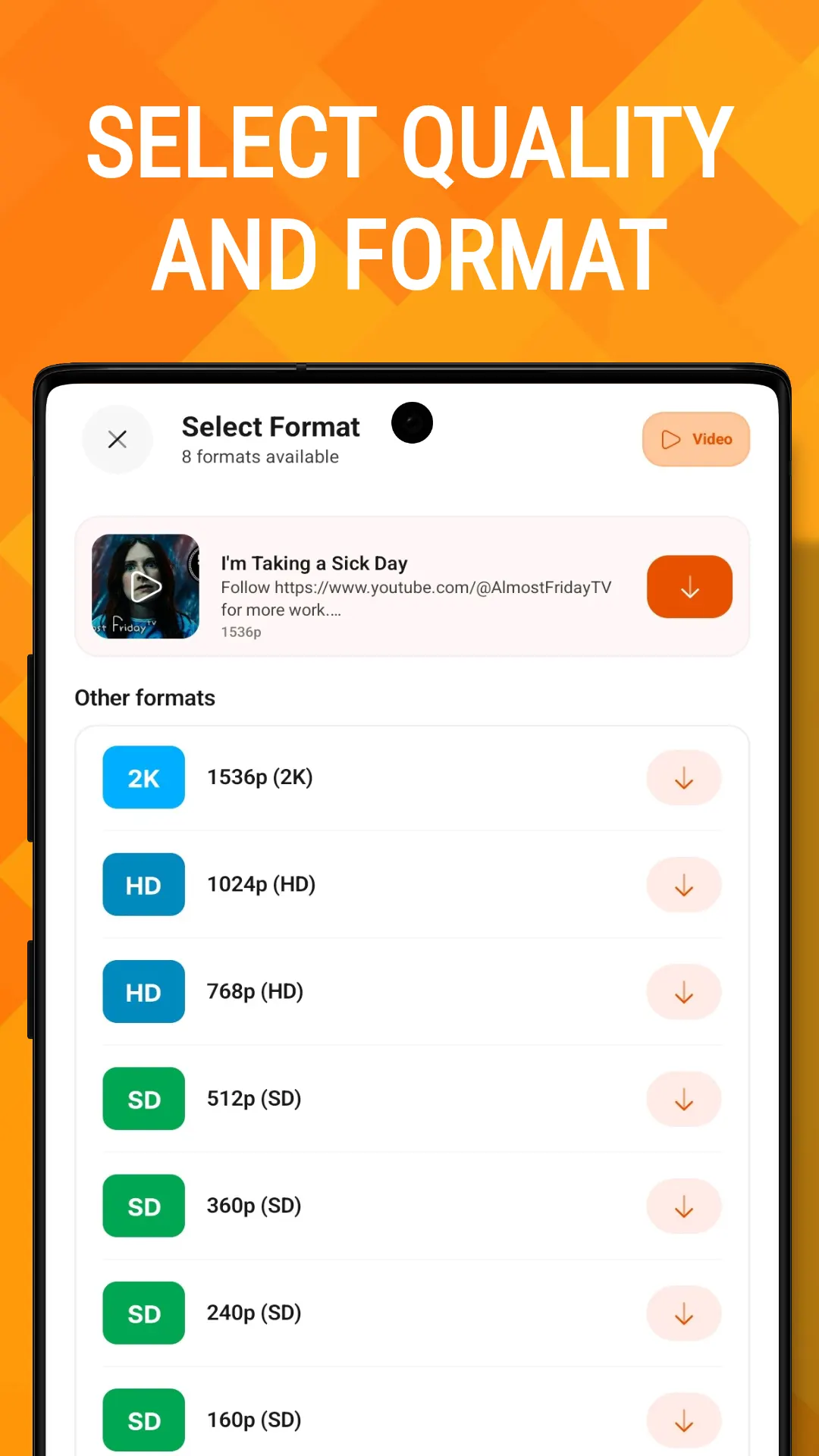
Every platform has its own extractor, and every extractor is a chain of strategies — ways of getting at the media, tried in order until one works. Platforms change their pages constantly, so no single method stays reliable; a chain means that when one breaks, the next one usually still works and the download does not fail.
flowchart TD
  L["A link: pasted, shared<br/>or caught from the clipboard"] --> C["Clean the URL<br/>strip tracking, fix link forms"]
  C --> R{"Extractor registry<br/>which platform?"}
  R -->|"Threads"| T["Threads extractor"]
  R -->|"Instagram"| I["Instagram extractor"]
  R -->|"Facebook"| F["Facebook extractor"]
  R -->|"TikTok, X, Pinterest,<br/>Vimeo, IMDb"| O["Their own extractors"]
  I --> S1["Strategy 1: the page itself"]
  S1 -->|"fails"| S2["Strategy 2: the platform's<br/>own GraphQL API"]
  S2 --> Q["Every available format:<br/>resolutions, audio, video-only"]
  F --> Q
  T --> Q
  O --> Q
  Q --> D["You pick a quality"]
  D --> E["Download engine"]
Facebook's chain has four steps — the mobile page's metadata, then the desktop page's embedded data, then Facebook's own internal endpoint, then a last-resort fallback — because Facebook is the platform that changes most often and breaks single-method downloaders most often.
The architecture is the result of a full rebuild. The old app routed everything through one universal extractor; the new one has a separate, testable extractor per platform, and 334 unit tests covering URL matching, parsing and the strategy chains. Twelve separate screens-as-Activities collapsed into one navigation graph along the way. It is 339 Kotlin files and roughly 54,000 lines, which is a lot for a downloader and about right for eight platforms that all fight back.
Instagram and Facebook, in full
"Supports Instagram" means very different things in different apps. Here, specifically:
| How | |
|---|---|
| Reels and posts | From the post page, falling back to Instagram's own GraphQL API |
| Carousels | Every photo and video in the post, chosen individually or all at once |
| Stories and highlights | Through the in-app browser, signed in to your own Instagram account |
| Profiles | A creator's timeline, loaded over GraphQL |
| Awkward links | /reels/<code>, /<user>/reel/<code> and share links are all rewritten to the real post first |
That last row is a real bug we fixed. A reel copied as instagram.com/reels/… — plural — used to come back empty, because the plural path is Instagram's Reels feed, not a post. Links are now normalised to the single-post permalink before anything is fetched.
Facebook's higher resolutions are delivered as DASH: video and audio as separate streams. A downloader that only grabs the video gives you a silent file. Media Saver reads Facebook's DASH manifest, downloads both tracks and joins them — which is the next section.
Stories on both platforms are private to logged-in users, so they need you to sign in once inside the app's browser. The session stays in the phone's own WebView storage. The app does not read or keep your password, and the session is only ever sent back to the platform it belongs to.
Browse to download
Pasting links works. But the fastest way to save something is to not copy anything at all.
Media Saver has its own browser. Every resource a web page loads passes through it — including the video the page's player is about to play. So the app does not need to understand a site to save from it; the page tells the app where its media is, simply by fetching it.
flowchart LR
  P["Page loads in the<br/>in-app browser"] --> W["Every request passes<br/>through the browser"]
  W --> K{"What is it?"}
  K -->|".mp4 .webm .mkv<br/>.mp3 .m4a"| V["A complete file:<br/>offered as-is"]
  K -->|".m3u8 / .mpd"| M["A stream manifest:<br/>offered as one video"]
  K -->|".m4s"| A["A DASH track:<br/>paired and muxed"]
  K -->|".ts segments"| X["Ignored: two seconds<br/>of video each"]
  V --> B["Download button<br/>on the page"]
  M --> B
  A --> B
.ts rule matters: an HLS video fetches hundreds of segments, and offering them would bury the one playlist that is actually worth saving.That is why "any other site" is honestly in the support list. The eight platform extractors still give better titles, thumbnails and audio/video pairing on the sites they know; the browser covers everything else. On Instagram and Facebook it also puts a download button straight onto each post as you scroll — no copying, no switching apps, which is where the speed actually comes from.
The advanced downloader
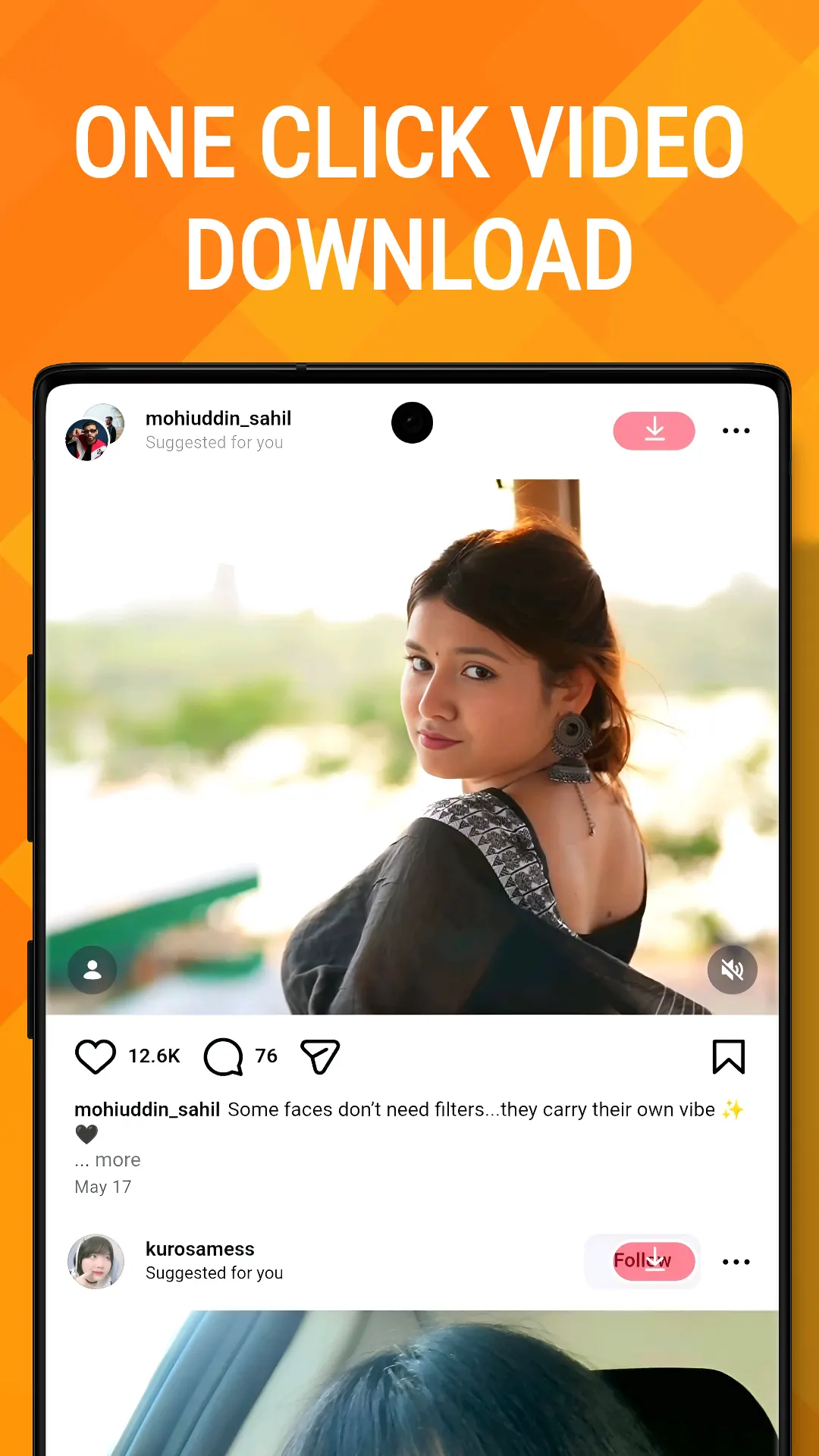
Finding the video is half the job. Getting it onto the phone quickly and intact is the other half, and it is where most downloaders are simplest.
Parallel connections
A large file is split into ranges and fetched over several connections at once. How many depends on the file:
xychart-beta
  title "Connections used, by file size"
  x-axis ["Under 3 MB", "3 to 15 MB", "Over 15 MB"]
  y-axis "Connections" 0 --> 5
  bar [1, 2, 4]
Small files are not split — below about half a megabyte per piece, the extra connections cost more to set up than they save. Each download also has a speed chip, so you can force 1× or 4× by hand, and a per-download choice always beats the automatic one. Fast Download is on by default and free.
Resume, not restart
Pause a download, lose signal, or have Android stop the app, and it picks up where it left off. Parallel downloads resume per piece; single-connection downloads continue with an HTTP range request. If a server refuses ranges, the download falls back to fetching the whole file rather than failing — a stubborn server costs you data, never the download.
HLS, DASH and the mux
Streaming video is increasingly not one file. HLS (.m3u8) is a playlist of small segments; DASH delivers video and audio as separate tracks. Media Saver handles both, and when it ends up with video and audio in separate pieces it joins them on the phone with FFmpeg:
flowchart LR
  V["Download video track<br/>0–45%"] --> A["Download audio track<br/>45–55%"]
  A --> M["Mux with FFmpeg<br/>55–100%<br/>stream copy, no re-encode"]
  M --> G["One MP4 in your gallery"]
That is how a Facebook video comes out at its highest resolution with sound, and how a Threads video no longer saves silently — a bug where Threads' audio tracks were mislabelled as ordinary videos, and one of the silent ones became the default download.
Quality: what is free, and what is not
Everything up to 1080p is free. That includes vertical video: a reel is 1080×1920, and the app judges quality by the shorter side, so a vertical 1080p reel counts as 1080p rather than being mistaken for 2K and put behind the paywall.
2K and 4K need Premium — or you can watch one short ad and unlock them for 30 minutes. The resolution you get is whatever the platform actually has; no app can add pixels that were not uploaded.
Privacy: where your link actually goes
"Private" is an easy word to put on a downloader's store page. Here is exactly what leaves the phone:
| What | Where it goes |
|---|---|
| The link you download | Straight to the platform it came from. Not to us — Media Saver has no extraction server |
| The file you download | From the platform's own servers to your phone. It never passes through ours |
| Your downloads, history and settings | On the phone only |
| Instagram and Facebook sign-in | In the phone's own browser storage, sent only to that platform. Never to us |
| Account with us | There isn't one |
Three exceptions, stated plainly because a privacy section that leaves them out is not worth reading:
- TikTok without a watermark goes through
tikwm.com, a public third-party service that returns the clean, HD version. That service receives the TikTok link. If it fails, the app falls back to reading TikTok's own page directly. - X (Twitter) tries X's own endpoints first, and only as a last resort asks
vxtwitter.com, another public service, which then receives the post link. - Ads. The free version shows ads through AppLovin MAX, and the ad networks collect an advertising ID and usage data to serve them. Premium removes the ads.
The Trending tab reads a public list of videos from our database; nothing is ever written back from your phone. Trending notifications arrive through one shared topic that everybody subscribes to, not through anything tied to you.
Fewer ads, on purpose
Downloaders have a reputation for burying the download button under ads. Media Saver's rules are written down in one place, and every one of them has to pass before an ad can show:
| Ad | When it can appear | Limits |
|---|---|---|
| Full-screen, between actions | Only when a download starts | Not in your first 45 seconds · at least 90 seconds apart · only on every 4th download |
| On returning to the app | Only when you come back from another app | Never on first launch · at most once every 45 minutes |
| Rewarded | Only if you choose to watch one | Unlocks 2K+ for 30 minutes |
| Premium | No ads of any kind | |
That is deliberately lighter than the downloaders we shipped before. You never see two full-screen ads back to back, and three out of every four downloads start with no ad at all.
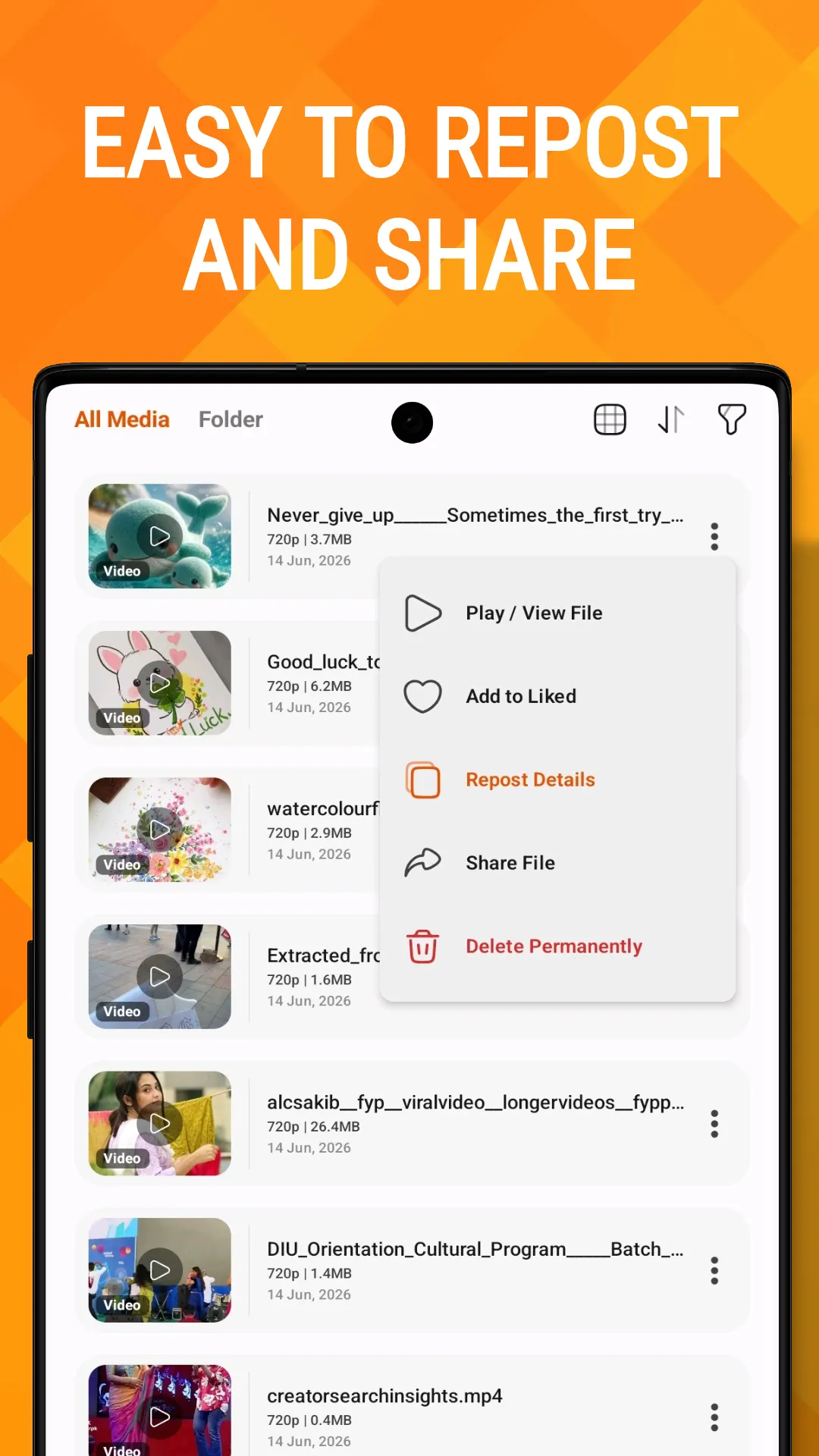
Please download responsibly
Media Saver is for saving things you made, or have permission to keep. Respect the people who created the content and each platform's terms. Media Saver is not affiliated with, endorsed by or sponsored by Instagram, Facebook, TikTok, X, Threads, Pinterest, Vimeo, IMDb or any other platform; their names are used only to say which links work.
Links
- Media Saver on Google Play — every platform in one app.
- Fb Video Downloader — if Facebook is all you need.
- InSaver — Instagram, with some Threads.
- Threads Video Downloader — Threads, with some Instagram.
- The Media Saver product page — screenshots and the full feature list.