
Mobile · Downloaders
Fb Video Downloader
Download Images, Videos (Reels & Stories) Easily with Fb Video Downloader
Download Facebook videos, Reels and Stories in HD, Full HD, 2K and 4K. Paste a link, or tap the download button on any video while you browse, and watch offline in the built-in player.
Get it on Google Play
Fb Video Downloader isn't available on Google Play in your country. The button above opens HD Video Downloader instead, the global version of the same app.
1.2M+
Downloads
23.1k
Ratings
4.5
Out of 5
Highlights
What Fb Video Downloader does
A download button on every video and photo you browse
Stories from the people you follow, in batches with Pro
Easy Downloader: a floating button over any app
Just the sound, or a saved video’s audio as an MP3
Trending videos to watch, save and keep
A gallery with a built-in player
Available in 19 languages
How it works
How to download Facebook videos in HD and 4K
-
Copy the video’s link
In Facebook, open the video or Reel, tap Share and choose Copy link.
-
Tap Paste Link
Open Fb Video Downloader. On the Search tab, Paste Link drops the link in and looks the video up at once. With Auto Download on, the app does it as soon as you come back.
-
Pick a quality
The list shows every version the video comes in, with its size: 4K, 2K, FHD, HD or SD, or the sound on its own. 2K and 4K come with Pro.
-
Or download while you browse
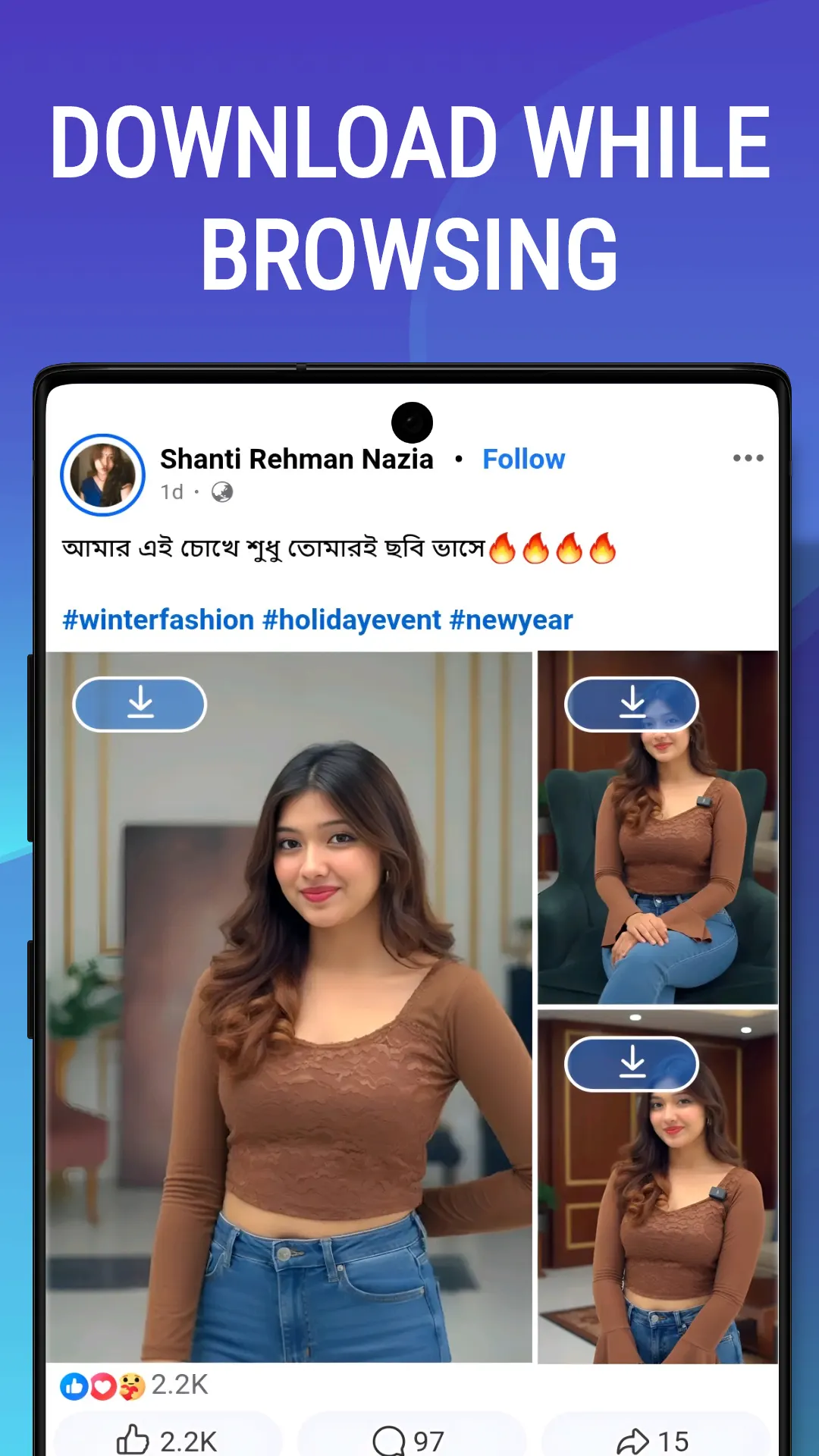
Sign in to Facebook once in the Browser tab, and every video and photo gets a download button: in your feed, in Watch, in Reels and in the comments.
-
Watch it offline
Downloads run in the background, and you can pause and resume them. Finished videos play in the Gallery tab’s built-in player.
About
What is Fb Video Downloader?
Fb Video Downloader is a free Facebook video downloader for Android. Download Facebook videos, Reels, Stories and Watch videos in HD, Full HD, 2K or 4K, depending on the original: paste a link and pick a quality, or sign in once in the built-in browser and tap the download button on any video or photo. More than a million people have installed it.
Two ways to download
- Paste a link. In Facebook, tap Share, then Copy link. In the app, Paste Link drops it in and looks it up at once. Turn on Auto Download and it does that by itself when you come back.
- Download while you browse. In the Browser tab, every video and photo carries a blue download button: in your feed, in Watch, in Reels and in the comments.
Every quality, up to 4K
The quality list shows each version a video comes in, with a badge (4K, 2K, FHD, HD or SD) and its file size, and an Audio row for the sound on its own. Save the video’s thumbnail, or copy its title and caption. A 1080p download comes in two parts, the picture and the sound, and the app merges them into one file.
Facebook stories
Sign in once and the stories from the people you follow load on the Search tab. Tick the ones you want, or pick a quality for one. With Pro, select up to 15 people and download all of their stories in the background.
Easy Downloader
A floating button that stays on top of your other apps. Copy a link anywhere, tap the button, pick a quality, and the download starts without leaving the app you are in.
Trending, gallery and downloads
- Trending: popular videos to watch full screen and save, with favourites and a watch history.
- Gallery: a built-in player with repeat and full screen, rename, delete and filter by videos, photos or audio, extract a video’s sound as an MP3, and share.
- Downloads: progress, speed and time left, pause and resume, and a notification with a picture when each one finishes.
Pro
Fb Video Downloader is free, with ads. Pro, monthly, yearly or a one-time lifetime purchase, removes the ads and unlocks 2K and 4K, Easy Downloader and batch story downloads.
Video tutorials
There is a short video for each part of the app, from signing in to Pro, on the tutorial page, with every step written out.
Where it is available
Fb Video Downloader is not offered on Google Play in the United States or the European Union. There, install HD Video Downloader, the same app under another name. It is available in 19 languages, with light and dark themes.
Only download videos you own or have permission to save, and respect Facebook’s terms. Fb Video Downloader is not affiliated with, endorsed by or authorised by Facebook or Meta.

Screenshots
Fb Video Downloader in action
Reviews
What people say about Fb Video Downloader
“Anything more than best should be given to this app! I love it — straightforward and prompt, unlike other video downloaders.”

Richard Remigius
Verified Google Play user
“This app has carried the job of other apps. Since I got it, it never misbehaves when I download anything — keep improving it to remain the best among all I know.”

Obuna Ndigben
Verified Google Play user
“It is really awesome. Unlike other FB downloader apps, it's not disturbing or irritating with ads. Giving 5 out of 5.”

Kayyaruvath Sohanlal
Verified Google Play user
“One of the best apps for FB download. I really love this app.”

Ravi T
Verified Google Play user
“Good one — easy to download. Nice app.”

Jagadish Kumar
Verified Google Play user
“Such a superb app for social video downloading. I like this application so much — five stars to the whole team!”

Dr. Gokul Chand Saini
Verified Google Play user
Details
Fb Video Downloader at a glance
- Developer
- NewAgeDevs
- Category
- Downloaders
- Works on
- Android
- Price
- Free to download
- Downloads
- 1.2M+
- Rating
- 4.5 out of 5 · 23.1k ratings
- Available on
- Google Play
- Package name
- com.newagedevs.facebook_video_downloader
Fb Video Downloader is an independent app made by NewAgeDevs. It is not affiliated with, endorsed by or sponsored by any of the platforms it saves media from, and their names and trademarks belong to their owners. Please save only content you own or have permission to download.
FAQ
Questions about Fb Video Downloader
Can Fb Video Downloader download Facebook videos in 4K?
Yes, when the original video is 4K. The quality list shows every version the video comes in, with a badge (4K, 2K, FHD, HD or SD) and its size. 2K and 4K come with Pro.
Can I download Facebook Reels, Stories and Watch videos?
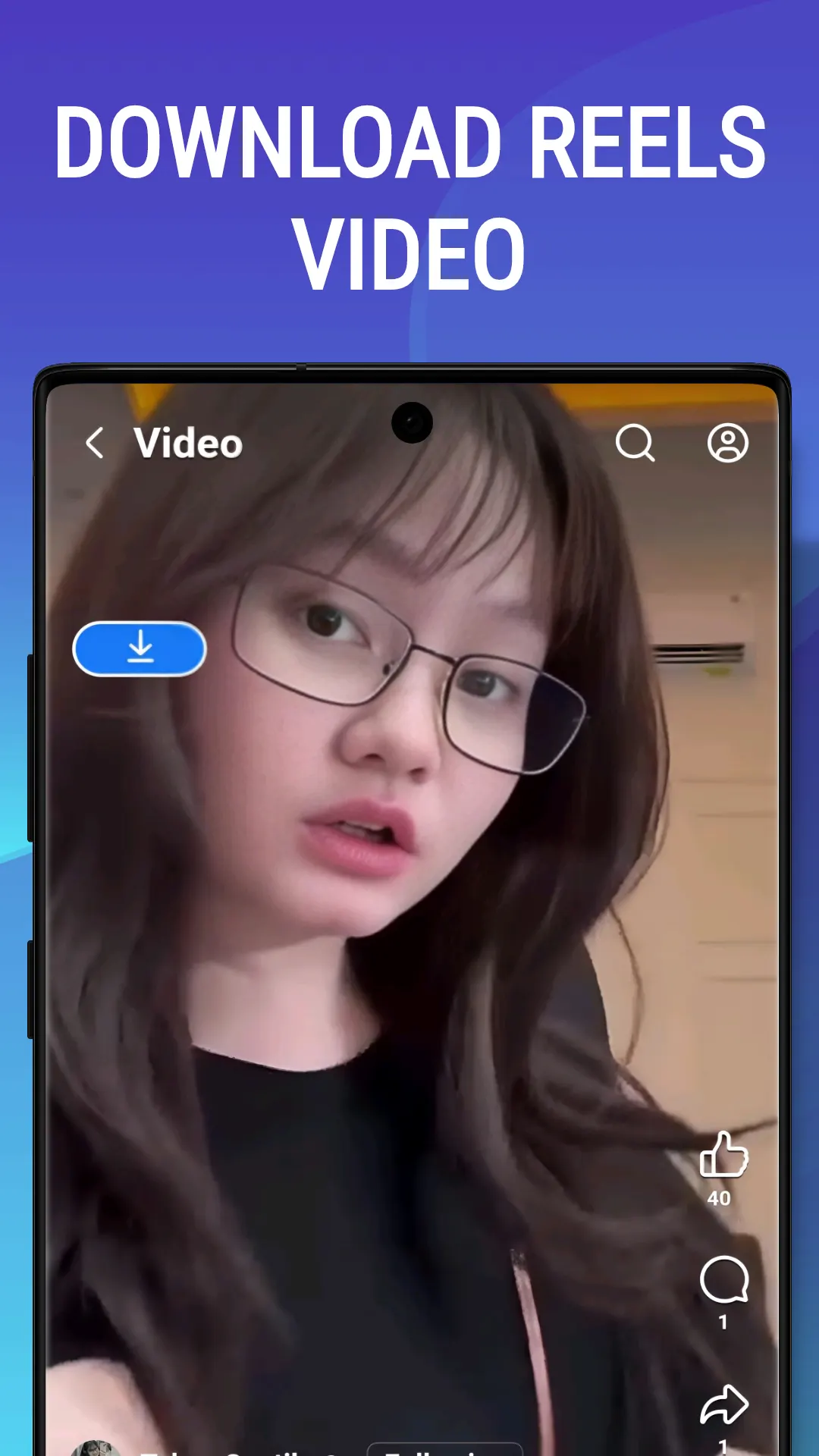
Yes. Reels, Watch videos and videos in posts and comments download from a link or from the download button Fb Video Downloader puts on every video in its browser. Stories need you signed in once, then load on the Search tab.
Are there video tutorials?
Yes. There are eleven short videos, one for each part of the app, from signing in to Pro. Each runs for about a minute, and the tutorial page has every step written out under its video.
Can I download private Facebook videos?
You can save what your own account is allowed to see. Sign in to Facebook in the app’s Browser tab, find the video, and tap its download button. Public videos need no login at all.
How do I download Facebook stories?
Sign in once in the Browser tab. On the Search tab, tap View All beside Stories, pick a person, tick their stories and tap Download. With Pro you can select up to 15 people at once and download all their stories in the background; on the free plan, 3.
What is Easy Downloader?
A floating download button that stays on top of other apps. Copy a video’s link anywhere, tap the button, and pick a quality without leaving the app you are in. It comes with Pro; free users can unlock it for an hour by watching an ad.
Can I save only the sound?
Yes. The quality list has an Audio row that saves the sound on its own, and Extract audio in the Gallery turns a video you have already saved into an MP3.
Can I pause and resume downloads?
Yes. The Downloads screen shows each download’s progress, speed and time left, and lets you pause and resume it. Downloads keep going in the background, and a notification shows when each one finishes.
Is Fb Video Downloader free?
Yes. It is free with ads, and free users get ten advanced searches a day, which find the extra qualities. Pro, monthly, yearly or lifetime, removes the ads and unlocks 2K and 4K, Easy Downloader and batch story downloads.
Where are my downloads saved?
In your phone’s Download folder, under FbVideoDownload, and in the app’s Gallery tab, where you can play, rename, share or delete them.
Does Fb Video Downloader add a watermark?
No. The app does not add anything to the videos you save.
Why can’t I find Fb Video Downloader on Google Play?
Fb Video Downloader is not offered on Google Play in the United States or the European Union. If you are in one of those countries, install HD Video Downloader, the same app under another name, which is available there.
Do I need a Facebook account?
Not for public videos: paste the link and download it. You only sign in, inside the app’s own browser, for stories and for what only your account can see.
Is it OK to download any Facebook video?
Only download videos you own or have permission to save, and respect the creator’s rights and Facebook’s terms. Fb Video Downloader is an independent app and is not affiliated with, endorsed by or authorised by Facebook or Meta.
Still stuck?
Send us a message and we will get back to you. We read every one.
The story behind Fb Video Downloader
Keep exploring
More downloaders from us


Get Fb Video Downloader
Download Images, Videos (Reels & Stories) Easily with Fb Video Downloader
Get it on Google Play
Fb Video Downloader isn't available on Google Play in your country. The button above opens HD Video Downloader instead, the global version of the same app.