The story of
Shortly: URL & Link Shortener
by NewAgeDevs
See it in action
Downloads
5,000+
and counting, on Google Play
What people think
4.5
from 41 ratings
Mobile · Tools
Shorten and expand URLs, create QR codes, and check links safely
Turn long URLs into clean short links, reveal where any shortened link really goes, and get a QR code for every one. Eight shortening services, no sign-up.
5,000+
Downloads
41
Ratings
4.5
Out of 5
Highlights
How it works
Copy the URL you want to shorten from your browser or any other app.
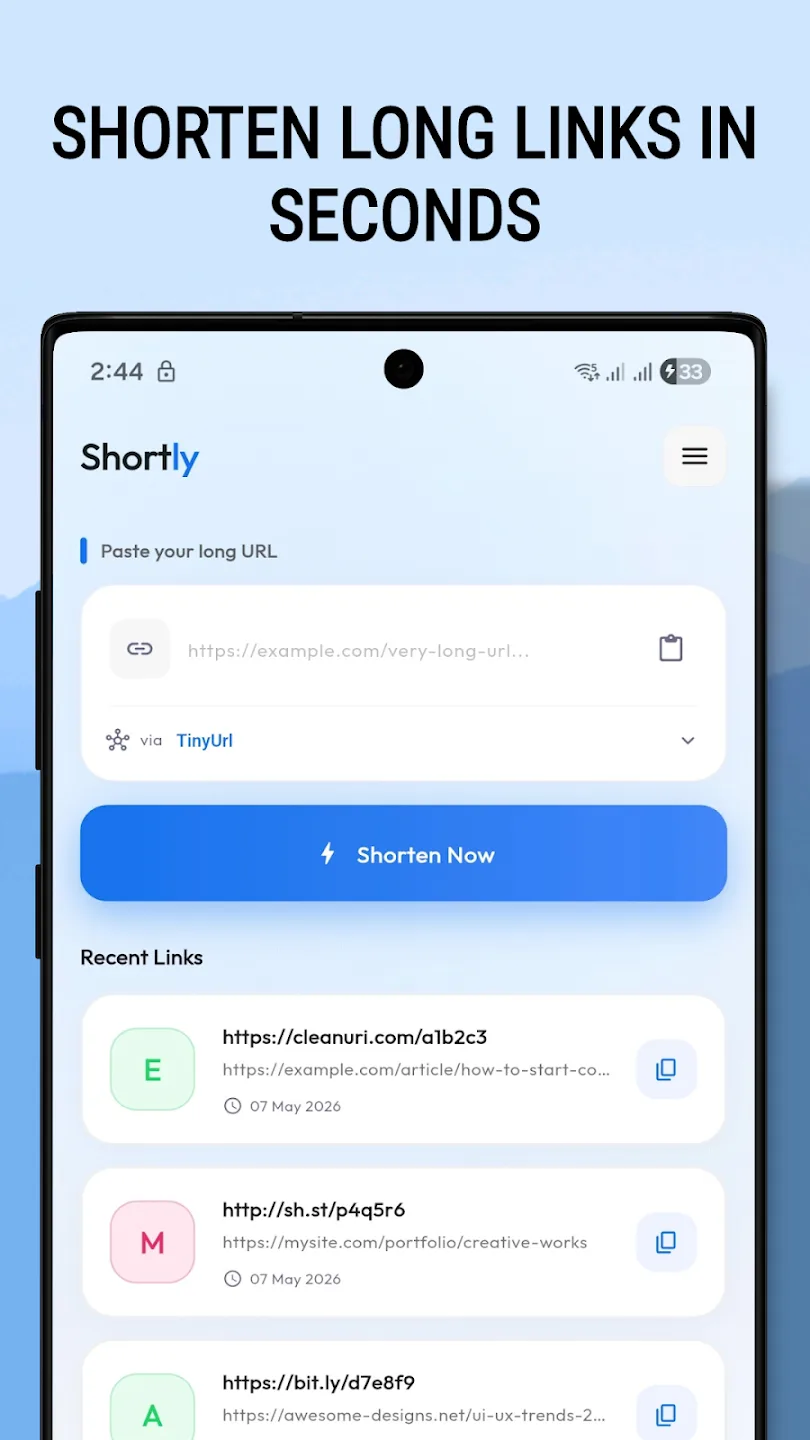
Open Shortly and paste the link into the input field on the Home tab. You don't need an account.
Choose one of the eight services: Da.gd, TinyURL, Cutt.ly, Bit.ly, Is.gd, Clck.ru, CleanURI or Osdb.link.
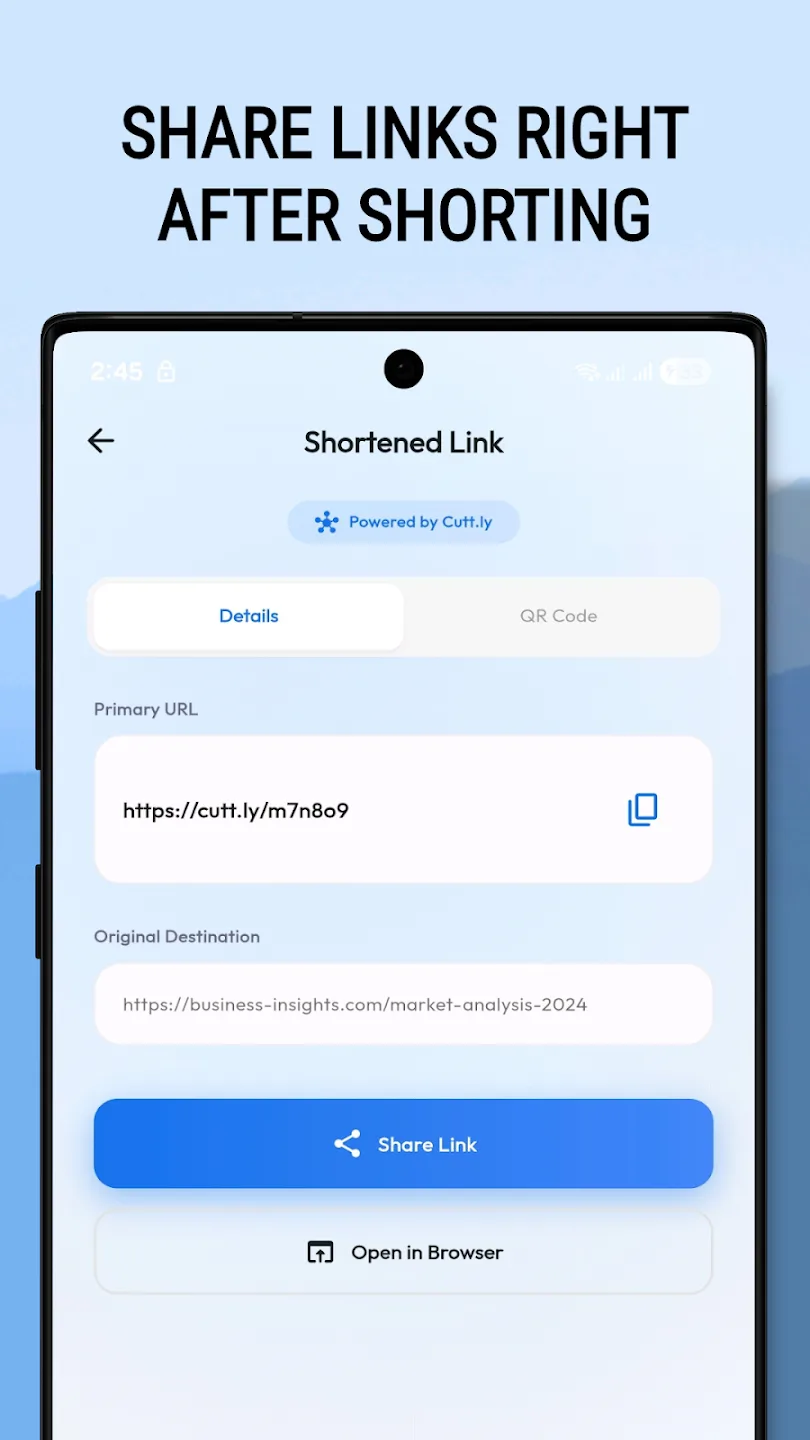
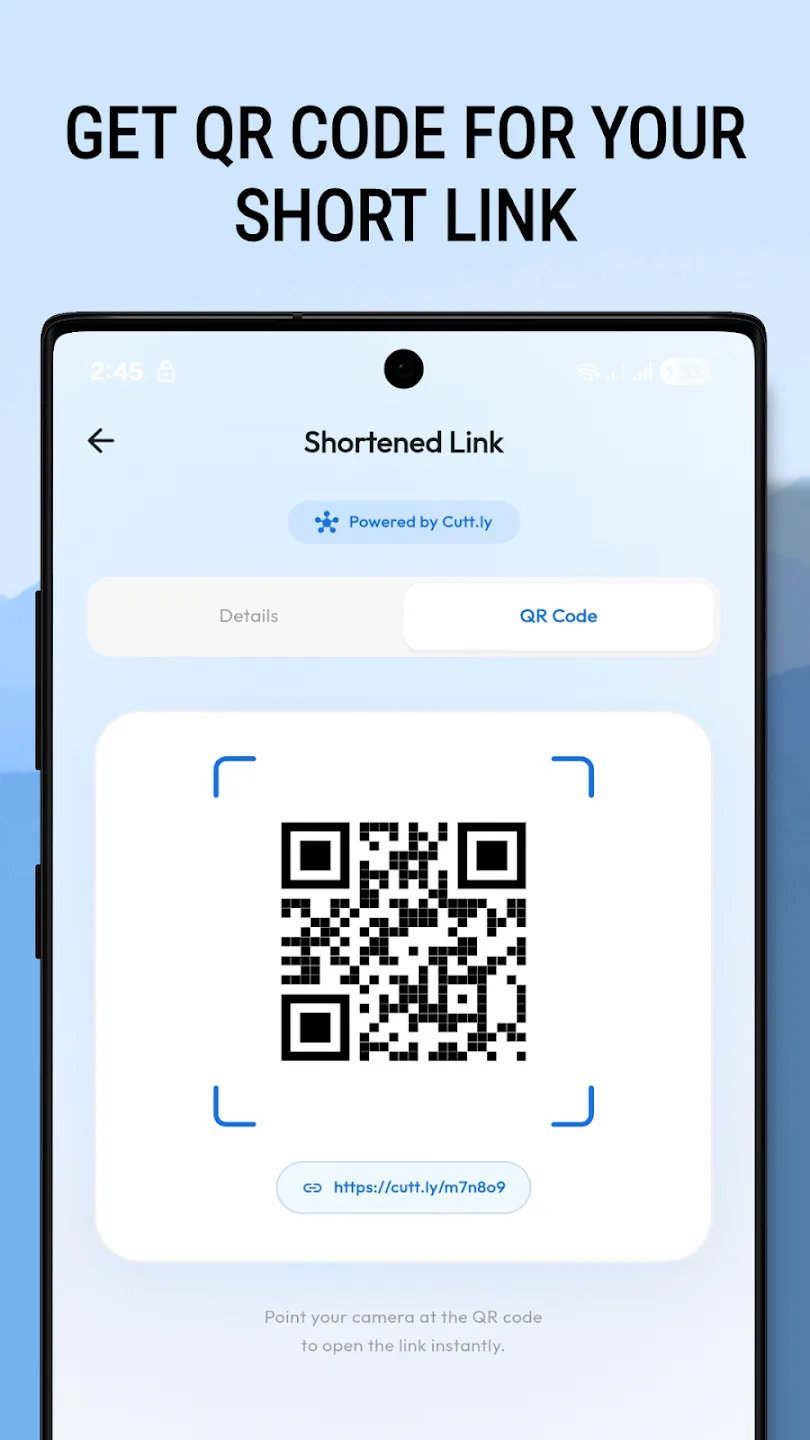
Your short link appears with its own QR code. Copy it, or share it to any app, with one tap.
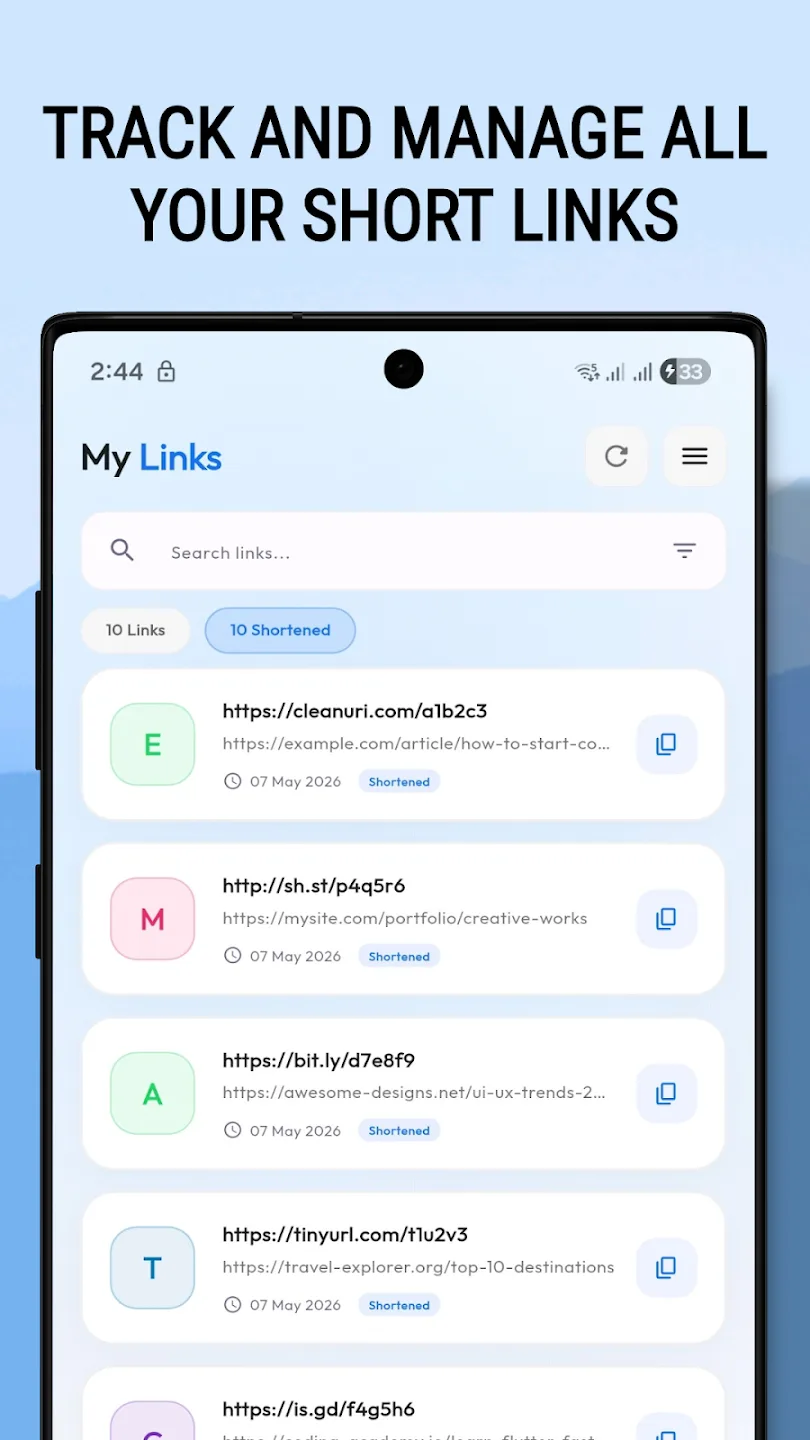
Every link you create is saved in a searchable history, and favourites keep the important ones close at hand.
About
Shortly is a free URL shortener app for Android. Shorten links with eight services including TinyURL and Bit.ly, expand short links to see where they really go, and get a QR code for every link, with no account needed.
Shortly is a fast, free URL shortener and link manager. Turn long, messy URLs into clean, shareable short links, reveal where any shortened link really goes, and get a QR code for every link — all in one lightweight app.
Da.gd, TinyURL, Cutt.ly, Bit.ly, Is.gd, Clck.ru, CleanURI and Osdb.link — pick whichever service you prefer.
One-tap copy and share to any app, only the Internet permission and no personal data collection, full dark mode, and nine languages.
Make links look professional in a bio or a post, shorten in seconds without signing up, safely check unknown short links before you open them — and pay nothing.
In brief
The story of
Shortly: URL & Link Shortener
by NewAgeDevs
See it in action
Downloads
5,000+
and counting, on Google Play
What people think
4.5
from 41 ratings
Built from this product's own figures — it changes when they do.
Screenshots
Reviews
“I love this app and I registered it. I highly recommend it!”

Mr Spark
Verified Google Play user
“Useful for all your work.”

THAN
Verified Google Play user
“This app is nice, I like it.”

Full Really
Verified Google Play user
Details
FAQ
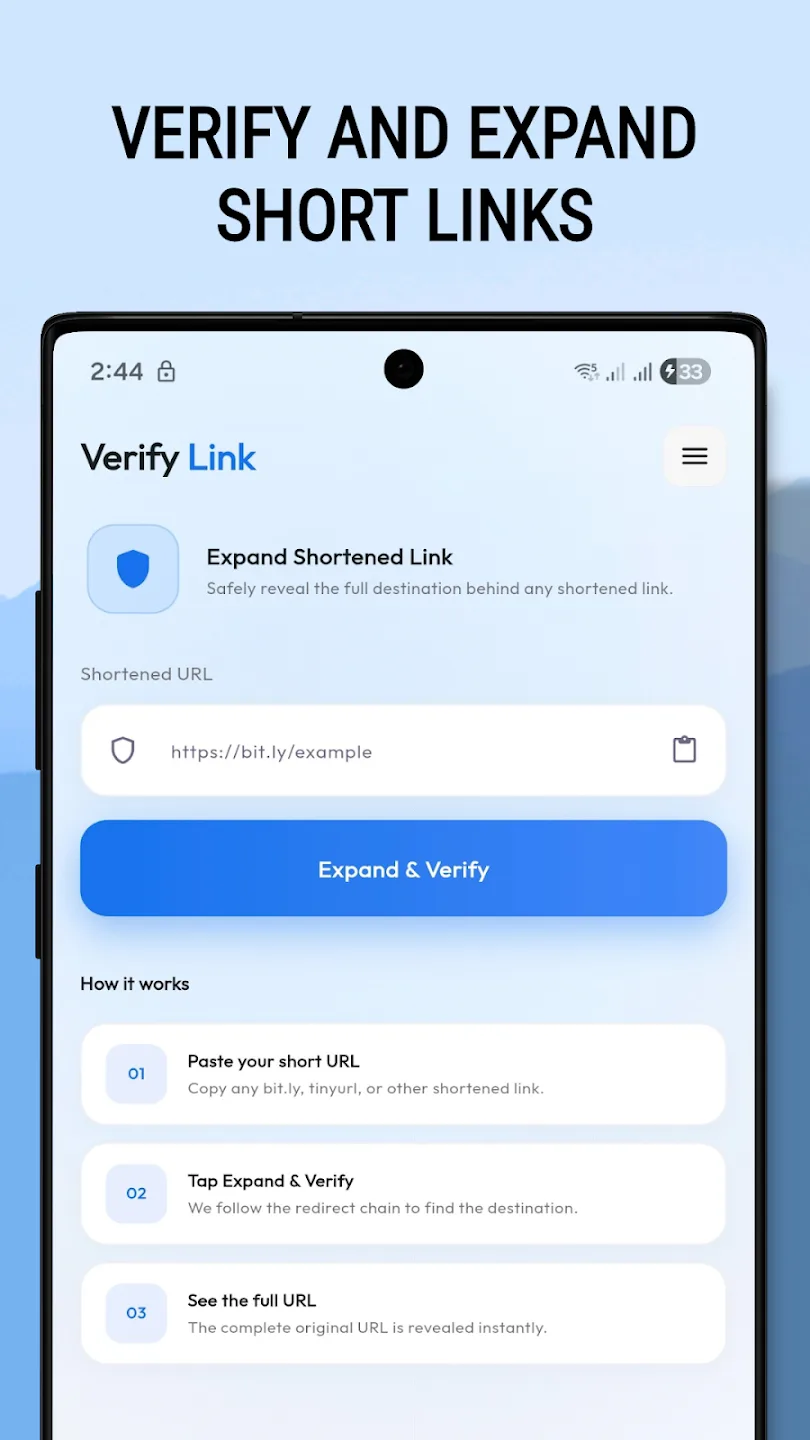
Paste it into Shortly's link expander. It unshortens the link and shows the real destination, so you can spot spam or suspicious sites before you tap.
Eight: Da.gd, TinyURL, Cutt.ly, Bit.ly, Is.gd, Clck.ru, CleanURI and Osdb.link. You pick the one you prefer each time you shorten a link.
No. You can shorten links, expand them and get QR codes without signing up.
Yes. Every short link you create gets a scannable QR code, ready for posters, business cards and packaging.
In your history, which saves every link you create and is searchable. Mark favourites to keep important links to hand, and copy or re-share any of them with one tap.
Only the Internet permission. Your link history is stored on your device.
Yes. Copy the short link into a bio on X (Twitter), Instagram, LinkedIn or TikTok, or share it straight to another app.
Simply go to the Home tab, paste your long URL into the input field, select your preferred provider, and tap "Shorten Now".
Yes, your link history is stored locally on your device. However, the shortened links themselves are public and handled by the respective providers.
Some links may be broken, expired, or point to services that block programmatic expansion to protect against scraping.
Shortly Pro provides a completely ad-free experience, allowing you to shorten, verify, and manage your links without any interruptions.
Send us a message and we will get back to you. We read every one.
Keep exploring