The story of
Couple Widgets: Days Together
by NewAgeDevs
See it in action
Downloads
5,000+
and counting, on Google Play
Mobile · Widgets
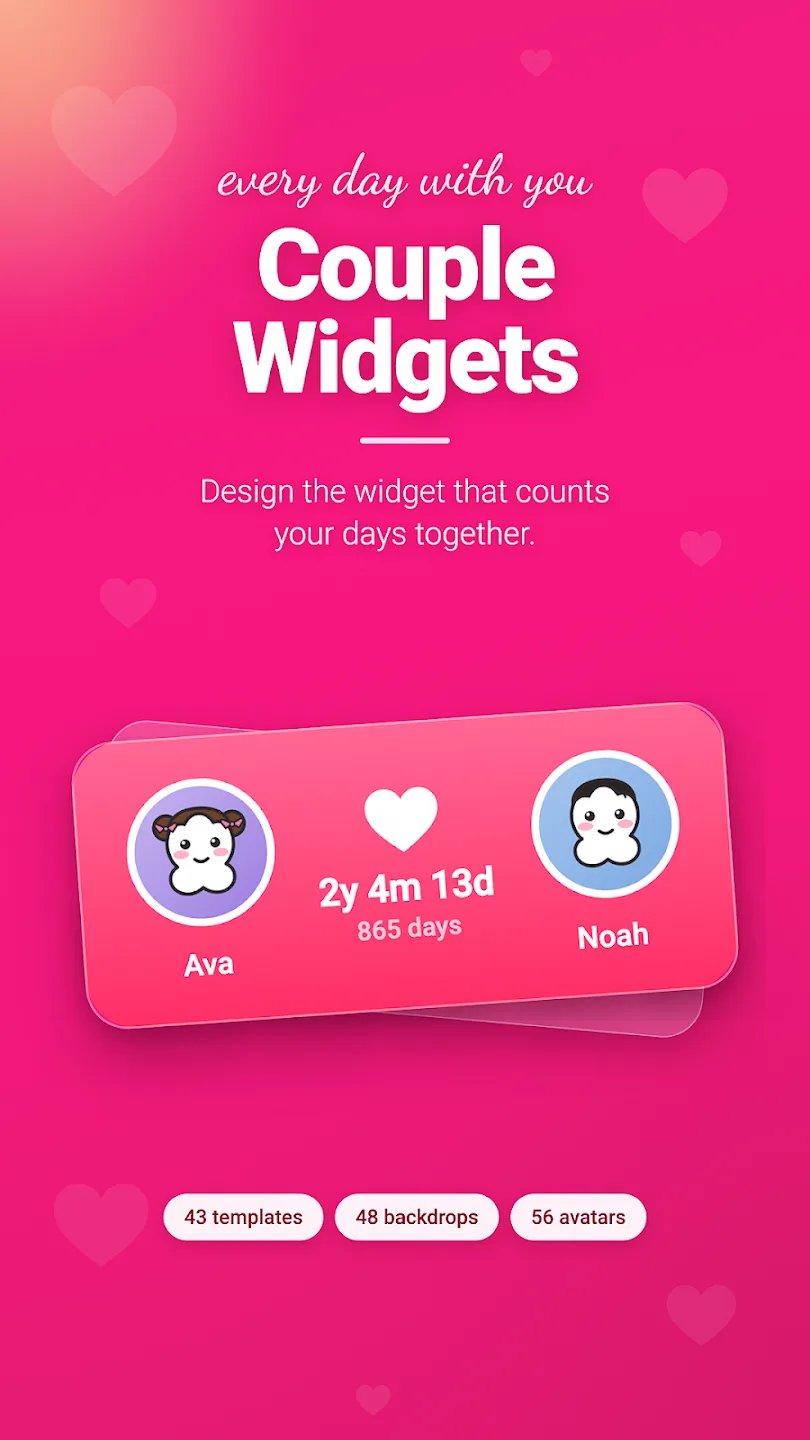
Count your days together with beautiful widgets you design yourselves.
Puts the two of you where you will see it a hundred times a day — the days you have been together, the moments coming up, and the two faces that started it all.
5,000+
Downloads
Highlights
How it works
Get it from Google Play and open it. There is no account to create and nothing to sign up for.
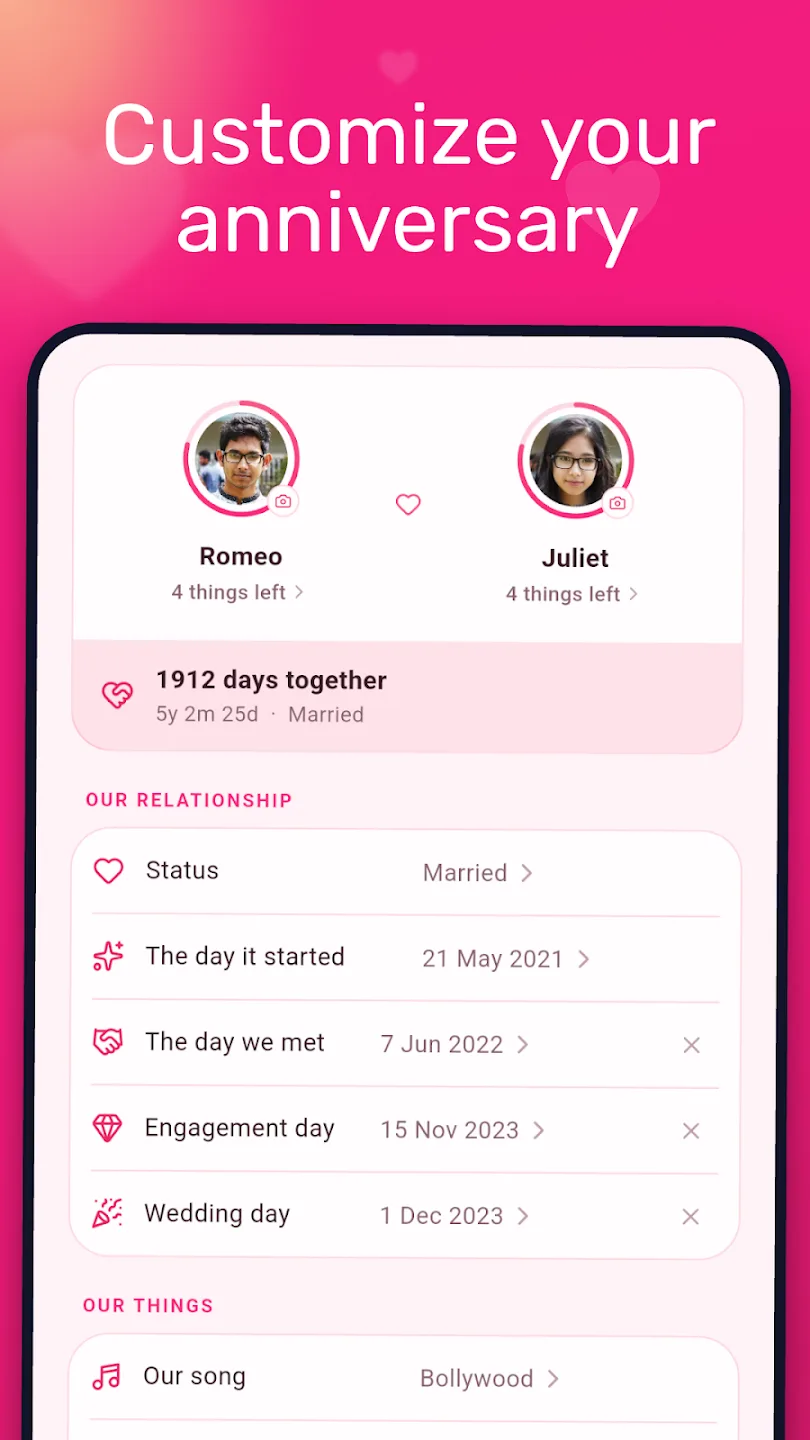
Enter your names and the day you got together, then choose what to count: days, weeks, months, years, or all of them at once.
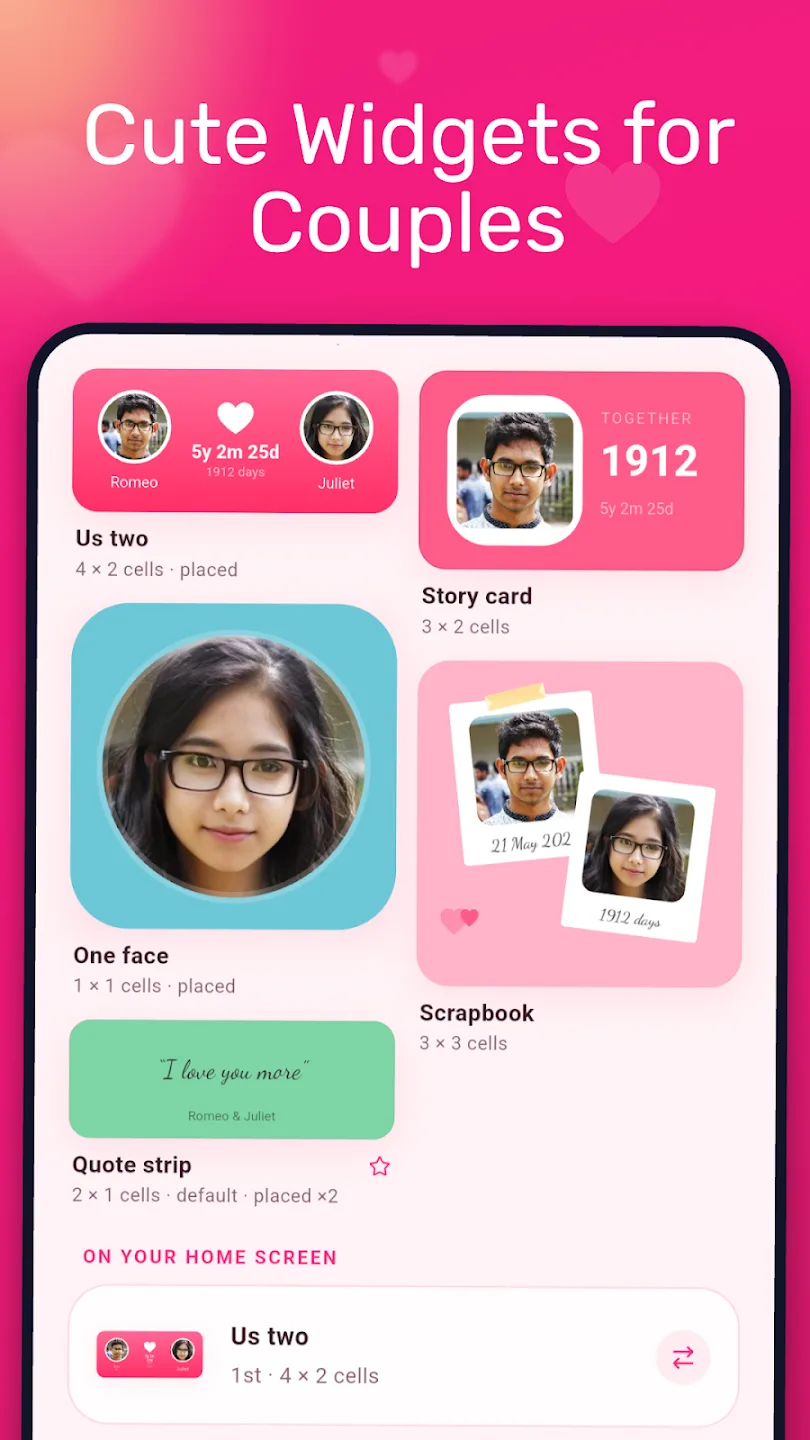
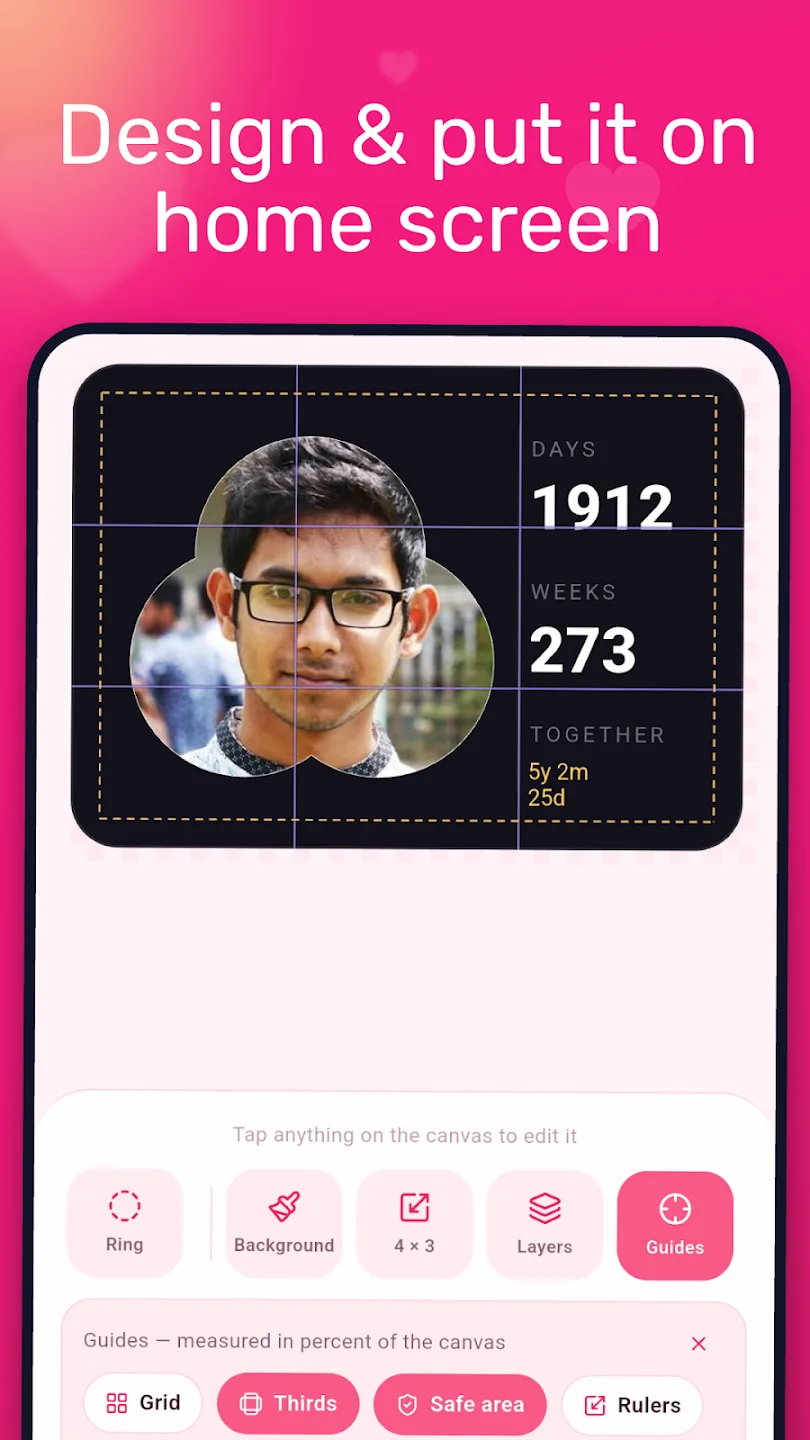
Pick one of 43 ready-made templates, or start from a blank canvas. Add your own photos or one of 56 hand-drawn avatars, then choose from 48 gradient backdrops, 58 stickers and 8 type styles. Drag layers into place or type exact positions.
Choose a size from 1×1 up to 4×4 and place it on your home screen. On most Android phones you long-press an empty spot, open Widgets and drag Couple Widgets into place.
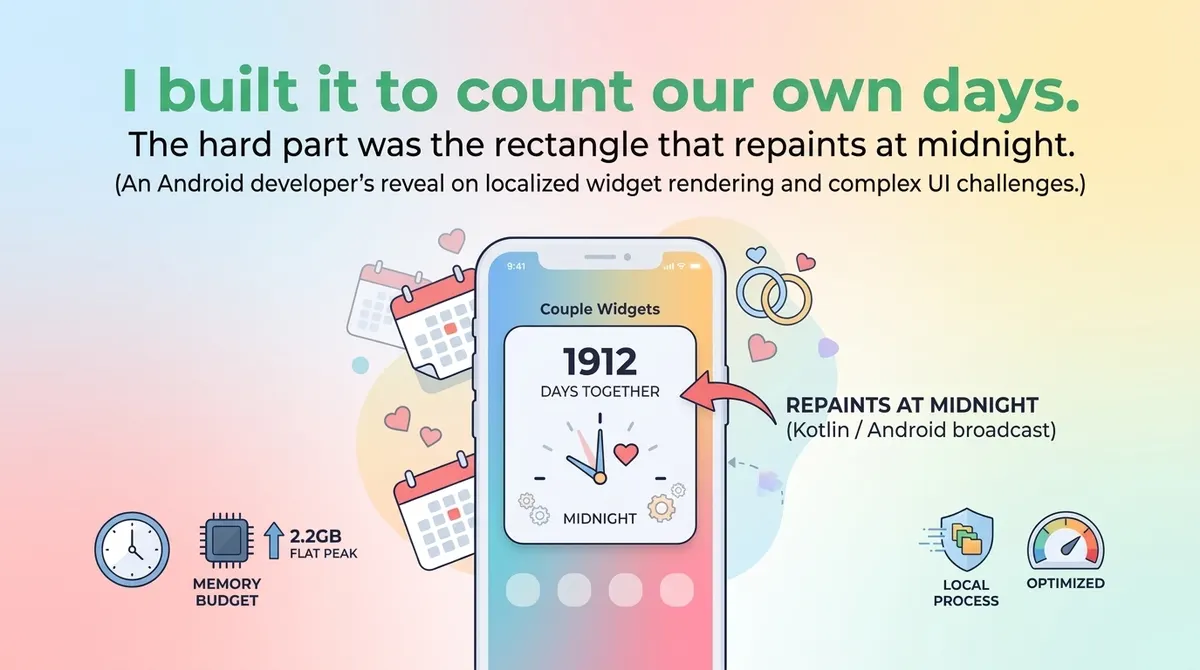
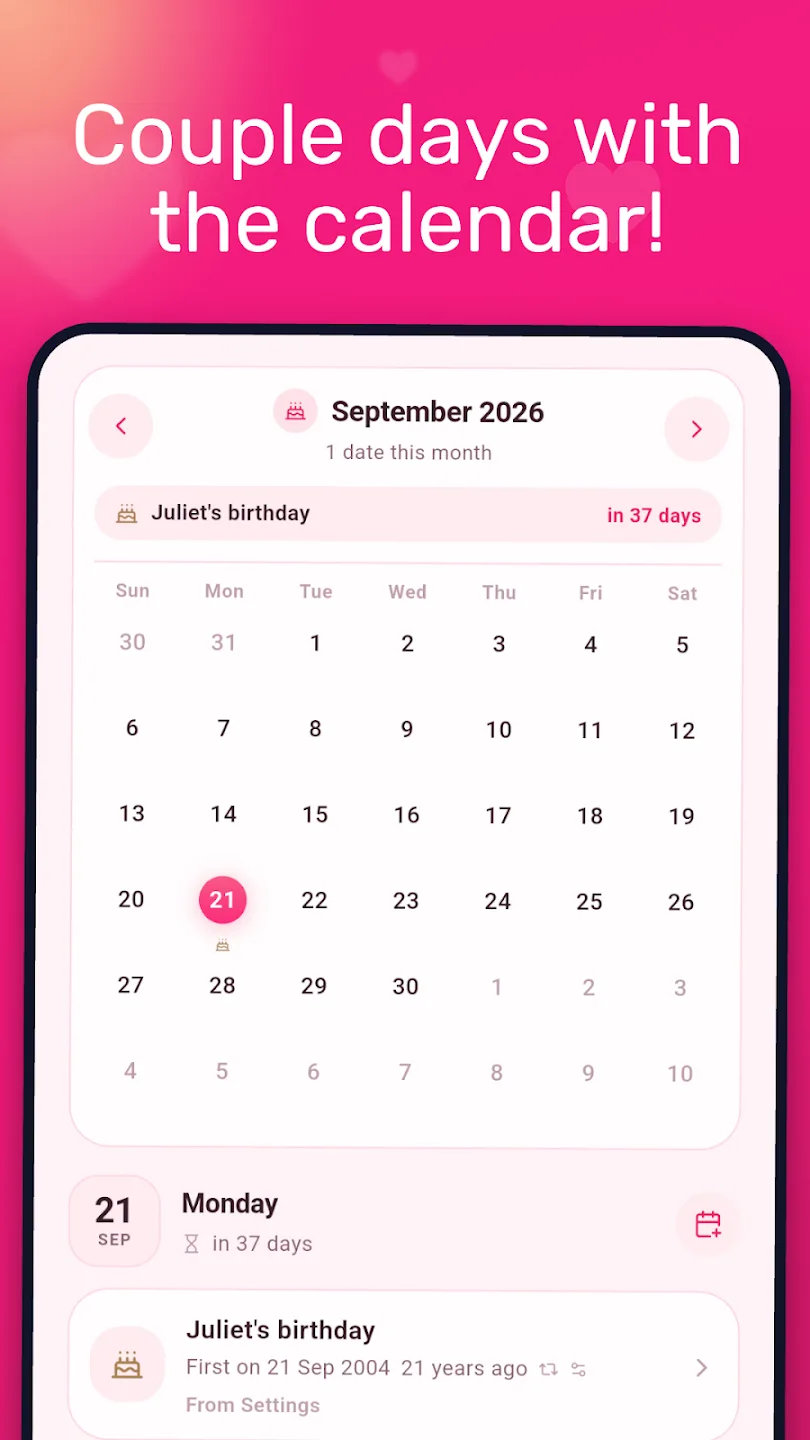
Add moments like your first kiss, first trip or the proposal to see them on a timeline and calendar. The widget refreshes itself at midnight, and yearly events roll forward on their own.
About
Couple Widgets is a free Android app for making a days-together widget: it counts the days since you got together right on your home screen, with 43 templates, your own photos and anniversary countdowns.
Couple Widgets puts the two of you where you will see it a hundred times a day — the days you have been together, the moments coming up, and the two faces that started it all.
Completely rebuilt: a new look, a real widget designer, and far more ways to make it yours.
First kiss, first trip, the proposal — save the dates that matter. Timeline and calendar views, and yearly events roll forward on their own.
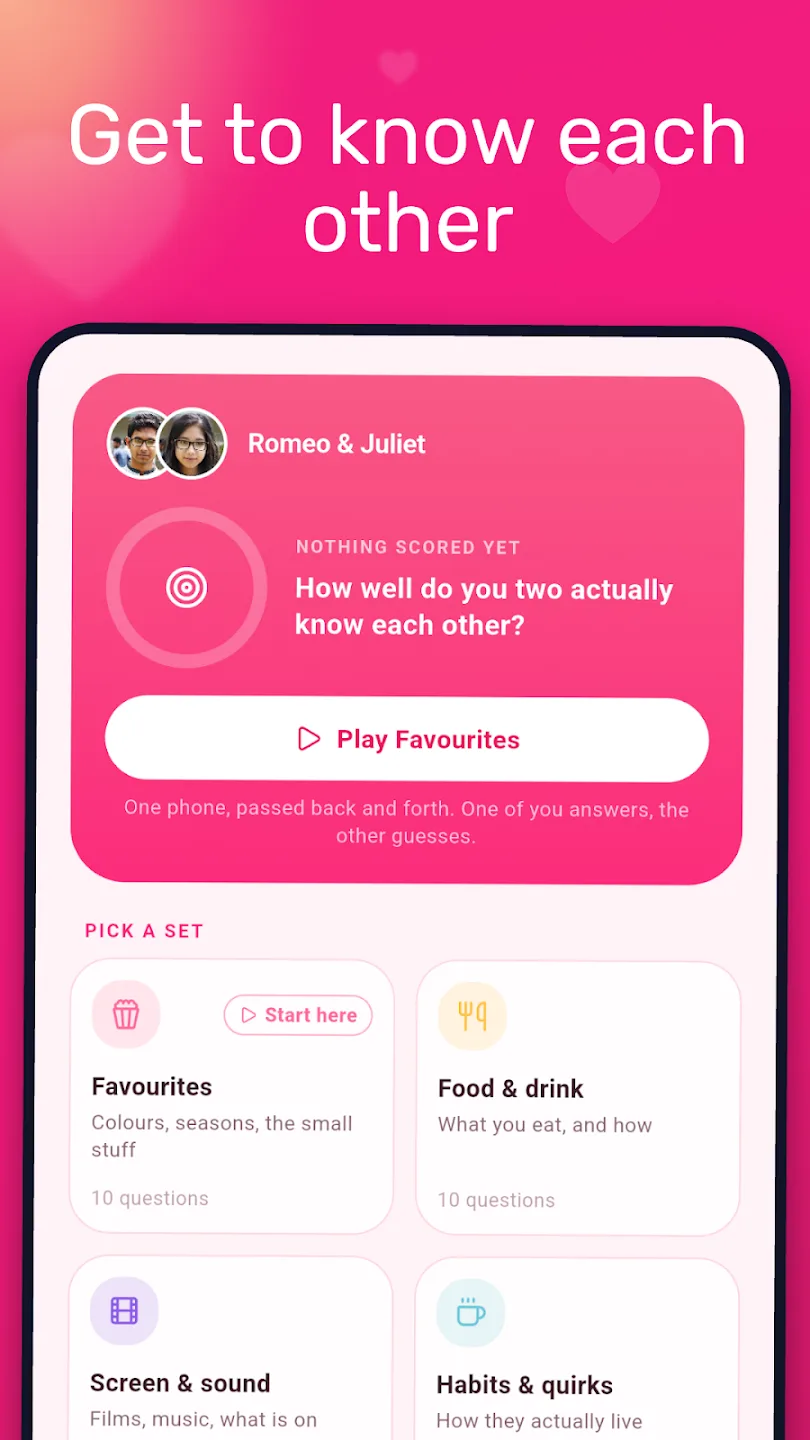
14 sets of 10 — food, travel, home, the little things, growing up, and the ones you have been meaning to ask.
Nothing to create and nothing to remember: your names, dates and memories are stored on your own device. Every template, backdrop and sticker is free, and one optional purchase removes the ads for good. Nothing else is ever locked.
In brief
The story of
Couple Widgets: Days Together
by NewAgeDevs
See it in action
Downloads
5,000+
and counting, on Google Play
Built from this product's own figures — it changes when they do.
Screenshots
Details
FAQ
Long-press an empty spot on your home screen, tap Widgets, find Couple Widgets and drag it into place. Widgets come in sizes from 1×1 up to 4×4, so you can pick one that fits your layout.
Yes. Every template, backdrop and sticker is free. The app shows ads, and one optional purchase removes them for good, with no subscription.
Couple Widgets is currently available for Android only, on Google Play.
There is no account, so nothing is synced between phones. Your names, dates and memories stay on the device where you enter them. If you both want the widget, set it up on each phone.
Yes. It can count down to your next anniversary or birthday and show milestone progress, so you can see the next one coming. Yearly events roll forward on their own.
Yes. Use your own photos or choose from 56 hand-drawn avatars, then add any of the 48 gradient backdrops, 58 stickers and 8 type styles.
Yes. The widget refreshes itself at midnight every night, so the number on your home screen moves on without you opening the app.
They are 14 sets of 10 questions for the two of you, covering food, travel, home, the little things, growing up, and the ones you have been meaning to ask.
The privacy policy for Couple Widgets: Days Together sets out what is collected and what is not. It is linked in the paperwork at the foot of this page.
Use the form beside these questions, or write to us from the contact page. Tell us which device you are on and what you were doing, and we can usually work it out from there.
Send us a message and we will get back to you. We read every one.
Keep exploring
Count your days together with beautiful widgets you design yourselves.